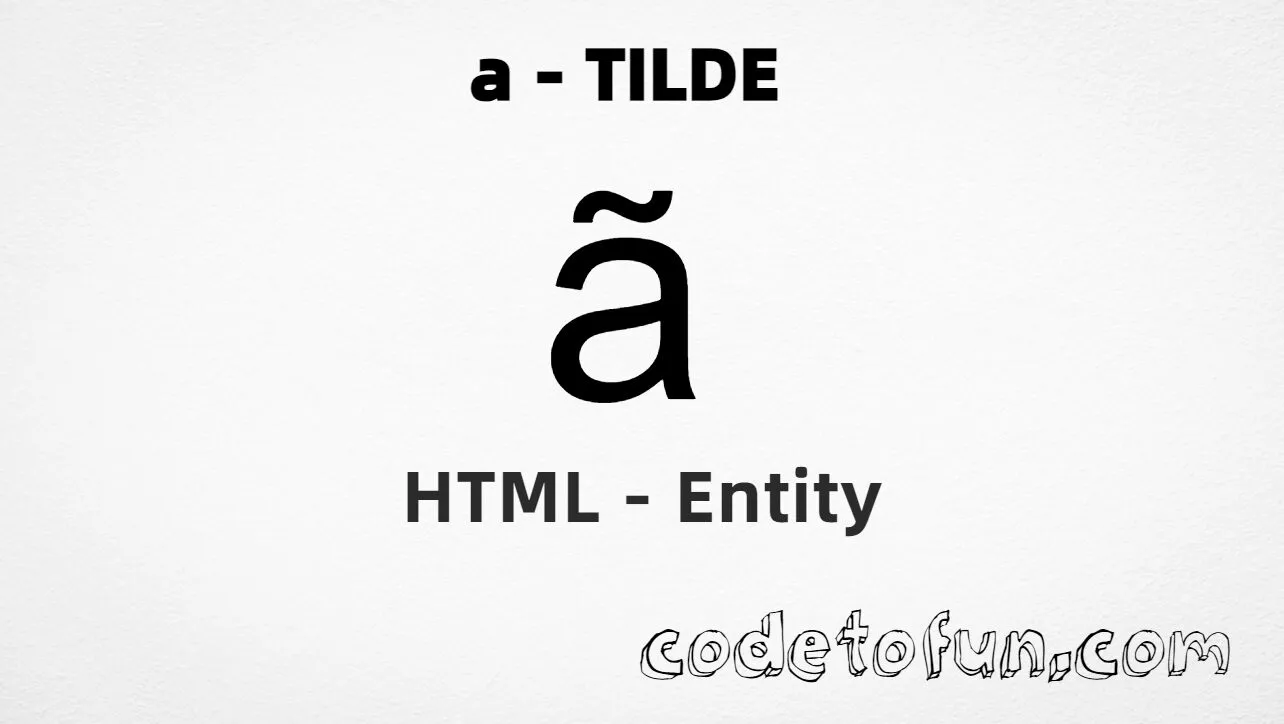
HTML Entity for Lowercase A Tilde (ã)

Beginner
5 min read
Updated: Sep 2026
1 example
Unicode U+00E3

What Is the Lowercase A Tilde Entity?

Lowercase a tilde (ã) is the Latin-1 Supplement character at Unicode U+00E3 (LATIN SMALL LETTER A WITH TILDE). It is the letter a with a tilde (˜) — common in Portuguese and Vietnamese.

Remember
Character     ã
Unicode       U+00E3
Named entity  ã
Hex entity    ã
Decimal       ã
CSS escape    \00E3
Capital       Ã (Ã)

Named, hex, decimal, CSS, and a typed character all produce the same glyph: ã. Prefer ã in HTML source for clarity.

Quick Reference

One table for every form you will actually use.

FormCodeWhere it goes
Named entityãHTML markup (best default)
Hex entityãHTML markup
Decimal entityãHTML markup
CSS escape\00E3Stylesheet content
Direct characterãUTF-8 HTML text

When to Use Which

SituationUse
Readable HTML sourceã
Numeric entity requiredã or ã
Generated text via ::before / ::aftercontent: "\00E3"
Capital ÃÃ — see Uppercase A Tilde
Diaeresis/umlaut ä insteadSee Lowercase A Umlaut (ä)

Live Preview

Lowercase a tilde in Portuguese and comparison contexts.

Portuguese sample São, não
Large glyph ã
Named entity ã → ã
vs a / Ã / ä ã  |  a  |  Ã  |  ä
With entities Named: ã | Hex: ã | Decimal: ã

Complete HTML Example

One page that shows this character with named, hex, decimal, and CSS forms. Use View Output or open the live editor.

Named + Hex + Decimal + CSS

Four ways to produce ã in a single document.

html
<!DOCTYPE html>
<html lang="en">
<head>
  <meta charset="UTF-8">
  <title>Lowercase A Tilde (&atilde;)</title>
  <style>
    #point::after {
      content: "\00E3";
    }
  </style>
</head>
<body>
  <p>Using Named Entity: &atilde;</p>
  <p>Using Hex Code: &#xE3;</p>
  <p>Using HTML Code: &#227;</p>
  <p id="point">Using CSS Entity: </p>
  <p lang="pt">Português: S&atilde;o, n&atilde;o</p>
</body>
</html>
Try It Yourself

How It Works

1. Named: &atilde; is the clearest HTML form and renders ã.

2. Hex: U+00E3 → &#xE3; in HTML. Same result as the named entity.

3. Decimal: same code point as 227 → &#227;. Same result as hex.

4. CSS: use \00E3 in content (not an HTML entity). #point::after appends that ã after the paragraph text.

Pitfalls & Tips

Common mistakes when working with lowercase a tilde.

Case

&atilde; ≠ &Atilde;

Named entities are case-sensitive. Lowercase is ã; uppercase is Ã.

Look-alikes

Not ñ or ASCII ~

ñ is &ntilde;. Do not fake ã by placing ~ after a — use the precomposed letter.

Compose

Prefer precomposed

Use &atilde; instead of a plus combining tilde when the precomposed form exists.

CSS vs HTML

Do not mix escapes

\00E3 belongs in CSS. &atilde; / &#xE3; / &#227; belong in HTML.

Encoding

Declare UTF-8

If you type ã directly, keep <meta charset="UTF-8"> so the file is not misread.

Semicolon

End references

Always finish with ; — write &atilde;, not &atilde.

Browser Support

Lowercase a tilde (U+00E3) and its entity forms (&atilde;, &#xE3;, &#227;, CSS \\00E3) are supported in all modern browsers.

✓ Universal encoding

Lowercase A Tilde (&atilde;)

Encode with named, hex, decimal, or CSS escape — or type ã directly in UTF-8 HTML.

100% Browser coverage
Google Chrome Supported
Yes
Microsoft Edge Supported
Yes
Mozilla Firefox Supported
Yes
Apple Safari Supported
Yes
Opera Supported
Yes
Internet Explorer IE 9+
Yes*
U+00E3 Full support

Bottom line: Prefer &atilde; for readable HTML. Use \\00E3 only inside CSS content.

Key Takeaways

  • Unicode: this character is U+00E3 (decimal 227).
  • HTML: prefer &atilde; — or use &#xE3; / &#227;.
  • CSS: use \00E3 inside content for generated text.
  • Watch out: &atilde; ≠ &Atilde; ≠ &auml; ≠ &ntilde;.

One line: U+00E3 → &atilde; / &#xE3; / &#227; / CSS \00E3.

Frequently Asked Questions

Use &atilde; (named), &#xE3; (hex), &#227; (decimal), or the CSS escape \00E3 in the content property. All render ã. Prefer &atilde; in HTML source.
U+00E3 (LATIN SMALL LETTER A WITH TILDE). Hex E3, decimal 227. It belongs to the Latin-1 Supplement block (U+0080–U+00FF).
Yes. &atilde; is the HTML5 named entity for ã. The capital form is &Atilde; (Ã, U+00C3) — names are case-sensitive.
Use it for Portuguese, Vietnamese, and other languages that need ã, plus proper names and internationalized web content.
HTML entities (&atilde;, &#227;, or &#xE3;) go in markup. The CSS escape \00E3 is used in stylesheets (usually in the content property of ::before/::after). Both render ã.
No. ñ is &ntilde; (U+00F1). Prefer the precomposed &atilde; instead of stacking a and a tilde character.

Did you know?

Lowercase a tilde is Unicode U+00E3 (decimal 227) — LATIN SMALL LETTER A WITH TILDE in Latin-1 Supplement. HTML5 provides &atilde; — the most readable form. Capital is &Atilde; (Ã, U+00C3). Common in Portuguese (São, não, maçã) and Vietnamese.
Next: Lowercase A Umlaut

Learn the HTML entity for Lowercase A Umlaut — next in this sequence.

Continue tutorial →

About the author

Mari Selvan M P
Mari Selvan M P 🔗

Developer, cloud engineer, and technical writer

  • Experience 12 years building web and cloud systems
  • Focus Full Stack Development, AWS, and Developer Education

I write practical tutorials so students and working developers can learn by doing—from databases and APIs to deployment on AWS.

8 people found this page helpful

