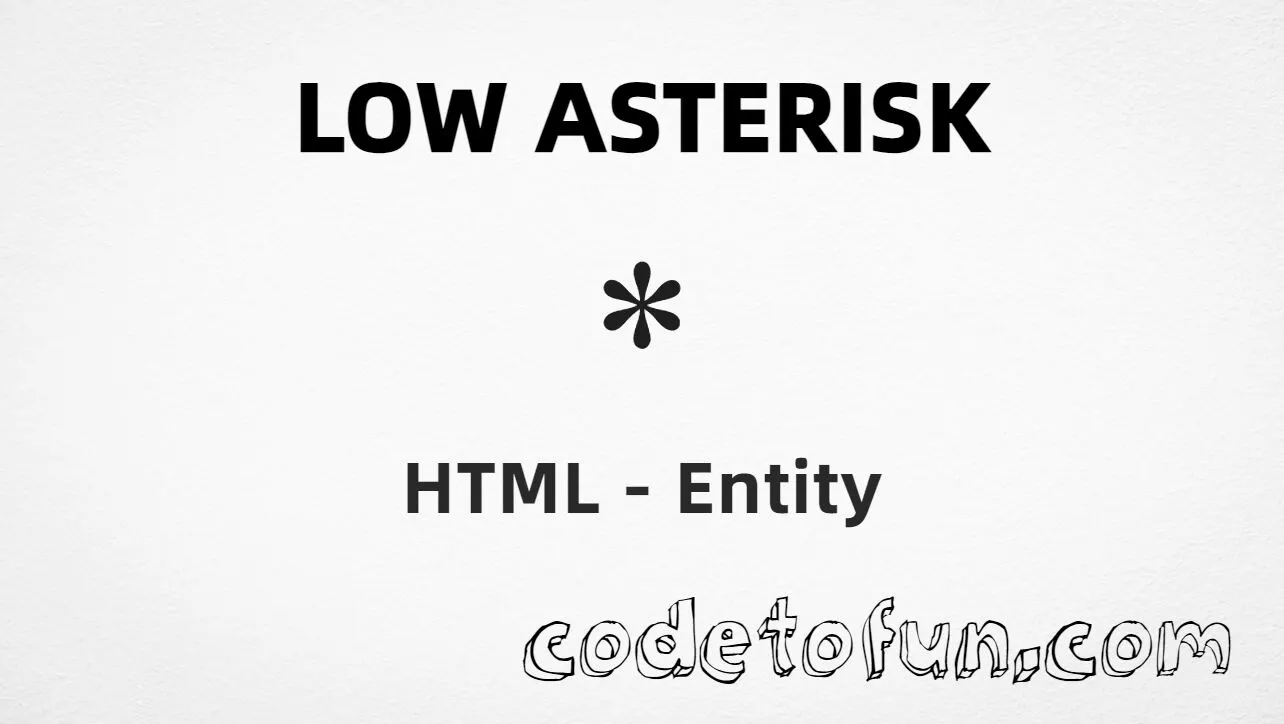
Low Asterisk (⁎) is the General Punctuation character at Unicode U+204E (LOW ASTERISK). It looks like an asterisk aligned nearer the baseline — useful for footnotes and reference marks.
Remember
Character     ⁎
Unicode       U+204E
Hex entity    ⁎
Decimal       ⁎
Named entity  (none)
CSS escape    \204E
Not the same  * (U+002A)
Hex, decimal, CSS, and a typed character all produce the same glyph: ⁎. Prefer ⁎ when you want an explicit entity. There is no named HTML form.
Reference
Quick Reference
One table for every form you will actually use.
Form
Code
Where it goes
Hex entity
⁎
HTML markup (best entity default)
Decimal entity
⁎
HTML markup
Named entity
None
HTML5 does not define one
CSS escape
\204E
Stylesheet content
Direct character
⁎
UTF-8 HTML text
When to Use Which
Situation
Use
Readable numeric entity in HTML
⁎
Decimal entity required
⁎
Generated text via ::before / ::after
content: "\204E"
Everyday multiplication or emphasis
Type * (U+002A) — different character
Footnote / reference marker
Prefer ⁎ when you need the low form
See it
Live Preview
Low Asterisk in common footnote and comparison contexts.
Footnote sampleSee note⁎ below
Large glyph⁎
Hex entity⁎ → ⁎
vs ASCII *⁎ | *
With entitiesHex: ⁎ | Decimal: ⁎
Code
Complete HTML Example
One page that shows this character with hex, decimal, and CSS. Use View Output or open the live editor.
Hex + Decimal + CSS
Three ways to produce ⁎ in a single document (no named entity).
Using Hex Code: ⁎
Using HTML Code: ⁎
Using CSS Entity: ⁎
Footnote: See note⁎ below
How It Works
1. Hex:U+204E → ⁎ in HTML. The browser turns it into ⁎.
2. Decimal: same code point as 8270 → ⁎. Same result as hex.
3. Named: HTML5 does not define a named entity for this character — use hex or decimal instead.
4. CSS: use \204E in content (not an HTML entity). #point::after appends that ⁎ after the paragraph text.
Pitfalls & Tips
Common mistakes when working with Low Asterisk.
Look-alikes
⁎ ≠ *
ASCII * (U+002A) is usually raised. Low Asterisk (U+204E) sits nearer the baseline.
Named
No named form for U+204E
∗ is Asterisk Operator (∗, U+2217) — not Low Asterisk. Use ⁎ or ⁎.
A11y
Announce footnotes clearly
Screen readers may not explain the mark. Pair it with visible note text or an accessible label.
CSS vs HTML
Do not mix escapes
\204E belongs in CSS. ⁎ / ⁎ belong in HTML.
Fonts
General Punctuation coverage
Most modern fonts include U+204E, but verify on target devices if footnote glyphs are critical.
Semicolon
End references
Always finish with ; — write ⁎, not ⁎.
Compatibility
Browser Support
Low Asterisk (U+204E) and its entity forms (⁎, ⁎, CSS \\204E) are supported in all modern browsers. Glyph coverage depends on the font.
✓ Universal encoding
Low Asterisk (⁎)
Encode with hex, decimal, or CSS escape — or type ⁎ directly in UTF-8 HTML. No named entity.
100%Browser coverage
Google ChromeSupported
Yes
Microsoft EdgeSupported
Yes
Mozilla FirefoxSupported
Yes
Apple SafariSupported
Yes
OperaSupported
Yes
Internet ExplorerIE 9+
Yes*
U+204EFull support
Bottom line: Prefer ⁎ for readable HTML. Use \\204E only inside CSS content.
Remember
Key Takeaways
Unicode: this character is U+204E (decimal 8270).
HTML: prefer ⁎ — or use ⁎. No named entity.
CSS: use \204E inside content for generated text.
Watch out:U+204E ≠ ASCII * (U+002A).
One line:U+204E → ⁎ / ⁎ / CSS \204E (no named entity).
Frequently Asked Questions
Use ⁎ (hex), ⁎ (decimal), or the CSS escape \204E in the content property. All render ⁎ when the font supports General Punctuation. There is no named HTML entity.
U+204E (LOW ASTERISK). Hex 204E, decimal 8270. It belongs to General Punctuation (U+2000–U+206F).
No. HTML5 does not define a named entity for U+204E. Use numeric references like ⁎ or ⁎.
Use it for footnotes, reference markers, and typography that needs a baseline-aligned asterisk rather than the raised ASCII *.
HTML entities (⁎ or ⁎) go in markup. The CSS escape \204E is used in stylesheets (usually in the content property of ::before/::after). Both render ⁎.
No. ASCII asterisk * is U+002A and is typically raised. Low Asterisk (U+204E, ⁎) is a distinct General Punctuation character aligned nearer the baseline.
🤔
Did you know?
Low Asterisk is Unicode U+204E (decimal 8270) — LOW ASTERISK in General Punctuation. HTML5 has no named entity — use ⁎ or ⁎. It sits lower than the common asterisk * (U+002A) and is often used as a footnote or reference marker.