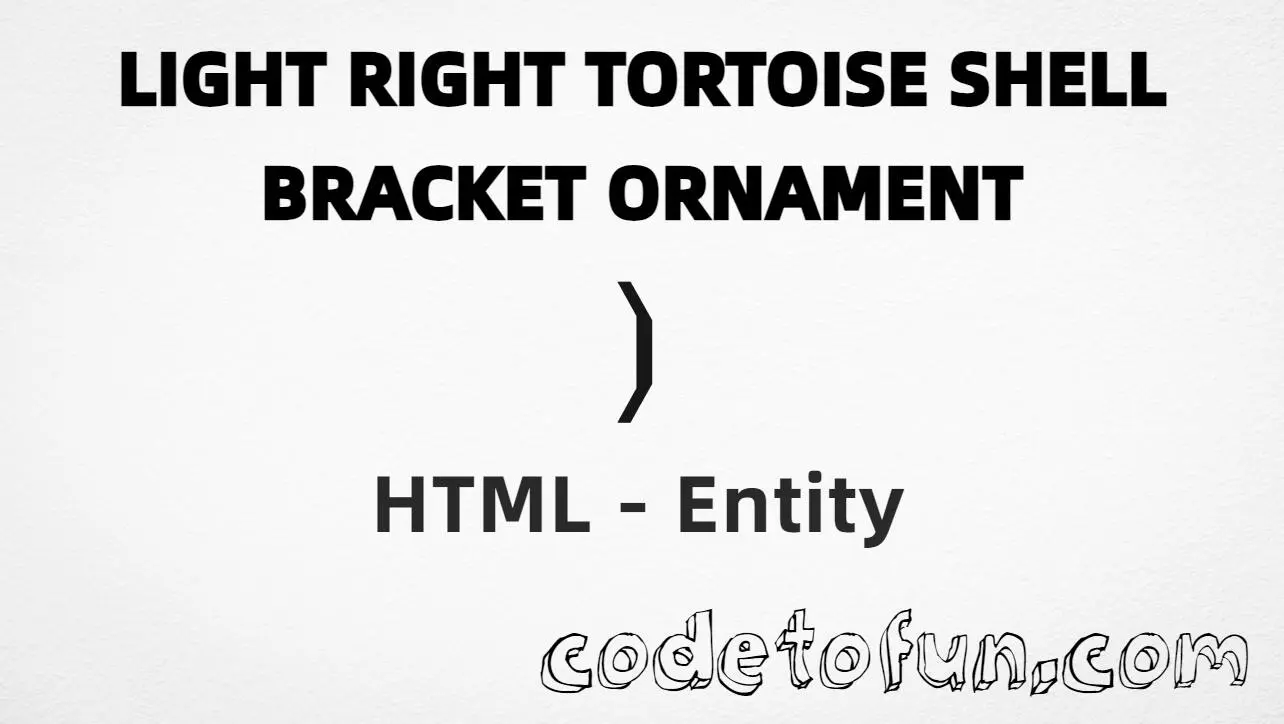
HTML Entity for Light Right Tortoise Shell Bracket Ornament (❳)
Beginner
5 min read
Updated: Sep 2026
1 example
Unicode U+2773
Definition
What Is the Light Right Tortoise Shell Bracket Ornament Entity?
Light Right Tortoise Shell Bracket Ornament (❳) is the Dingbats character at Unicode U+2773 (LIGHT RIGHT TORTOISE SHELL BRACKET ORNAMENT). It is the matching right ornament for decorative frames started with ❲.
Remember
Character     ❳
Unicode       U+2773
Named entity  ❳
Hex entity    ❳
Decimal       ❳
CSS escape    \2773
Pair with     ❲ (❲)
Not the same  ] (U+005D) · ] · } (U+007D)
Prefer ❳ in HTML. Alternatives: ❳ or ❳. Open the pair with ❲ (U+2772).
Using Named: ❳
Using Hex Code: ❳
Using HTML Code: ❳
Using CSS Entity: ❳
❲ Title ❳
How It Works
1. Named:❳ is the HTML5 name for U+2773 → ❳. Prefer this for readable source.
2. Hex:U+2773 → ❳ in HTML. Same glyph as named.
3. Decimal: same code point as 10099 → ❳.
4. CSS: use \2773 in content (not an HTML entity). #point::after appends that ❳ after the paragraph text.
5. Pair: open ornamental frames with ❲ (U+2772). Do not use a plain [ as the visual match.
Pitfalls & Tips
Common mistakes when working with Light Right Tortoise Shell Bracket Ornament.
Pair
Open with ❲
The matching left ornament is U+2772. Using [ or { breaks the decorative pair.
Look-alikes
Not a plain ]
Square brackets are for code and lists. This Dingbat is for ornamental framing only.
Fonts
Dingbat coverage
Most modern fonts include U+2773, but verify on target devices if the ornament is critical.
CSS vs HTML
Do not mix escapes
\2773 belongs in CSS. ❳ / ❳ / ❳ belong in HTML.
A11y
Keep meaning in words
Ornaments are decorative. Put the real title text between the brackets so screen readers still hear the content.
Semicolon
End references
Always finish with ; — write ❳, not &rbbrk.
Compatibility
Browser Support
Light Right Tortoise Shell Bracket Ornament (U+2773) and its entity forms (❳, ❳, ❳, CSS \\2773) are supported in all modern browsers. Glyph coverage depends on the font.
✓ Universal encoding
Light Right Tortoise Shell Bracket Ornament (❳)
Encode with named, hex, decimal, or CSS escape — or type ❳ directly in UTF-8 HTML.
100%Browser coverage
Google ChromeSupported
Yes
Microsoft EdgeSupported
Yes
Mozilla FirefoxSupported
Yes
Apple SafariSupported
Yes
OperaSupported
Yes
Internet ExplorerIE 9+
Yes*
U+2773Full support
Bottom line: Prefer ❳ for readable HTML. Use \\2773 only inside CSS content.
Use ❳ (named), ❳ (hex), ❳ (decimal), or the CSS escape \2773 in the content property. All render ❳ when the font supports Dingbats.
U+2773 (LIGHT RIGHT TORTOISE SHELL BRACKET ORNAMENT). Hex 2773, decimal 10099. It belongs to Dingbats (U+2700–U+27BF).
Yes. HTML5 defines ❳ for U+2773. Prefer ❳ for readable decorative markup.
Use it to close ornamental frames started with ❲ (U+2772). Prefer named entities for readable source. For plain code brackets, use ] instead.
HTML entities (❳, ❳, or ❳) go in markup. The CSS escape \2773 is used in stylesheets (usually in the content property of ::before/::after). Both render ❳.
Plain ] is U+005D. ❳ (U+2773) is a decorative Dingbat ornament. Use square brackets for code/lists; use ❳ for ornamental framing.
🤔
Did you know?
Light Right Tortoise Shell Bracket Ornament is Unicode U+2773 (decimal 10099) — LIGHT RIGHT TORTOISE SHELL BRACKET ORNAMENT in Dingbats. HTML5 named entity: ❳. Pair with ❲ (U+2772) for a matching left ornament. These are decorative — not the same as plain ] square brackets.