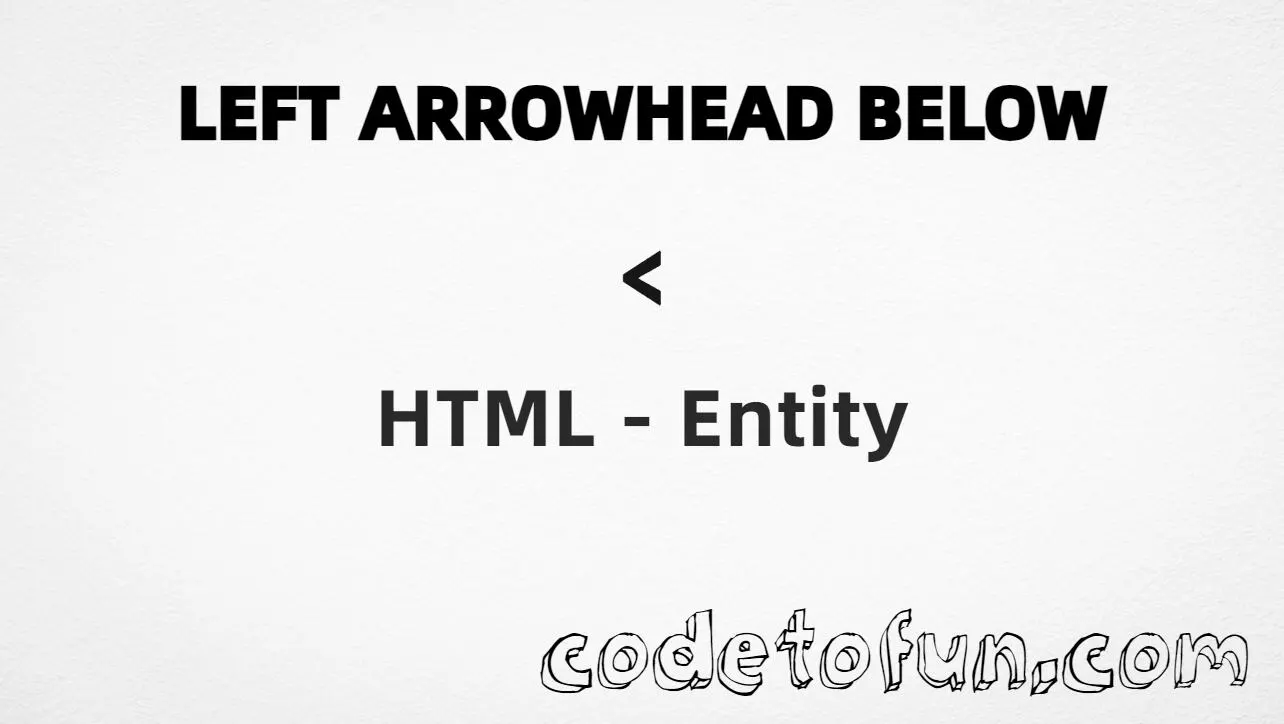
Left Arrowhead Below is the combining diacritic at Unicode U+0354 (COMBINING LEFT ARROWHEAD BELOW). It sits below a base letter — used in phonetic and linguistic transcription (e.g. o͔).
Remember
Mark          combining left arrowhead below
Unicode       U+0354
Hex entity    ͔
Decimal       ͔
CSS escape    \0354
Named entity  (none)
Order         base letter + mark  →  o͔
Combining marks are not standalone letters. Write the base character first, then the entity (e.g. o͔ → o͔).
Reference
Quick Reference
One table for every form you will actually use.
Form
Code
Where it goes
Hex entity
͔
HTML after the base letter
Decimal entity
͔
HTML after the base letter
CSS escape
\0354
Stylesheet content (often ::after)
Direct character
base + U+0354
UTF-8 HTML text
Named entity
—
Not defined in HTML5
When to Use Which
Situation
Use
Need an entity in HTML source
o͔ or o͔
Generated mark via ::after
content: "\0354" on an element that ends with the base letter
Using Hex Code: o͔
Using HTML Code: o͔
Using CSS Entity: o͔
Typed directly: o͔
How It Works
1. Hex:U+0354 → ͔ after the base letter. The browser combines them into o͔.
2. Decimal: same code point as 852 → ͔. Same result as hex.
3. CSS: use \0354 in content (not an HTML entity). #point::after appends the mark below the letter o.
4. Typed: in UTF-8 you can type the base letter and the combining mark directly — same visual result.
Pitfalls & Tips
Common mistakes when working with combining Left Arrowhead Below.
Order
Base letter first
Write o͔, not ͔o. Combining marks follow the base.
Named?
No named entity
HTML5 does not define a named entity for U+0354. Use numeric forms.
Direction
Left vs right
Right arrowhead below is U+0355. Do not swap them in phonetic text.
A11y
Explain the mark
Screen readers may skip or misname combining marks. Add a note or aria-label when the diacritic carries meaning.
CSS vs HTML
Do not mix escapes
\0354 belongs in CSS. ͔ / ͔ belong in HTML after the base letter.
Fonts
Diacritic coverage
Some fonts omit U+0354. Prefer Charis SIL, Noto Sans, or another phonetics-capable face.
Compatibility
Browser Support
Left Arrowhead Below (U+0354) and its entity forms (͔, ͔, CSS \\0354) are supported in modern browsers when the font includes Combining Diacritical Marks.
✓ Universal support
Left Arrowhead Below (U+0354)
Encode with hex, decimal, or CSS escape after a base letter — same combining mark when the font supports U+0354. No named HTML entity.
100%Browser coverage
Google ChromeSupported
Yes
Microsoft EdgeSupported
Yes
Mozilla FirefoxSupported
Yes
Apple SafariSupported
Yes
OperaSupported
Yes
Internet ExplorerAll versions
Yes
U+0354Full support
Bottom line: Use o͔ or o͔ in HTML. Use \\0354 only inside CSS content. Always put the base letter first.
Remember
Key Takeaways
Unicode: this mark is U+0354 (decimal 852).
HTML: use o͔ or o͔ — no named entity.
CSS: use \0354 inside content (often on ::after).
Watch out: base letter first; U+0354 ≠ U+0355 (right arrowhead below).
One line: base + U+0354 → o͔ / o͔ / CSS \0354.
Frequently Asked Questions
Use ͔ (hex), ͔ (decimal), or the CSS escape \0354 in the content property. There is no named HTML entity. Place the mark immediately after the base letter (e.g. o͔).
U+0354 (COMBINING LEFT ARROWHEAD BELOW). Hex 0354, decimal 852. It belongs to the Combining Diacritical Marks block.
No. HTML5 does not define a named entity for this combining mark. Use numeric references like ͔ or ͔.
Use it in phonetic and linguistic transcription when you need a left-pointing arrowhead diacritic below a letter. Always write base letter first, then the combining mark.
HTML entities (͔ or ͔) go in markup after the base character. The CSS escape \0354 is used in stylesheets (usually in the content property of ::after). Both apply the combining mark below the letter.
U+0354 (COMBINING LEFT ARROWHEAD BELOW) points left under the base letter. U+0355 (COMBINING RIGHT ARROWHEAD BELOW) points right. They are different diacritics.
🤔
Did you know?
Left Arrowhead Below is Unicode U+0354 (decimal 852) — COMBINING LEFT ARROWHEAD BELOW. HTML5 has no named entity. Place it after the base letter (e.g. o͔). Do not confuse it with Right Arrowhead Below (U+0355), which points the other way.