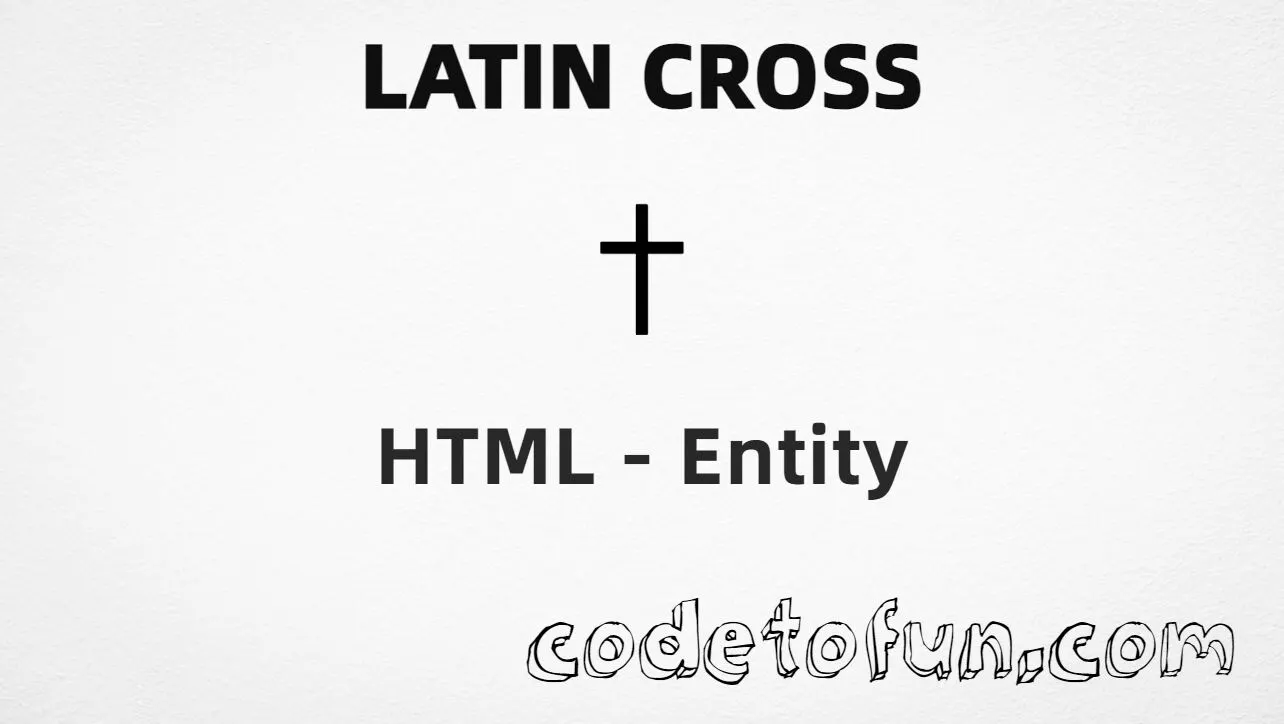
Latin Cross (✝) is the Dingbats character at Unicode U+271D (LATIN CROSS). It is the standard Christian cross shape with a longer vertical arm, used in religious content, memorials, and heraldic design.
Remember
Character     ✝
Unicode       U+271D
Hex entity    ✝
Decimal       ✝
CSS escape    \271D
Named entity  (none)
Related       U+271E / U+271F / U+2626
All of these produce the same glyph: ✝ (when the font supports U+271D). Prefer numeric entities in HTML; use CSS \271D only in content.
Using Hex Code: ✝
Using HTML Code: ✝
Using CSS Entity: ✝
Typed directly: ✝
✝ St. Mary’s Parish
How It Works
1. Hex:U+271D → ✝ in HTML. The browser turns it into ✝.
2. Decimal: same code point as 10013 → ✝. Same result as hex.
3. CSS: use \271D in content (not an HTML entity). #point::after appends that ✝ after the paragraph text.
4. Typed: in UTF-8 you can type ✝ directly — same visual result when the font supports it.
Pitfalls & Tips
Common mistakes when working with Latin Cross.
Named?
No named entity
HTML5 does not define a named entity for U+271D. Use numeric forms.
Look-alikes
Not U+271E / U+271F / U+2626
Shadowed, outlined, and Orthodox crosses are different code points — pick the one you mean.
A11y
Label the symbol
Add “Latin cross” nearby or use aria-label so the glyph is not silent to assistive tech.
CSS vs HTML
Do not mix escapes
\271D belongs in CSS. ✝ / ✝ belong in HTML.
Semicolon
End references
Always finish with ; — write ✝, not ✝.
Default
Type ✝ when you can
On UTF-8 pages you may type ✝ directly; entities help when encoding must be explicit.
Compatibility
Browser Support
Latin Cross (U+271D) and its numeric entity forms (✝, ✝, CSS \\271D) are supported in all mainstream browsers when the font includes Dingbats.
✓ Universal support
Latin Cross (✝)
Encode with hex, decimal, or CSS escape — same character when the font supports U+271D.
100%Browser coverage
Google ChromeSupported
Yes
Microsoft EdgeSupported
Yes
Mozilla FirefoxSupported
Yes
Apple SafariSupported
Yes
OperaSupported
Yes
Internet ExplorerAll versions
Yes
U+271D / entitiesFull support
Bottom line: Prefer ✝ or ✝ in HTML. Use \\271D only inside CSS content. Rendering quality depends on the font.
Remember
Key Takeaways
Unicode: Latin cross is U+271D (decimal 10013).
HTML: use ✝ or ✝ — no named entity.
CSS: use \271D inside content for generated text.
A11y: pair ✝ with the words “Latin cross”.
One line:U+271D → ✝ / ✝ / CSS \271D.
Frequently Asked Questions
Use ✝ (hex), ✝ (decimal), or the CSS escape \271D in the content property. All render ✝ when the font supports Dingbats. There is no named HTML entity.
U+271D (LATIN CROSS). Hex 271D, decimal 10013. It belongs to the Dingbats block (U+2700–U+27BF).
No. HTML5 does not define a named entity for U+271D. Use numeric references like ✝ or ✝ when you need an entity form.
Use it for religious content, church sites, memorials, heraldry, and symbolic design. Prefer numeric entities when encoding must be explicit; type ✝ directly in UTF-8 pages when convenient.
HTML entities (✝ or ✝) go in markup. The CSS escape \271D is used in stylesheets (usually in the content property of ::before/::after). Both render ✝.
U+271D is LATIN CROSS. U+271E is shadowed white Latin cross; U+271F is outlined Latin cross; U+2626 is Orthodox cross. They are different characters.
🤔
Did you know?
Latin Cross is Unicode U+271D (decimal 10013) — LATIN CROSS in the Dingbats block. HTML5 has no named entity — use ✝ or ✝. Do not confuse it with shadowed white Latin cross (U+271E), outlined Latin cross (U+271F), or Orthodox cross (U+2626).