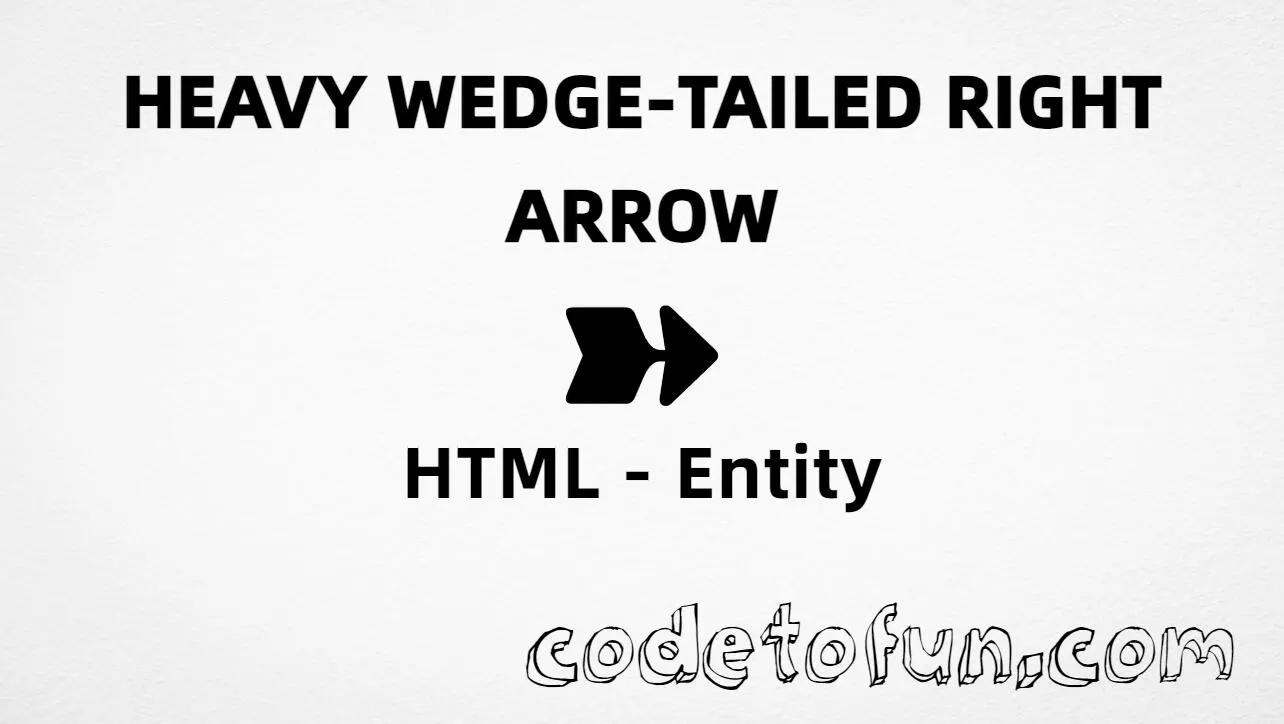
HTML Entity for Heavy Wedge Tailed Right Arrow (➽)
Beginner
5 min read
Updated: Sep 2026
1 example
Unicode U+27BD
Definition
What Is Heavy Wedge Tailed Right Arrow?
Heavy wedge tailed right arrow (➽) is the Unicode character at U+27BD in Dingbats. Official name: HEAVY WEDGE-TAILED RIGHTWARDS ARROW. It is a bold rightwards arrow with a wedge-shaped tail, used for next/continue cues and navigation.
Remember
Character     ➽
Unicode       U+27BD
Hex entity    ➽
Decimal       ➽
CSS escape    \27BD
Named entity  (none)
Meaning       heavy wedge-tailed rightwards arrow
Not the same  ➻ · ➔ · → (→)
Prefer ➽ or ➽ in HTML (no named form). You can also type ➽ in a UTF-8 document. For a teardrop shank, use U+27BB; for a classic text arrow, prefer →.
Built with Hex: ➽
Built with Decimal: ➽
Built with CSS: ➽
Typed: ➽
Next ➽
Classic: →
How It Works
1. Hex:➽ inserts code point U+27BD → ➽.
2. Decimal: same code point as 10173 → ➽. Same visual as hex.
3. CSS: use \27BD in content (not an HTML entity). #point::after appends ➽.
4. Typed: paste ➽ in a UTF-8 document when you need this dingbat. Prefer aria-label or nearby prose such as “Next” so meaning is clear to everyone.
Pitfalls & Tips
Common mistakes when working with heavy wedge tailed right arrow.
Name
No named entity
There is no HTML5 named entity for U+27BD. Use ➽ or ➽. Do not invent &wedgerarr;. For classic right arrow, use →.
➻
Not the teardrop shank
Heavy teardrop shanked right arrow is ➻ (U+27BB). This page is the wedge-tailed form ➽.
➔
Not the wide-headed form
Heavy wide headed right arrow is ➔ (U+2794). Related Dingbats style — different head and code point.
→
Not →
→ is → (U+2192). Heavy wedge tailed right arrow is ➽. Related direction — different glyphs.
Font
Font coverage
Some fonts omit Dingbats. If ➽ is missing, fall back to → or a font with U+27BD coverage.
CSS vs HTML
Do not mix escapes
\27BD belongs in CSS strings. ➽ / ➽ belong in HTML.
a11y
Add accessible text
Screen readers may not announce ➽ clearly. Prefer aria-label="Next" or nearby prose for actions.
Semicolon
End references
Always finish entities with ; — write ➽, not ➽.
Compatibility
Browser Support
Heavy wedge tailed right arrow (U+27BD) and its entity forms (➽, ➽, CSS \\27BD) are supported in all mainstream browsers. Visible glyphs depend on Dingbats font coverage.
✓ Universal support
Heavy Wedge Tailed Right Arrow (➽)
Encode with hex, decimal, CSS escape, or type the character — same code point everywhere encoding is supported.
100%Browser coverage
Google ChromeSupported
Yes
Microsoft EdgeSupported
Yes
Mozilla FirefoxSupported
Yes
Apple SafariSupported
Yes
OperaSupported
Yes
Internet ExplorerAll versions
Yes
U+27BDFull support
Bottom line: Prefer ➽ in HTML (no named form). Use ➽ when decimal form is required, and \\27BD only inside CSS content.
Remember
Key Takeaways
Unicode: heavy wedge tailed right arrow is U+27BD (decimal 10173) — glyph ➽.
HTML: no named entity — use ➽ / ➽ / type ➽.
CSS: use \27BD inside content for generated text.
Meaning: ➽ ≠ ➻ / ➔ / → — use for wedge-tailed Dingbats cues.
One line:U+27BD → ➽ / ➽ / CSS \27BD (no named form).
Frequently Asked Questions
Use ➽ (hex), ➽ (decimal), type ➽ directly in UTF-8, or the CSS escape \27BD in content. There is no named HTML entity for U+27BD.
U+27BD (HEAVY WEDGE-TAILED RIGHTWARDS ARROW). Hex 27BD, decimal 10173. It belongs to the Dingbats block (U+2700–U+27BF).
No. HTML5 does not define a named entity for this arrow. Prefer ➽ or ➽. For classic right arrow, use → (U+2192).
Use it for bold Dingbats next/continue cues with a wedge-shaped tail. For a teardrop shank, see U+27BB. For a wide head, see U+2794. For a classic math/text arrow with a named entity, prefer →.
HTML numeric entities (➽ or ➽) go in markup. The CSS escape \27BD goes in stylesheet strings (usually content on ::before/::after).
No. Heavy wedge tailed right arrow is U+27BD (➽). Heavy teardrop shanked right arrow is U+27BB (➻). Heavy wide headed right arrow is U+2794 (➔). → is U+2192 (→). Related arrows — different tails and heads.
🤔
Did you know?
Heavy wedge tailed right arrow is Unicode U+27BD (decimal 10173) — glyph ➽ in Dingbats (official name HEAVY WEDGE-TAILED RIGHTWARDS ARROW). There is no HTML5 named entity; use ➽ or ➽. Prefer nearby text or aria-label (for example “Next”). Do not confuse it with teardrop-shanked ➻ (➻), wide-headed ➔ (➔), or classic → (→).