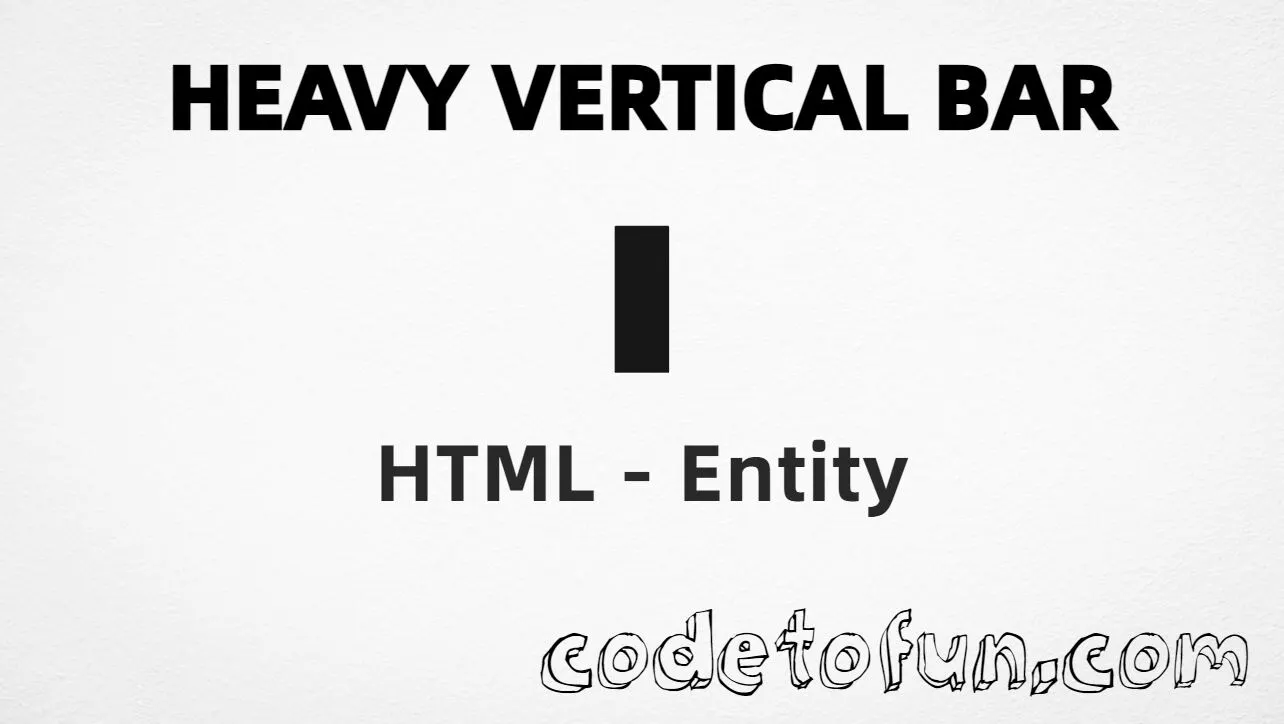
Heavy vertical bar (❚) is the Unicode character at U+275A in Dingbats. Official name: HEAVY VERTICAL BAR. It is a bold vertical bar used as a divider, label separator, or decorative pipe-style mark in typography.
Remember
Character     ❚
Unicode       U+275A
Hex entity    ❚
Decimal       ❚
CSS escape    \275A
Named entity  (none)
Meaning       bold Dingbats vertical bar / separator
Not the same  ❘ · ❙ · | (|)
Prefer ❚ or ❚ in HTML (no named form). You can also type ❚ in a UTF-8 document. For thinner Dingbats bars, see U+2758 / U+2759; for code pipes, prefer ASCII |.
Built with Hex: ❚
Built with Decimal: ❚
Built with CSS: ❚
Typed: ❚
Home ❚ Docs
ASCII pipe: |
How It Works
1. Hex:❚ inserts code point U+275A → ❚.
2. Decimal: same code point as 10074 → ❚. Same visual as hex.
3. CSS: use \275A in content (not an HTML entity). #point::after appends ❚.
4. Typed: paste ❚ in a UTF-8 document when you need this dingbat. Prefer aria-label or nearby prose such as “Separator” so meaning is clear to everyone.
Pitfalls & Tips
Common mistakes when working with heavy vertical bar.
Name
No named entity
There is no HTML5 named entity for U+275A. Use ❚ or ❚. Do not invent &heavyvert;. Light bar uses ❘; ASCII pipe uses |.
|
Not the ASCII pipe
ASCII vertical bar is | (U+007C / |). Heavy vertical bar is ❚. Use | for code and shell pipes; use ❚ for bold Dingbats separators.
❘
Not light or medium
Light vertical bar is ❘ (U+2758). Medium is ❙ (U+2759). This page is the heavy form ❚.
Font
Font coverage
Some fonts omit Dingbats. If ❚ is missing, fall back to | or a font with U+275A coverage.
CSS vs HTML
Do not mix escapes
\275A belongs in CSS strings. ❚ / ❚ belong in HTML.
a11y
Add accessible text
Screen readers may not announce ❚ clearly. Prefer aria-label="Separator" or nearby prose for navigation crumbs.
Semicolon
End references
Always finish entities with ; — write ❚, not ❚.
Compatibility
Browser Support
Heavy vertical bar (U+275A) and its entity forms (❚, ❚, CSS \\275A) are supported in all mainstream browsers. Visible glyphs depend on Dingbats font coverage.
✓ Universal support
Heavy Vertical Bar (❚)
Encode with hex, decimal, CSS escape, or type the character — same code point everywhere encoding is supported.
100%Browser coverage
Google ChromeSupported
Yes
Microsoft EdgeSupported
Yes
Mozilla FirefoxSupported
Yes
Apple SafariSupported
Yes
OperaSupported
Yes
Internet ExplorerAll versions
Yes
U+275AFull support
Bottom line: Prefer ❚ in HTML (no named form). Use ❚ when decimal form is required, and \\275A only inside CSS content.
Remember
Key Takeaways
Unicode: heavy vertical bar is U+275A (decimal 10074) — glyph ❚.
HTML: no named entity — use ❚ / ❚ / type ❚.
CSS: use \275A inside content for generated text.
Meaning: ❚ ≠ ❘ / ❙ / | — use for bold Dingbats separators.
One line:U+275A → ❚ / ❚ / CSS \275A (no named form).
Frequently Asked Questions
Use ❚ (hex), ❚ (decimal), type ❚ directly in UTF-8, or the CSS escape \275A in content. There is no named HTML entity for U+275A.
U+275A (HEAVY VERTICAL BAR). Hex 275A, decimal 10074. It belongs to the Dingbats block (U+2700–U+27BF).
No. HTML5 does not define a named entity for this bar. Prefer ❚ or ❚. Light vertical bar (U+2758) uses ❘. ASCII pipe uses | or |.
Use it for a bold Dingbats vertical divider or label separator. For a thinner Dingbats bar, see U+2758 or U+2759. For code, pipes, or logic, prefer ASCII | (|).
HTML numeric entities (❚ or ❚) go in markup. The CSS escape \275A goes in stylesheet strings (usually content on ::before/::after).
No. Heavy vertical bar is U+275A (❚). Light is U+2758 (❘). Medium is U+2759 (❙). ASCII pipe is U+007C (|). Related separators — different weights and code points.
🤔
Did you know?
Heavy vertical bar is Unicode U+275A (decimal 10074) — glyph ❚ in Dingbats (official name HEAVY VERTICAL BAR). There is no HTML5 named entity; use ❚ or ❚. Prefer nearby text or aria-label (for example “Separator”). Do not confuse it with light ❘ (❘), medium ❙, or the ASCII pipe | (|).