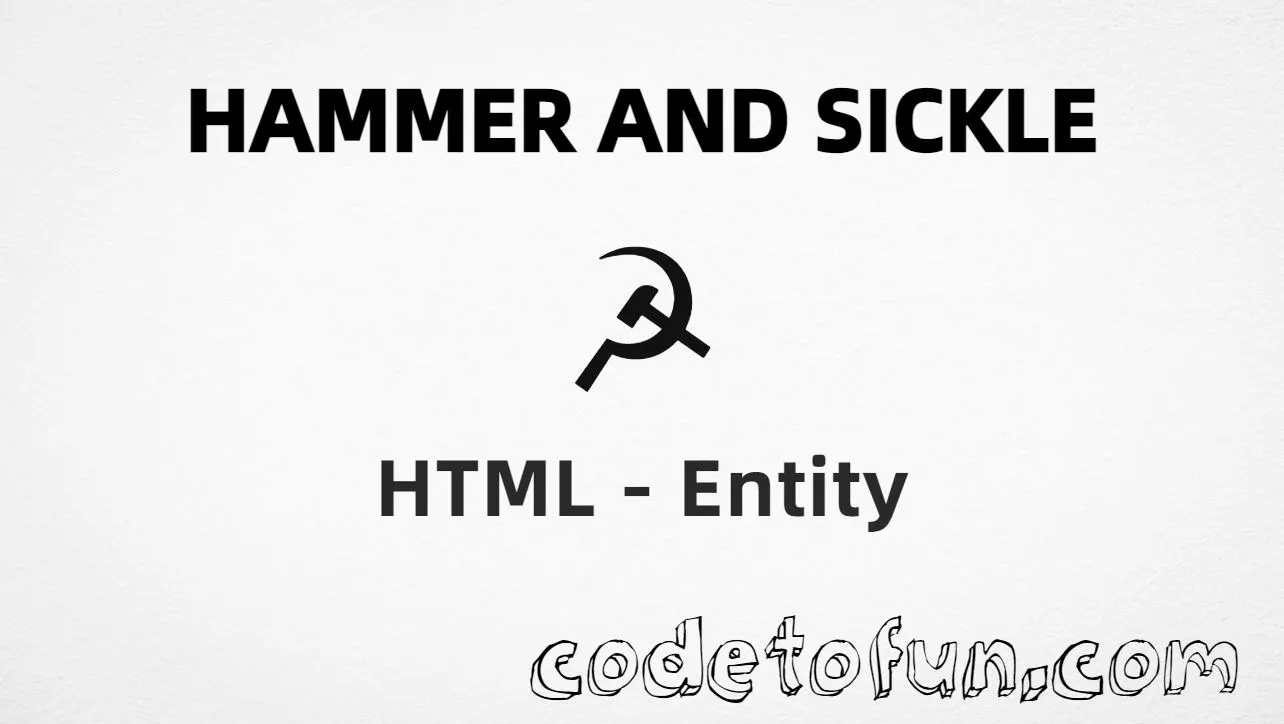
Hammer and sickle (☭) is the Unicode character at U+262D in Miscellaneous Symbols. Official name: HAMMER AND SICKLE. It depicts a crossed hammer and sickle and is used in historical, cultural, and educational material.
Remember
Character     ☭
Unicode       U+262D
Hex entity    ☭
Decimal       ☭
CSS escape    \262D
Named entity  (none)
Meaning       hammer + sickle (historical / educational)
Not the same  ⚒ (hammer and pick) · ☮ (peace) · ⚙
Prefer ☭ or ☭ in HTML (no named form). You can also type ☭ in a UTF-8 document. Pair the glyph with clear descriptive text for accessibility.
Built with Hex: ☭
Built with Decimal: ☭
Built with CSS: ☭
Typed: ☭
☭ Historical symbol
Tools (hammer and pick): ⚒
How It Works
1. Hex:☭ inserts code point U+262D → ☭.
2. Decimal: same code point as 9773 → ☭. Same visual as hex.
3. CSS: use \262D in content (not an HTML entity). #point::after appends ☭.
4. Typed: paste ☭ in a UTF-8 document when you need the glyph. Prefer aria-label or nearby prose so the meaning is clear to everyone.
Pitfalls & Tips
Common mistakes when working with hammer and sickle.
Name
No named entity
There is no HTML5 named entity for U+262D. Use ☭ or ☭. Do not invent &hammersickle;.
⚒
Not hammer and pick
Hammer and pick is ⚒ (U+2692) — tools/construction. Hammer and sickle is ☭. Different symbols.
Context
Use clear context
This glyph carries strong historical meaning. Prefer documentary or educational framing with descriptive text nearby.
Font
Font coverage
Some fonts omit Miscellaneous Symbols. If ☭ is missing, fall back to descriptive text or a font with U+262D coverage.
CSS vs HTML
Do not mix escapes
\262D belongs in CSS strings. ☭ / ☭ belong in HTML.
a11y
Add accessible text
Screen readers may not announce ☭ clearly. Prefer aria-label or nearby prose such as “Hammer and sickle symbol”.
Semicolon
End references
Always finish entities with ; — write ☭, not ☭.
Compatibility
Browser Support
Hammer and sickle (U+262D) and its entity forms (☭, ☭, CSS \\262D) are supported in all mainstream browsers. Visible glyphs depend on Miscellaneous Symbols font coverage.
✓ Universal support
Hammer and Sickle (☭)
Encode with hex, decimal, CSS escape, or type the character — same code point everywhere encoding is supported.
100%Browser coverage
Google ChromeSupported
Yes
Microsoft EdgeSupported
Yes
Mozilla FirefoxSupported
Yes
Apple SafariSupported
Yes
OperaSupported
Yes
Internet ExplorerAll versions
Yes
U+262DFull support
Bottom line: Prefer ☭ in HTML (no named form). Use ☭ when decimal form is required, and \\262D only inside CSS content.
Remember
Key Takeaways
Unicode: hammer and sickle is U+262D (decimal 9773) — glyph ☭.
HTML: no named entity — use ☭ / ☭ / type ☭.
One line:U+262D → ☭ / ☭ / CSS \262D (no named form).
Frequently Asked Questions
Use ☭ (hex), ☭ (decimal), type ☭ directly in UTF-8, or the CSS escape \262D in content. There is no named HTML entity for U+262D.
U+262D (HAMMER AND SICKLE). Hex 262D, decimal 9773. It belongs to the Miscellaneous Symbols block (U+2600–U+26FF).
No. HTML5 does not define a named entity for U+262D. Prefer ☭ or ☭.
Use it in historical, educational, or documentary contexts that need this Unicode character. Pair it with clear text. For construction/tools, use hammer and pick (U+2692) instead.
HTML numeric entities (☭ or ☭) go in markup. The CSS escape \262D goes in stylesheet strings (usually content on ::before/::after).
No. Hammer and sickle is U+262D (☭). Hammer and pick is U+2692 (⚒). Different symbols and meanings.
🤔
Did you know?
Hammer and sickle is Unicode U+262D (decimal 9773) — glyph ☭ (HAMMER AND SICKLE) in Miscellaneous Symbols. There is no HTML5 named entity; use ☭ or ☭. Prefer nearby descriptive text for accessibility. Do not confuse it with U+2692 (⚒, hammer and pick), which is a tools/construction symbol.