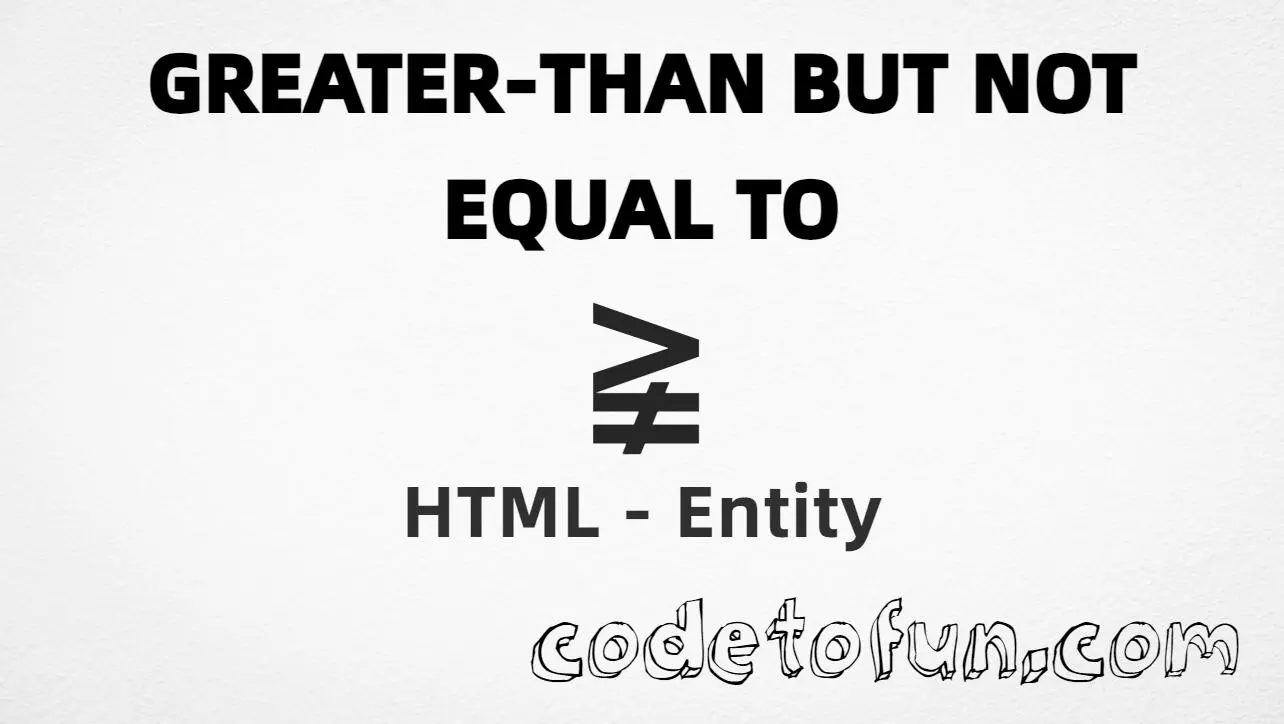
Greater-than but not equal to (≩) is the Unicode character at U+2269 in Mathematical Operators. Official name: GREATER-THAN BUT NOT EQUAL TO. It is a single inequality glyph — not greater-than plus not-equal typed separately.
Remember
Character     ≩
Unicode       U+2269
Named entity  ≩
Hex entity    ≩
Decimal       ≩
CSS escape    \2269
Meaning       greater than, but not equal
Not the same  > (>) · ≠ (≠) · ≨ (≨) · ⋧ (⋧)
Prefer ≩ in HTML. Alternatives: ≩, ≩, or paste ≩ in a UTF-8 document.
Built with Named: ≩
Built with Hex: ≩
Built with Decimal: ≩
Built with CSS: ≩
Typed: ≩
Sample: a ≩ b
Mirror: ≨
How It Works
1. Named:≩ is the HTML5 name for U+2269 → ≩. Prefer this in markup.
2. Hex:≩ inserts the same code point. Same visual as named.
3. Decimal: same code point as 8809 → ≩.
4. CSS: use \2269 in content (not an HTML entity). Four hex digits are enough; keep a space or quote end after the escape if more digits follow.
5. Typed: paste ≩ in a UTF-8 document when your editor supports it. ≨ is the less-than mirror (U+2268).
Pitfalls & Tips
Common mistakes when working with greater-than but not equal to.
Name
Prefer ≩
The named entity is clearer than stacking > and ≠, and matches the single Unicode character.
Compose
Do not fake it with two characters
>≠ is two glyphs. ≩ is one code point and may look different in math fonts.
Case
Capital E matters
The HTML5 name is ≩ (capital E). Do not invent ⪈ unless you confirm it exists in your target.
Similar
Not the same as ⋧
Greater-than but not equivalent is U+22E7 (⋧) — a different relation from “not equal.”
Font
Check math font coverage
Some UI fonts omit Mathematical Operators. Prefer a math-capable font if the glyph shows as a box.
CSS vs HTML
Do not mix escapes
\2269 belongs in CSS strings. ≩ / ≩ / ≩ belong in HTML.
Semicolon
End references
Always finish entities with ; — write ≩, not &gnE.
Compatibility
Browser Support
Greater-than but not equal to (U+2269) and its entity forms (≩, ≩, ≩, CSS \\2269) are supported in all mainstream browsers that implement Unicode and HTML entities. Glyph visibility depends on font coverage.
✓ Universal entity support
Greater Than But Not Equal To (≩)
Encode with named, hex, decimal, CSS escape, or paste the character — same code point everywhere encoding is supported.
100%Entity support
Google ChromeSupported
Yes
Microsoft EdgeSupported
Yes
Mozilla FirefoxSupported
Yes
Apple SafariSupported
Yes
OperaSupported
Yes
Internet ExplorerIE 9+
Yes
U+2269Full support
Bottom line: Prefer ≩ in HTML. Use ≩ / ≩ when numeric form is required, and \\2269 only inside CSS content.
Prefer ≩ (named). You can also use ≩ (hex), ≩ (decimal), paste ≩ in a UTF-8 document, or the CSS escape \2269 in content.
U+2269 (GREATER-THAN BUT NOT EQUAL TO). Hex 2269, decimal 8809. It belongs to Mathematical Operators.
Yes. HTML5 defines ≩ for U+2269. Prefer it when you want readable math markup.
Use it in inequalities and algebra when a value is greater than another and not equal — as a single math glyph, not > followed by ≠.
HTML entities (≩, ≩, or ≩) go in markup. The CSS escape \2269 goes in stylesheet strings (usually content on ::before/::after).
No. ≩ is U+2269 (greater-than but not equal). ≥ and other relations are different characters with their own entities.
🤔
Did you know?
Greater-than but not equal to is Unicode U+2269 (decimal 8809) — glyph ≩ (GREATER-THAN BUT NOT EQUAL TO) in Mathematical Operators. HTML5 named entity: ≩. Prefer ≩ in HTML. It is not the same as >≠ (two characters) or greater-than but not equivalent (⋧).