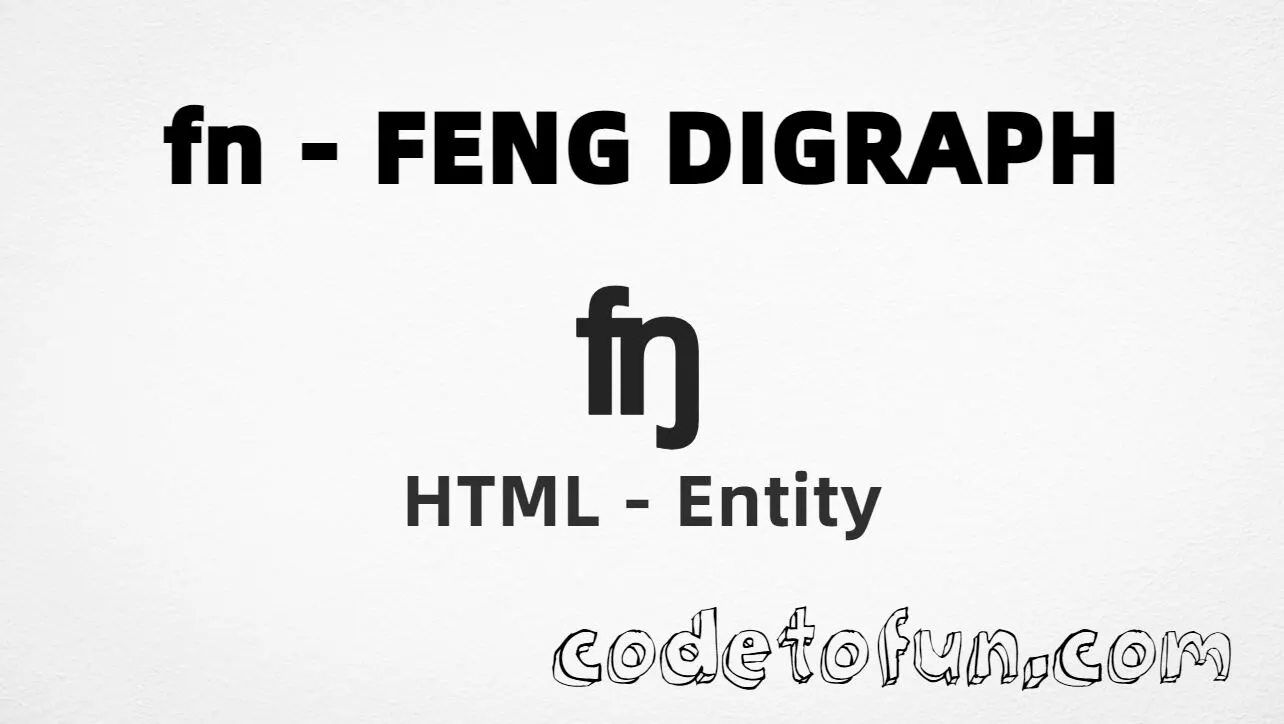
Fn feng digraph (ʩ) is the Unicode character at U+02A9 in IPA Extensions. Official name: LATIN SMALL LETTER FENG DIGRAPH. It is a single phonetic letter (a digraph glyph), not the two separate letters f and n.
Remember
Character     ʩ
Unicode       U+02A9
Hex entity    ʩ
Decimal       ʩ
CSS escape    \02A9
Named entity  (none)
Not the same  fn (two letters) · ŋ (eng) · ʃ (esh)
Prefer ʩ or ʩ in HTML (no named form). You can also type ʩ in a UTF-8 document.
Built with Hex: ʩ
Built with Decimal: ʩ
Built with CSS: ʩ
Typed: ʩ
IPA sample: [ʩ]
How It Works
1. Hex:ʩ inserts code point U+02A9 → ʩ.
2. Decimal: same code point as 681 → ʩ. Same visual as hex.
3. CSS: use \02A9 in content (not an HTML entity). #point::after appends ʩ.
4. Typed: paste ʩ in a UTF-8 document when you need the digraph as one letter.
Pitfalls & Tips
Common mistakes when working with Fn feng digraph.
Name
No named entity
There is no HTML5 named entity for U+02A9. Use ʩ or ʩ. Do not invent &feng;.
fn
Not two letters
Typing fn creates two Basic Latin characters. The digraph ʩ is one Unicode letter.
ŋ
Not eng alone
Eng (ŋ, U+014B) is a different letter. Do not combine f + ŋ and expect U+02A9 unless you normalize to that code point.
Font
Font coverage
IPA Extensions glyphs may be missing in some fonts. Prefer a font with IPA coverage for reliable rendering.
CSS vs HTML
Do not mix escapes
\02A9 belongs in CSS strings. ʩ / ʩ belong in HTML.
a11y
Add accessible text
Screen readers may not announce ʩ clearly. Prefer nearby prose (for example “feng digraph”) when the letter carries meaning.
Semicolon
End references
Always finish entities with ; — write ʩ, not ʩ.
Compatibility
Browser Support
Fn feng digraph (U+02A9) and its entity forms (ʩ, ʩ, CSS \\02A9) are supported in all mainstream browsers. Visible glyphs depend on IPA Extensions font coverage.
✓ Universal support
Fn Feng Digraph (ʩ)
Encode with hex, decimal, CSS escape, or type the character — same code point everywhere encoding is supported.
100%Browser coverage
Google ChromeSupported
Yes
Microsoft EdgeSupported
Yes
Mozilla FirefoxSupported
Yes
Apple SafariSupported
Yes
OperaSupported
Yes
Internet ExplorerAll versions
Yes
U+02A9Full support
Bottom line: Prefer ʩ in HTML (no named form). Use ʩ when decimal form is required, and \\02A9 only inside CSS content.
HTML: no named entity — use ʩ / ʩ / type ʩ.
CSS: use \02A9 inside content for generated text.
Meaning: ʩ ≠ fn ≠ eng ŋ ≠ esh ʃ.
One line:U+02A9 → ʩ / ʩ / CSS \02A9 (no named form).
Frequently Asked Questions
Use ʩ (hex), ʩ (decimal), type ʩ directly in UTF-8, or the CSS escape \02A9 in content. There is no named HTML entity for U+02A9.
U+02A9 (LATIN SMALL LETTER FENG DIGRAPH). Hex 02A9, decimal 681. It belongs to the IPA Extensions block (U+0250–U+02AF).
No. HTML5 does not define a named entity for U+02A9. Prefer ʩ or ʩ.
Use it in phonetic/IPA-related text when you need this digraph as one character. Do not substitute separate letters f and n (or f and ŋ) if the digraph glyph is required.
HTML numeric entities (ʩ or ʩ) go in markup. The CSS escape \02A9 goes in stylesheet strings (usually content on ::before/::after).
No. U+02A9 is one digraph character (ʩ). Typing f and n (or f and eng ŋ) creates two (or more) separate characters, not U+02A9.
🤔
Did you know?
Fn feng digraph is Unicode U+02A9 (decimal 681) — glyph ʩ (LATIN SMALL LETTER FENG DIGRAPH) in IPA Extensions. There is no HTML5 named entity; use ʩ or ʩ. It is a single character digraph historically related to f + eng (ŋ). Do not confuse it with typing fn as two letters, or with esh (ʃ) / ezh (ʒ).