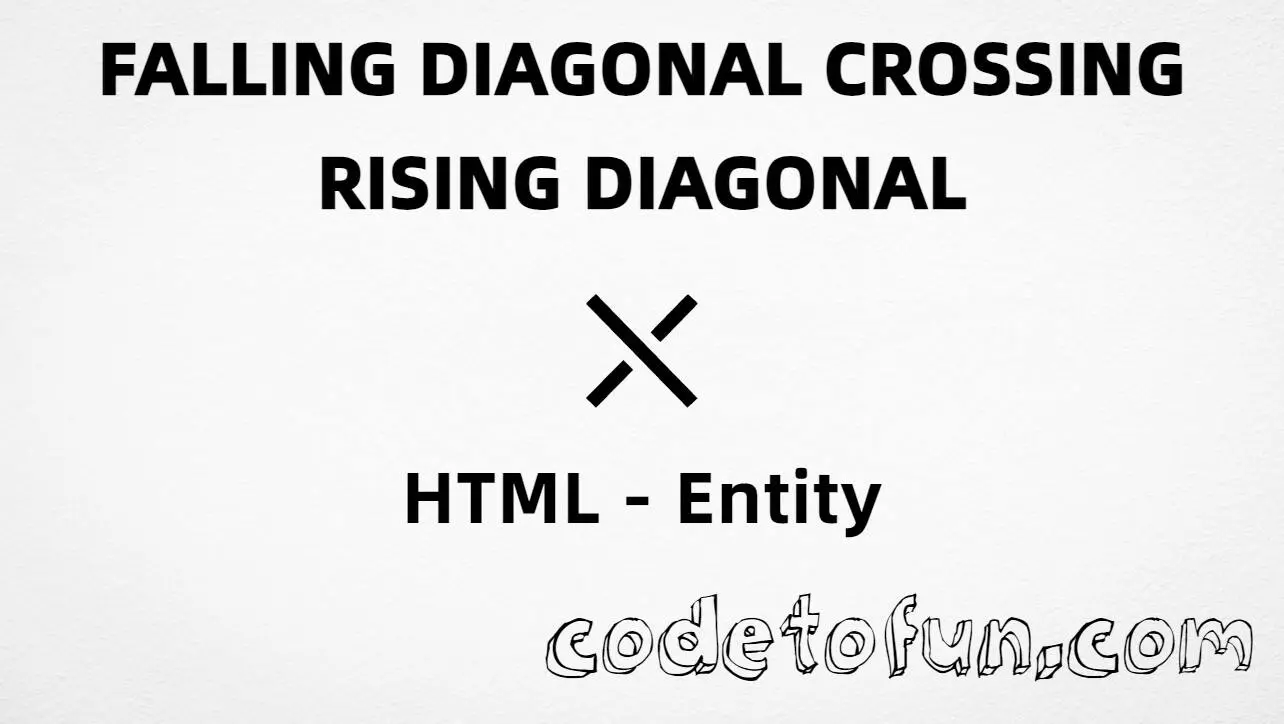
HTML Entity for Falling Diagonal Crossing Rising Diagonal (⤬)
Beginner
5 min read
Updated: Sep 2026
1 example
Unicode U+292C
Definition
What Is Falling Diagonal Crossing Rising Diagonal?
Falling diagonal crossing rising diagonal (⤬) is the Unicode character at U+292C in Supplemental Arrows-B. Official name: FALLING DIAGONAL CROSSING RISING DIAGONAL. It is an X-shaped mark made of two crossing diagonals — useful in diagrams and geometric notation.
Remember
Character     ⤬
Unicode       U+292C
Hex entity    ⤬
Decimal       ⤬
CSS escape    \292C
Named entity  (none)
Not the same  × (times) · ✗ (ballot X) · ⤯ (diag×NE)
Prefer ⤬ or ⤬ in HTML (no named form). You can also type ⤬ in a UTF-8 document.
Built with Hex: ⤬
Built with Decimal: ⤬
Built with CSS: ⤬
Typed: ⤬
Node A ⤬ Node B
How It Works
1. Hex:⤬ inserts code point U+292C → ⤬.
2. Decimal: same code point as 10540 → ⤬. Same visual as hex.
3. CSS: use \292C in content (not an HTML entity). #point::after appends ⤬.
4. Typed: paste ⤬ in a UTF-8 document, or place it between labels in a diagram line.
Pitfalls & Tips
Common mistakes when working with this symbol.
Name
No named entity
There is no HTML5 named entity for U+292C. Use ⤬ or ⤬. Do not invent &fdiag;.
×
Not multiplication ×
U+00D7 (×) is the math product sign. Use it for arithmetic, not for this geometric cross.
✗
Not ballot X
U+2717 (✗) is a Dingbats check/ballot mark style X — different block and meaning.
⤯
Not U+292F
U+292F (⤯) crosses a falling diagonal with a NE arrow — not two diagonals alone.
Font
Font coverage
Supplemental Arrows-B glyphs may be missing in some fonts. Prefer a font with arrow coverage, or fall back to × / SVG icons.
CSS vs HTML
Do not mix escapes
\292C belongs in CSS strings. ⤬ / ⤬ belong in HTML.
a11y
Add accessible text
Screen readers may not describe ⤬ clearly. Prefer nearby prose (for example “crossed diagonals”) when the mark carries meaning.
Semicolon
End references
Always finish entities with ; — write ⤬, not ⤬.
Compatibility
Browser Support
Falling diagonal crossing rising diagonal (U+292C) and its entity forms (⤬, ⤬, CSS \\292C) are supported in all mainstream browsers. Visible glyphs depend on Supplemental Arrows-B font coverage.
Encode with hex, decimal, CSS escape, or type the character — same code point everywhere encoding is supported.
100%Browser coverage
Google ChromeSupported
Yes
Microsoft EdgeSupported
Yes
Mozilla FirefoxSupported
Yes
Apple SafariSupported
Yes
OperaSupported
Yes
Internet ExplorerAll versions
Yes
U+292CFull support
Bottom line: Prefer ⤬ in HTML (no named form). Use ⤬ when decimal form is required, and \\292C only inside CSS content.
Remember
Key Takeaways
Unicode: this symbol is U+292C (decimal 10540) — glyph ⤬.
HTML: no named entity — use ⤬ / ⤬ / type ⤬.
CSS: use \292C inside content for generated text.
Meaning: ⤬ ≠ times × ≠ ballot ✗ ≠ diag×NE ⤯.
One line:U+292C → ⤬ / ⤬ / CSS \292C (no named form).
Frequently Asked Questions
Use ⤬ (hex), ⤬ (decimal), type ⤬ directly in UTF-8, or the CSS escape \292C in content. There is no named HTML entity for U+292C.
U+292C (FALLING DIAGONAL CROSSING RISING DIAGONAL). Hex 292C, decimal 10540. It belongs to the Supplemental Arrows-B block (U+2900–U+297F).
No. HTML5 does not define a named entity for U+292C. Prefer ⤬ or ⤬.
Use it in diagrams, geometric marks, and technical UI when you need this specific crossed-diagonals glyph. Prefer multiplication × (U+00D7) for math products, and ballot X for form-style marks.
HTML numeric entities (⤬ or ⤬) go in markup. The CSS escape \292C goes in stylesheet strings (usually content on ::before/::after).
No. U+292C is ⤬ (falling diagonal crossing rising diagonal). Multiplication sign is U+00D7 (×). U+292F is ⤯ (falling diagonal crossing NE arrow).
🤔
Did you know?
Falling diagonal crossing rising diagonal is Unicode U+292C (decimal 10540) — glyph ⤬ in Supplemental Arrows-B. There is no HTML5 named entity; use ⤬ or ⤬. Do not confuse it with multiplication × (×), ballot X (✗), or falling diagonal crossing NE arrow (⤯).