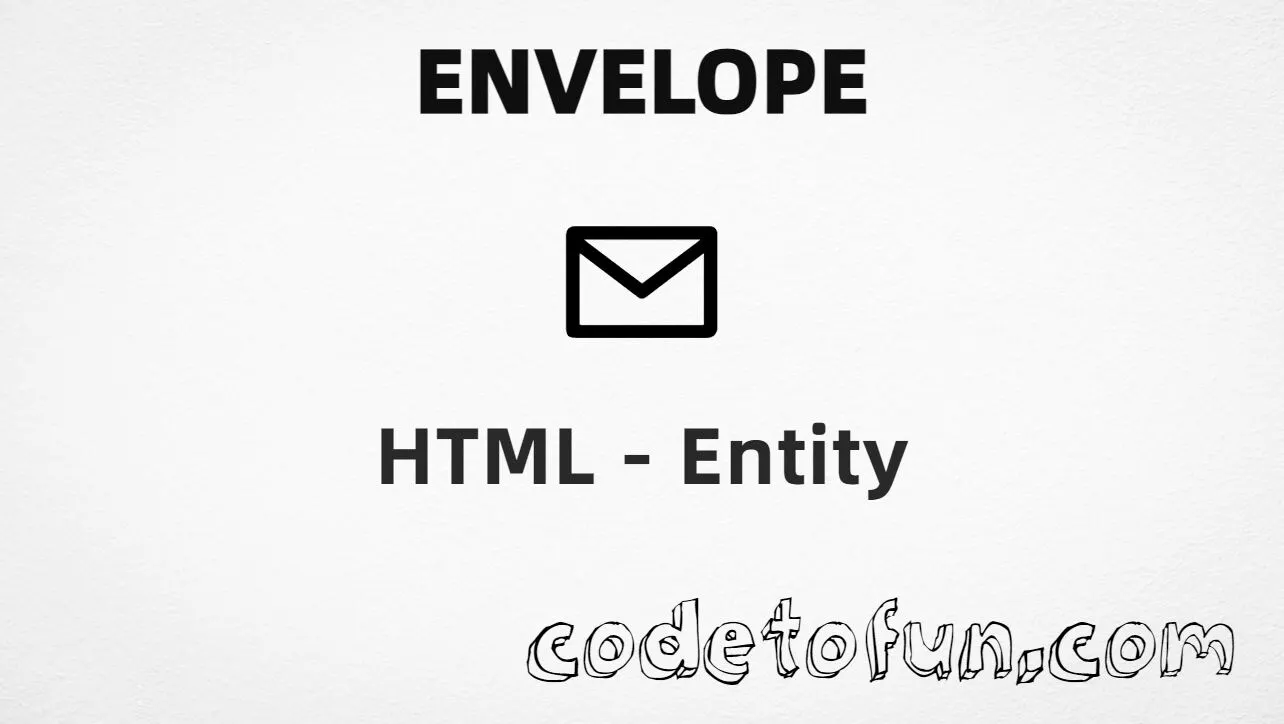
Envelope (✉) is the Unicode character at U+2709 in Dingbats. Official name: ENVELOPE. It is a mail / email pictograph used in contact UI and decorative labels.
Remember
Character     ✉
Unicode       U+2709
Hex entity    ✉
Decimal       ✉
CSS escape    \2709
Named entity  (none)
Not the same  ☎ (phone) · ✆ (tel location)
Prefer ✉ or ✉ in HTML (no named form). You can also type ✉ in a UTF-8 document.
Built with Hex: ✉
Built with Decimal: ✉
Built with CSS: ✉
Typed: ✉
✉ Email us
How It Works
1. Hex:✉ inserts code point U+2709 → ✉.
2. Decimal: same code point as 9993 → ✉. Same visual as hex.
3. CSS: use \2709 in content (not an HTML entity). #point::after appends ✉.
4. Typed: paste ✉ in a UTF-8 document, or label a link like ✉ Email us.
Pitfalls & Tips
Common mistakes when working with Envelope.
Name
No named entity
There is no HTML5 named entity for U+2709. Use ✉ or ✉. Do not invent &envelope;.
☎
Not a telephone
U+260E is a phone icon. Keep envelope for mail and telephone marks for voice contact.
UI
Glyph vs icon asset
Text glyphs can vary by font and emoji style. For pixel-perfect app chrome, prefer SVG or an icon set.
CSS vs HTML
Do not mix escapes
\2709 belongs in CSS strings. ✉ / ✉ belong in HTML.
Fonts
Dingbats coverage
Some fonts omit Dingbats. Prefer a font (or fallback stack) with solid Dingbats coverage if the glyph must always show.
a11y
Add accessible text
Do not rely on ✉ alone. Keep visible words like “Email” next to the glyph, or use aria-label on icon-only controls.
Semicolon
End references
Always finish entities with ; — write ✉, not ✉.
Compatibility
Browser Support
Envelope (U+2709) and its entity forms (✉, ✉, CSS \\2709) are supported in all mainstream browsers. Visible glyphs depend on Dingbats (or emoji) font coverage.
✓ Universal support
Envelope (✉)
Encode with hex, decimal, CSS escape, or type the character — same code point everywhere encoding is supported.
100%Browser coverage
Google ChromeSupported
Yes
Microsoft EdgeSupported
Yes
Mozilla FirefoxSupported
Yes
Apple SafariSupported
Yes
OperaSupported
Yes
Internet ExplorerAll versions
Yes
U+2709Full support
Bottom line: Prefer ✉ in HTML (no named form). Use ✉ when decimal form is required, and \\2709 only inside CSS content.
Remember
Key Takeaways
Unicode: envelope is U+2709 (decimal 9993) — glyph ✉.
HTML: no named entity — use ✉ / ✉ / type ✉.
CSS: use \2709 inside content for generated text.
Meaning: ✉ ≠ phone ☎ / ☏ ≠ tel location ✆.
One line:U+2709 → ✉ / ✉ / CSS \2709 (no named form).
Frequently Asked Questions
Use ✉ (hex), ✉ (decimal), type ✉ directly in UTF-8, or the CSS escape \2709 in content. There is no named HTML entity for U+2709.
U+2709 (ENVELOPE). Hex 2709, decimal 9993. It belongs to the Dingbats block (U+2700–U+27BF).
No. Use numeric forms ✉ or ✉. Names like &envelope; are not standard HTML5 entities for this character.
Use it for email / mail icons in contact sections, footers, and mailto labels. Prefer a real SVG or icon font when you need scalable UI chrome; use U+2709 for simple text decoration.
HTML numeric entities (✉ or ✉) go in markup. The CSS escape \2709 goes in stylesheet strings (usually content on ::before/::after).
No. U+2709 is ✉ (envelope). Black telephone is U+260E (☎). Use each for its own contact channel.
🤔
Did you know?
Envelope is Unicode U+2709 (decimal 9993) — glyph ✉ (ENVELOPE) in Dingbats. There is no HTML5 named entity; use ✉ or ✉. Common in contact rows and mailto: links. Pair with telephone marks like U+260E (☎) when you need a phone icon nearby.