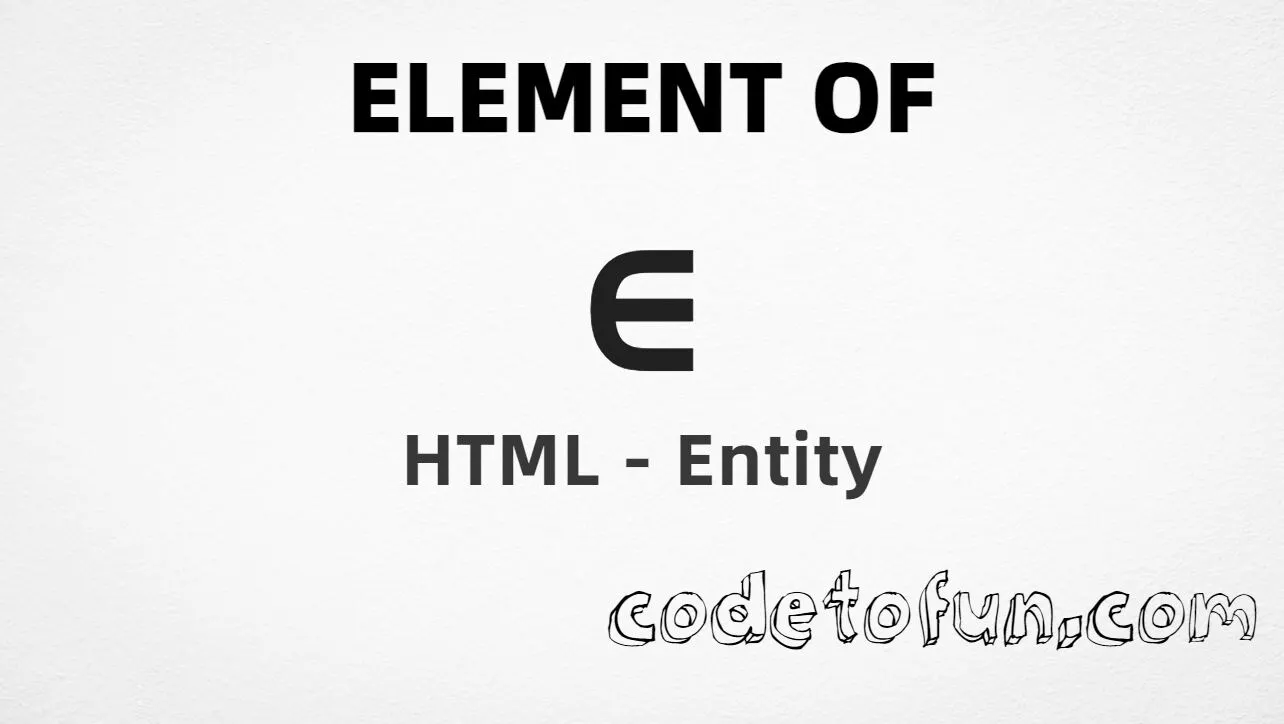
Element of (∈) is the Unicode character at U+2208 in Mathematical Operators. Official name: ELEMENT OF. It marks set membership — read “is an element of,” as in x ∈ S.
Remember
Character     ∈
Unicode       U+2208
Named entity  ∈
Aliases       ∈ · ∈
Hex entity    ∈
Decimal       ∈
CSS escape    \2208
Not the same  ∉ (notin) · ∋ (contains)
Prefer ∈ in HTML markup. You can also use ∈ / ∈, or type ∈ in a UTF-8 document.
Built with Named: ∈
Built with Hex: ∈
Built with Decimal: ∈
Built with CSS: ∈
Typed: ∈
Membership: x ∈ S
How It Works
1. Named:∈ is the preferred HTML5 name for U+2208 → ∈.
2. Hex:∈ inserts the same code point. Same visual as named.
3. Decimal: same code point as 8712 → ∈.
4. CSS: use \2208 in content (not an HTML entity). #point::after appends ∈.
5. Typed: paste ∈ in a UTF-8 document, or write membership like x ∈ S.
Pitfalls & Tips
Common mistakes when working with Element Of.
Name
Prefer ∈
∈ is the clearest named form. ∈ and ∈ are valid aliases for the same glyph.
∉
Not ∉
U+2209 means “not an element of.” Use ∉ for negation, not ∈.
∋
Not contains-as-member
U+220B (∋) reverses the relation: the set contains the element.
CSS vs HTML
Do not mix escapes
\2208 belongs in CSS strings. ∈ / ∈ / ∈ belong in HTML.
Fonts
Math font coverage
Some fonts omit Mathematical Operators. Prefer a font with solid math coverage for set notation.
a11y
Add accessible text
Screen readers may not expand ∈ clearly. Prefer full phrases nearby (for example “x is an element of S”) when the meaning matters.
Semicolon
End references
Always finish entities with ; — write ∈, not &isin.
Compatibility
Browser Support
Element of (U+2208) and its entity forms (∈, ∈, ∈, CSS \\2208) are supported in all mainstream browsers. Visible glyphs depend on Mathematical Operators font coverage.
✓ Universal support
Element Of (∈)
Encode with named, hex, decimal, CSS escape, or type the character — same code point everywhere encoding is supported.
100%Browser coverage
Google ChromeSupported
Yes
Microsoft EdgeSupported
Yes
Mozilla FirefoxSupported
Yes
Apple SafariSupported
Yes
OperaSupported
Yes
Internet ExplorerAll versions
Yes
U+2208 / ∈Full support
Bottom line: Prefer ∈ in HTML. Use ∈ / ∈ when numeric form is required, and \\2208 only inside CSS content.
Remember
Key Takeaways
Unicode: element of is U+2208 (decimal 8712) — glyph ∈.
HTML: prefer ∈ (aliases ∈, ∈).
CSS: use \2208 inside content for generated text.
Meaning: ∈ ≠ notin ∉ ≠ contains ∋.
One line:U+2208 → ∈ / ∈ / CSS \2208.
Frequently Asked Questions
Use ∈ (named), ∈ (hex), ∈ (decimal), type ∈ directly in UTF-8, or the CSS escape \2208 in content. Aliases ∈ and ∈ also resolve to U+2208.
U+2208 (ELEMENT OF). Hex 2208, decimal 8712. It belongs to the Mathematical Operators block (U+2200–U+22FF).
Yes. ∈ is the preferred readable named entity for U+2208. ∈ and ∈ are valid HTML5 aliases for the same character.
Use it for set membership in math, logic, and CS docs (for example x ∈ S). Prefer ∉ for “not an element of,” and ∋ when you need the reversed “contains as member” relation.
HTML entities (∈, ∈, or ∈) go in markup. The CSS escape \2208 goes in stylesheet strings (usually content on ::before/::after).
No. U+2208 is ∈ (element of). U+2209 is ∉ (not an element of). U+220B is ∋ (contains as member).
🤔
Did you know?
Element of is Unicode U+2208 (decimal 8712) — glyph ∈ (ELEMENT OF) in Mathematical Operators. HTML5 names it ∈ (aliases ∈, ∈). Negation is ∉ (∉). The reverse relation is ∋ (∋, contains as member).