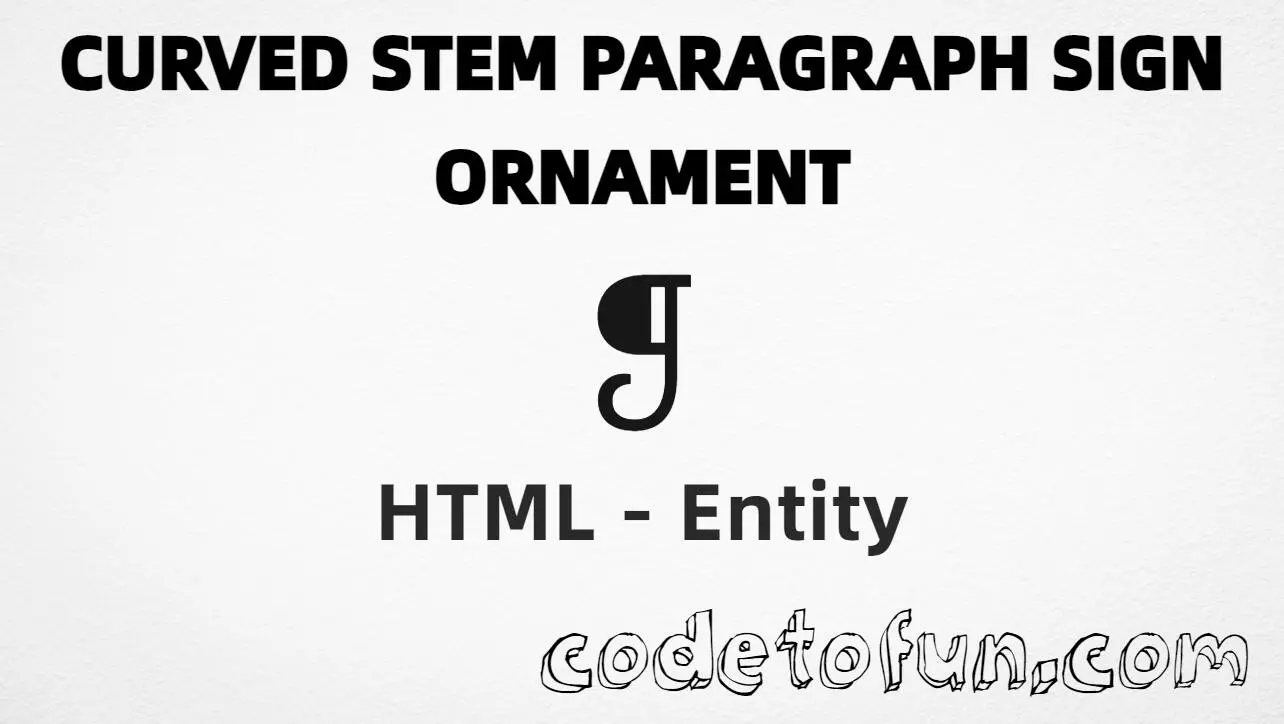
HTML Entity for Curved Stem Paragraph Sign Ornament (❡)
Beginner
5 min read
Updated: Sep 2026
1 example
Unicode U+2761
Definition
What Is Curved Stem Paragraph Sign Ornament?
Curved stem paragraph sign ornament (❡) is the Unicode character at U+2761 in the Dingbats block. It is a decorative paragraph-style ornament — not the standard editorial pilcrow (¶).
Remember
Character     ❡
Unicode       U+2761
Hex entity    ❡
Decimal       ❡
CSS escape    \2761
Named entity  (none for U+2761)
Not the same  ¶ U+00B6 · ❦ U+2766 · ❧ U+2767
Prefer typing ❡ in UTF-8 HTML when your editor supports it; use ❡ or ❡ when you need an explicit entity.
Ornament using Hex Code: ❡
Ornament using HTML Code: ❡
Ornament using CSS Entity: ❡
Typed directly: ❡
How It Works
1. Hex:U+2761 → ❡ in HTML → ❡.
2. Decimal: same code point as 10081 → ❡. Same result as hex.
3. CSS: use \2761 in content (not an HTML entity). #point::after appends that ❡ after the paragraph text.
4. Typed: in a UTF-8 page you can paste ❡ directly. All four lines show the same glyph.
Pitfalls & Tips
Common mistakes when working with Curved Stem Paragraph Sign Ornament.
Named?
No named entity
HTML5 has no &…; name for U+2761. Use ❡ or ❡. Do not use ¶ — that is the pilcrow.

Not the pilcrow
¶ (¶) is the standard paragraph mark in editing. ❡ is a decorative dingbat.
Fonts
Dingbat font coverage
Some fonts omit U+2761. Prefer a font with Dingbats coverage, or use an SVG for fixed artwork.
CSS vs HTML
Do not mix escapes
\2761 belongs in CSS strings. ❡ / ❡ belong in HTML.
Meaning
Ornament ≠ structure
This glyph is decorative. Use real <p> / headings for document structure and accessibility.
Semicolon
End references
Always finish with ; — write ❡, not ❡.
Compatibility
Browser Support
Curved stem paragraph sign ornament (U+2761) and its numeric entity forms (❡, ❡, CSS \\2761) are supported in all mainstream browsers. Visible glyphs depend on font coverage.
✓ Universal support
Curved Stem Paragraph (❡)
Encode with hex, decimal, CSS escape, or type the character — same code point everywhere encoding is supported.
100%Browser coverage
Google ChromeSupported
Yes
Microsoft EdgeSupported
Yes
Mozilla FirefoxSupported
Yes
Apple SafariSupported
Yes
OperaSupported
Yes
Internet ExplorerAll versions
Yes
U+2761 / entitiesFull support
Bottom line: Use ❡ or ❡ in HTML when you need this ornament, and \\2761 only inside CSS content. Prefer ¶ for the editorial pilcrow.
HTML: type ❡, or use ❡ / ❡ (no named entity).
CSS: use \2761 inside content for generated text.
Watch out:❡ ≠ ¶ (ornament ≠ pilcrow ¶).
One line:U+2761 → ❡ / ❡ / CSS \2761 / type ❡.
Frequently Asked Questions
Use ❡ (hex), ❡ (decimal), type ❡ directly in UTF-8, or the CSS escape \2761 in content. There is no named HTML entity for U+2761.
U+2761 (hex 2761, decimal 10081). It belongs to the Dingbats block and is a decorative paragraph-style ornament.
No. Use numeric references like ❡ or ❡, or type the character ❡ in a UTF-8 document. The pilcrow uses ¶ (U+00B6) — that name is not for this ornament.
Use it as a decorative divider or ornamental paragraph mark in design-led pages. For standard editorial paragraph marks, prefer ¶ (U+00B6 / ¶).
HTML entities (❡ or ❡) go in markup. The CSS escape \2761 goes in stylesheet strings (usually content on ::before/::after).
❡ (U+2761) is the curved stem paragraph ornament. ¶ (U+00B6 / ¶) is the pilcrow used in editing. ❦ (U+2766) is a floral heart — a different dingbat.
🤔
Did you know?
Curved stem paragraph sign ornament is Unicode U+2761 (decimal 10081) — glyph ❡ in the Dingbats block. HTML5 has no named entity. It is a decorative paragraph-style ornament, not the standard pilcrow. It is not pilcrow sign ¶ (U+00B6 / ¶) and not floral heart ❦ (U+2766).