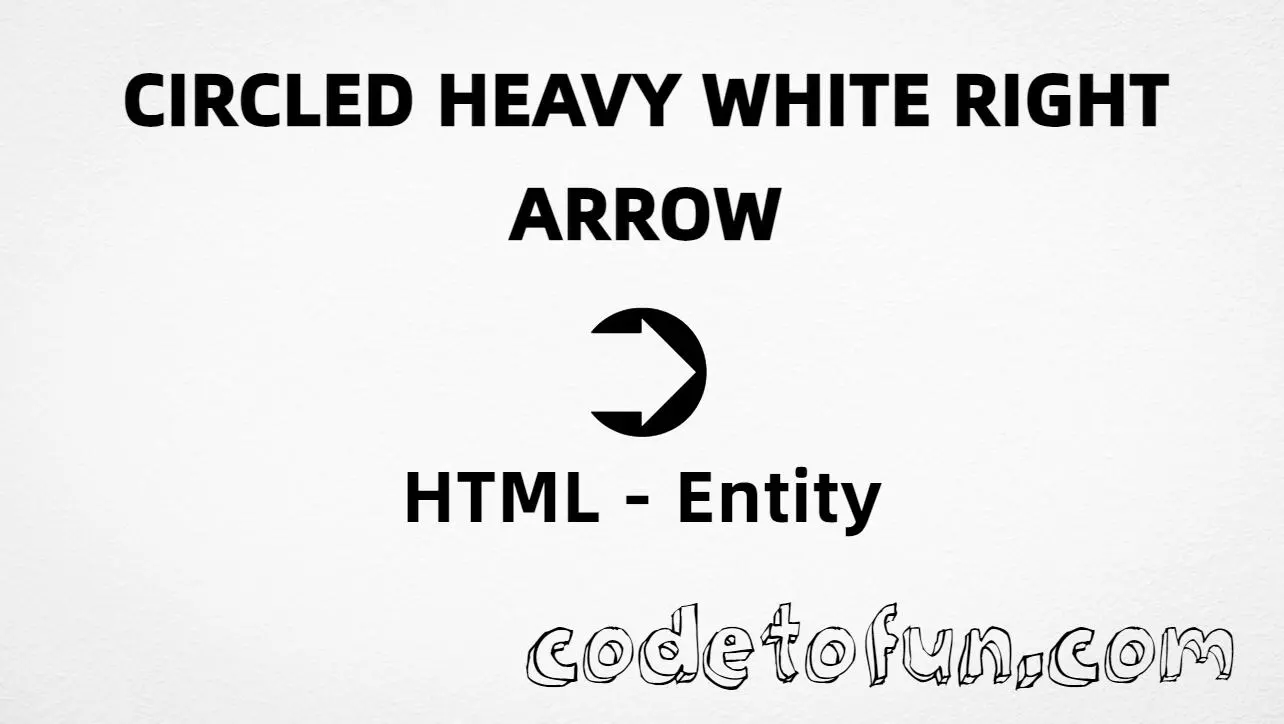
HTML Entity for Circled Heavy White Right Arrow (➲)
Beginner
5 min read
Updated: Sep 2026
1 example
Unicode U+27B2
Definition
What Is the Circled Heavy White Right Arrow Entity?
Circled Heavy White Right Arrow (➲) is the Unicode character at U+27B2 in the Dingbats block (official name: CIRCLED HEAVY WHITE RIGHT ARROW). It is a decorative right-pointing arrow inside a circle, often used for “next” or call-to-action cues.
Remember
Character     ➲
Unicode       U+27B2
Hex entity    ➲
Decimal       ➲
CSS escape    \27B2
Named entity  (none)
All of these produce the same glyph: ➲. Prefer a typed ➲ in UTF-8 pages when the font supports it; use numeric entities for generated markup or when encoding must be explicit.
Reference
Quick Reference
One table for every form you will actually use.
Form
Code
Where it goes
Direct character
➲
HTML text (UTF-8)
Hex entity
➲
HTML markup
Decimal entity
➲
HTML markup
CSS escape
\27B2
Stylesheet content
Named entity
—
Not defined in HTML5
When to use which
Situation
Use
Need the ➲ glyph
Type ➲, or ➲ / ➲
Generated text via ::before / ::after
content: "\27B2"
Simple right arrow
Use → (→ / U+2192)
Double right arrow
Use ⇒ (⇒)
Looking for &circlerarr; or similar
Does not exist — use numeric form
See it
Live Preview
Circled Heavy White Right Arrow rendered in common writing contexts.
Inline textContinue ➲
Large glyph➲
Compared➲ → ⇒ ▶
Monospacenext ➲ → circled arrow
With entitiesHex: ➲ | Decimal: ➲
Code
Complete HTML Example
One page that shows Circled Heavy White Right Arrow with the hex entity, decimal entity, CSS escape, and a typed character. Use View Output or open the live editor.
Hex + Decimal + CSS + Typed
All four ways to produce ➲ in a single document.
html
<!DOCTYPE html>
<html lang="en">
<head>
<meta charset="UTF-8">
<title>Circled Heavy White Right Arrow (➲) in HTML</title>
<style>
#point::after {
content: "\27B2";
}
</style>
</head>
<body>
<p>Circled Heavy White Right Arrow using Hex Code: ➲</p>
<p>Circled Heavy White Right Arrow using HTML Code: ➲</p>
<p id="point">Circled Heavy White Right Arrow using CSS Entity: </p>
<p>Typed directly: ➲</p>
</body>
</html>
Circled Heavy White Right Arrow using Hex Code: ➲
Circled Heavy White Right Arrow using HTML Code: ➲
Circled Heavy White Right Arrow using CSS Entity: ➲
Typed directly: ➲
How It Works
1. Hex:U+27B2 → ➲ in HTML. The browser turns it into ➲.
2. Decimal: same code point as 10162 → ➲. Same result as hex.
3. CSS: use \27B2 in content (not an HTML entity). #point::after appends that ➲ after the paragraph text.
4. Typed ➲: fine in UTF-8 pages. All four lines show the same glyph.
Pitfalls & Tips
Common mistakes when working with Circled Heavy White Right Arrow entities.
Named?
No named entity
HTML5 does not define a named entity for U+27B2. Use numeric forms.
CSS vs HTML
Do not mix escapes
\27B2 belongs in CSS. ➲ / ➲ belong in HTML.
➲ vs →
Different characters
➲ is U+27B2. Simple right arrow → is U+2192 (→).
A11y
Do not rely on the arrow alone
Pair ➲ with text like “Next” so screen-reader users get the same meaning.
Semicolon
End references
Always finish with ; — write ➲, not ➲.
Fonts
Dingbats coverage
Some fonts omit ➲. If missing, fall back to → or an SVG icon.
Compatibility
Browser Support
Circled Heavy White Right Arrow (U+27B2) and its numeric entity forms (➲, ➲, CSS \\27B2) are supported in all mainstream browsers. Glyph shape depends on the font.
✓ Universal support
Circled Heavy White Right Arrow (➲)
Encode with hex, decimal, or CSS escape — or paste ➲ in UTF-8 HTML.
100%Browser coverage
Google ChromeSupported
Yes
Microsoft EdgeSupported
Yes
Mozilla FirefoxSupported
Yes
Apple SafariSupported
Yes
OperaSupported
Yes
Internet ExplorerAll versions
Yes
U+27B2 / entitiesFull support
Bottom line: Use ➲ or ➲ for this Dingbats glyph, and \\27B2 only inside CSS content. Prefer → for simple arrows.
Remember
Key Takeaways
Unicode: circled heavy white right arrow is U+27B2 (decimal 10162).
HTML: use ➲ or ➲ when you need an entity.
One line:U+27B2 → ➲ / ➲ / CSS \27B2, or paste ➲.
Frequently Asked Questions
Use ➲ (hex), ➲ (decimal), or the CSS escape \27B2 in the content property. All render ➲. You can also paste ➲ directly when your file is UTF-8.
U+27B2 (hex 27B2, decimal 10162). Unicode names it CIRCLED HEAVY WHITE RIGHT ARROW. It belongs to the Dingbats block.
No. HTML5 does not define a named entity for ➲. Use numeric references like ➲ or ➲.
➲ (U+27B2) is a heavy white right arrow inside a circle (Dingbats). → (U+2192) is the common rightwards arrow — lighter and without the circle.
HTML entities (➲ or ➲) go in markup. The CSS escape \27B2 is used in stylesheets (usually in the content property of ::before/::after). Both render ➲.
Use it for decorative “next” or call-to-action cues when you want this exact glyph. Prefer → or an SVG icon for everyday UI, and always pair arrows with accessible text.
🤔
Did you know?
Circled heavy white right arrow is Unicode U+27B2 (decimal 10162) — official name CIRCLED HEAVY WHITE RIGHT ARROW in the Dingbats block. HTML5 has no named entity. It is a decorative navigation-style arrow and is not the simple right arrow (U+2192 →).