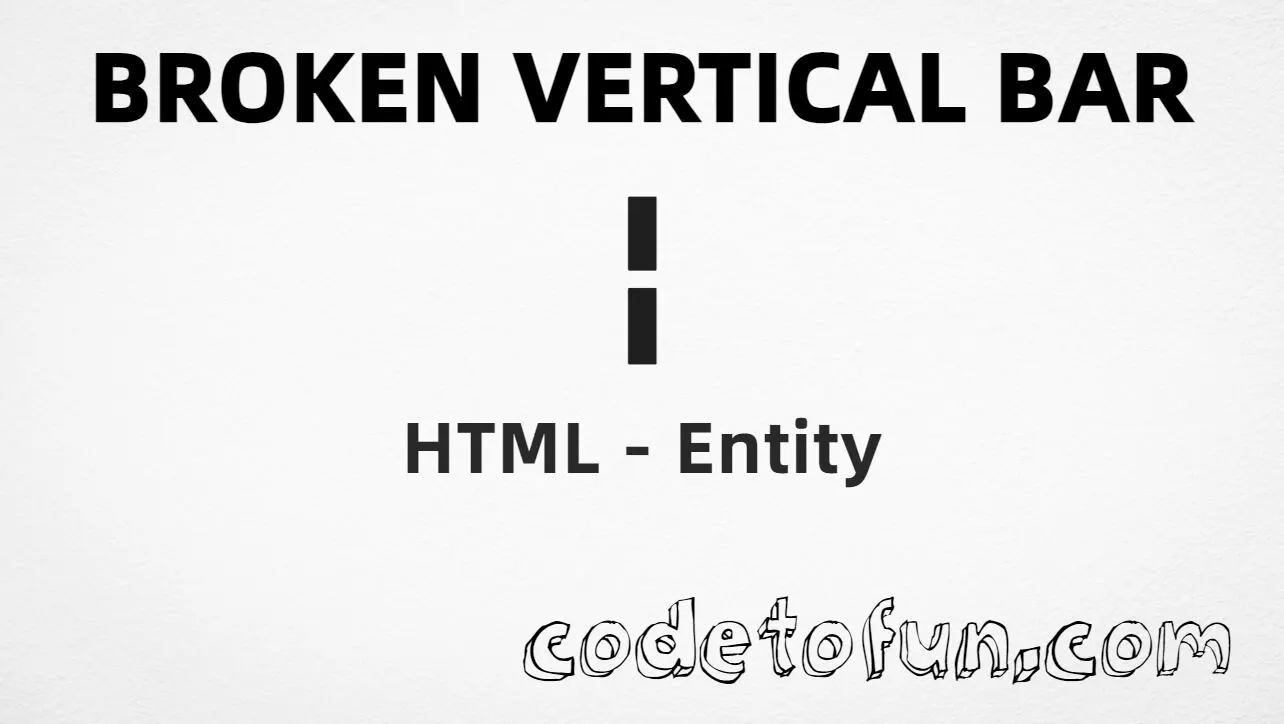
Broken vertical bar (¦) is Unicode U+00A6 in the Latin-1 Supplement block (official name BROKEN BAR). It looks like a vertical line with a gap — useful for parted rules and decorative dividers. HTML provides the named entity ¦.
Remember
Character     ¦
Unicode       U+00A6
Hex entity    ¦
Decimal       ¦
Named entity  ¦
CSS escape    \A6
Not the same  | U+007C (vertical bar / pipe)
All of these produce the same glyph: ¦. Prefer ¦ in hand-written HTML; type ¦ in UTF-8 when you can; use numeric or CSS forms for generated content.
One page that shows ¦ with hex, decimal, named entity, CSS escape, and a typed character. Use View Output or open the live editor.
Hex + Decimal + Named + CSS + Typed
Five ways to produce ¦ in a single document.
html
<!DOCTYPE html>
<html lang="en">
<head>
<meta charset="UTF-8">
<title>Broken Vertical Bar (¦) in HTML</title>
<style>
#point::after {
content: "\A6";
}
</style>
</head>
<body>
<p>Broken vertical bar using Hex Code: ¦</p>
<p>Broken vertical bar using HTML Code: ¦</p>
<p>Broken vertical bar using Named Entity: ¦</p>
<p id="point">Broken vertical bar using CSS Entity: </p>
<p>Typed directly: ¦</p>
</body>
</html>
Broken vertical bar using Hex Code: ¦
Broken vertical bar using HTML Code: ¦
Broken vertical bar using Named Entity: ¦
Broken vertical bar using CSS Entity: ¦
Typed directly: ¦
How It Works
1. Hex:U+00A6 → ¦ in HTML. The browser turns it into ¦.
2. Decimal: same code point as 166 → ¦. Same result as hex.
3. Named:¦ is the standard HTML name for U+00A6 — clear in source.
4. CSS: use \A6 in content (not an HTML entity). #point::after appends that ¦ after the paragraph text.
5. Typed ¦: fine in UTF-8 source. All five lines show the same glyph.
Pitfalls & Tips
Common mistakes when working with broken vertical bar (¦).
Named
Prefer ¦
Use ¦ in hand-written HTML. Numeric forms are fine for generated markup.
Screen readers may not announce “broken bar.” Pair the glyph with visible or visually hidden text when it carries meaning.
Fonts
Check Latin-1 coverage
Most fonts include U+00A6. If the gap is hard to see, increase size or choose a clearer typeface.
CSS vs HTML
Do not mix escapes
\A6 belongs in CSS. ¦ / ¦ / ¦ belong in HTML.
Semicolon
End references
Always finish with ; — write ¦, not ¦.
Compatibility
Browser Support
Broken vertical bar (U+00A6) and its entity forms (¦, ¦, ¦, CSS \\A6) are supported in all mainstream browsers. Glyph quality depends on font support for Latin-1 Supplement.
✓ Universal support
Broken Vertical Bar (¦)
Type ¦, or encode with named, hex, decimal, or CSS escape — same glyph everywhere encoding is supported.
100%Browser coverage
Google ChromeSupported
Yes
Microsoft EdgeSupported
Yes
Mozilla FirefoxSupported
Yes
Apple SafariSupported
Yes
OperaSupported
Yes
Internet ExplorerAll versions
Yes
U+00A6 / entitiesFull support
Bottom line: Prefer ¦ or a typed ¦ for markers. Use decimal when generating markup, and \\A6 only inside CSS content.
Remember
Key Takeaways
Unicode: broken vertical bar is U+00A6 (decimal 166).
Use ¦ (hex), ¦ (decimal), ¦ (named), or the CSS escape \A6 in the content property. All render ¦. You can also paste ¦ directly if your file is UTF-8.
U+00A6 (hex A6, decimal 166). Unicode names it BROKEN BAR. It belongs to the Latin-1 Supplement block.
Yes. ¦ maps to U+00A6. Prefer ¦ in hand-written HTML; numeric forms are useful in generated markup.
¦ (U+00A6) is the broken bar (gap in the middle). | (U+007C) is the solid vertical line / pipe. They are different code points.
HTML entities (¦, ¦, or ¦) go in markup. The CSS escape \A6 is used in stylesheets (usually in the content property of ::before/::after). Both render ¦.
Use ¦ for parted rules, decorative dividers, and typography where a broken bar is intended. Prefer | for code pipes and keyboard vertical bars.
🤔
Did you know?
Broken vertical bar is Unicode U+00A6 (decimal 166) in the Latin-1 Supplement block — official name BROKEN BAR. HTML’s named reference is ¦. It is not the solid vertical bar (U+007C |).