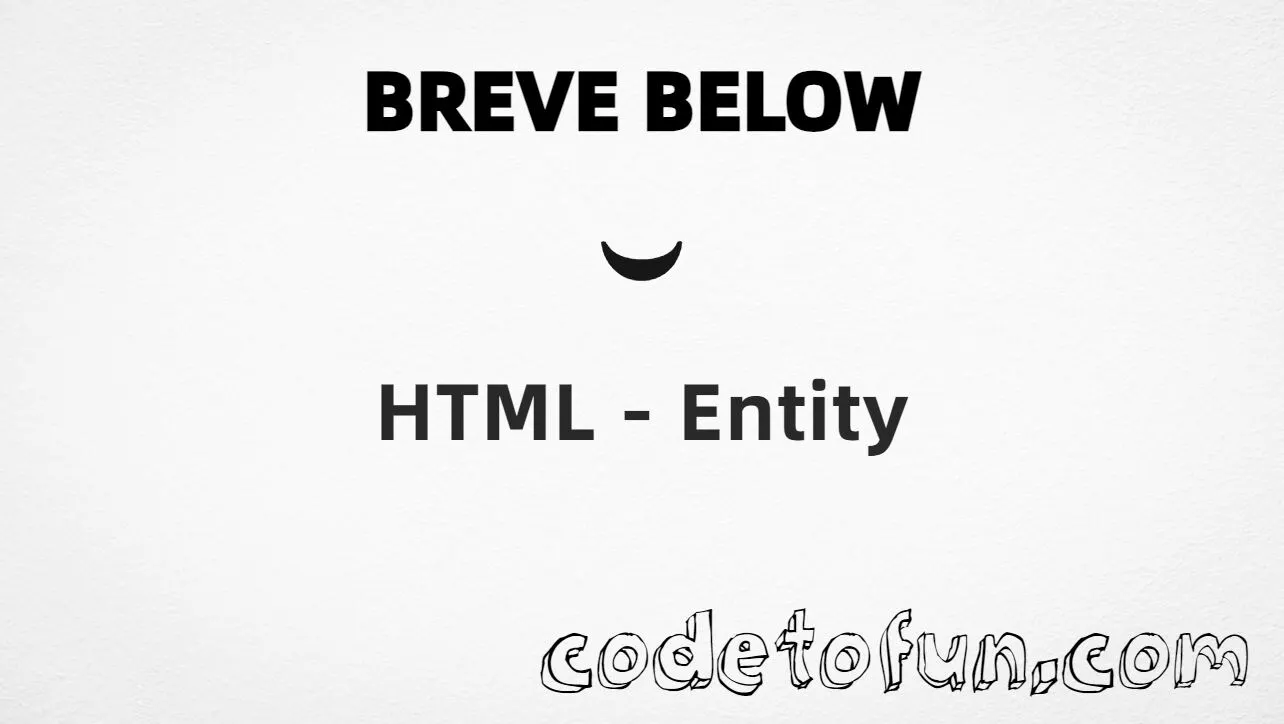
Combining breve below (U+032E) is a combining mark in the Combining Diacritical Marks block. It stacks below the character that comes before it — useful in linguistics and transcription. Example: h + ̮ renders as ḫ (same look as precomposed ḫ when fonts support it).
Remember
Character     combining breve below (after a base)
Unicode       U+032E
Hex entity    ̮
Decimal       ̮
CSS escape    \032E
Named entity  (none)
Example       ḫ → ḫ
Not the same  U+0306 (combining breve above)
Prefer a precomposed letter (e.g. ḫ / ḫ) for everyday text when one exists. Use U+032E when you need to compose marks, work with NFD text, or attach a breve below to a base that has no single precomposed form.
\032E belongs in CSS strings. ̮ / ̮ belong in HTML.
Fonts
Combining support varies
Some fonts stack below-marks poorly. If layout looks wrong, prefer a precomposed letter when available.
Semicolon
End references
Always finish with ; — write ̮, not ̮.
Compatibility
Browser Support
Combining breve below (U+032E) and its numeric entity forms (̮, ̮, CSS \\032E) are supported in all mainstream browsers. Stacking quality depends on font support for combining marks.
✓ Universal support
Breve Below (U+032E)
Encode with hex, decimal, or CSS escape after a base letter — same combining mark everywhere encoding is supported.
100%Browser coverage
Google ChromeSupported
Yes
Microsoft EdgeSupported
Yes
Mozilla FirefoxSupported
Yes
Apple SafariSupported
Yes
OperaSupported
Yes
Internet ExplorerAll versions
Yes
U+032E / entitiesFull support
Bottom line: Prefer precomposed letters for normal prose when available. Use ̮ or ̮ after a base letter when you need the combining mark, and \\032E only inside CSS content strings.
Remember
Key Takeaways
Unicode: combining breve below is U+032E (decimal 814).
HTML: base first, then ̮ or ̮ (e.g. ḫ).
CSS: use "h\032E" (or another base) inside content.
Watch out: U+032E is below; U+0306 is above.
One line:U+032E → after a base letter as ̮ / ̮ / CSS \032E.
Frequently Asked Questions
Place ̮ (hex) or ̮ (decimal) immediately after a base letter — for example ḫ for ḫ. In CSS, use content: "h\032E". There is no named HTML entity for U+032E.
U+032E (hex 032E, decimal 814). Unicode names it COMBINING BREVE BELOW. It belongs to the Combining Diacritical Marks block and stacks below the preceding base character.
No. Use numeric references like ̮ or ̮. For the precomposed letter ḫ, you can use ḫ (U+1E2B) instead of h + U+032E.
Use U+032E when composing diacritics dynamically, for linguistic/NFD text, or bases without a precomposed form. For normal prose, a precomposed character is usually simpler when one exists.
HTML entities (̮ or ̮) go in markup after the base letter. The CSS escape \032E goes in stylesheet strings (usually content on ::before/::after), typically as "h\032E".
U+032E is combining breve below (under the letter). U+0306 is combining breve above (over the letter). They are different code points.
🤔
Did you know?
Combining breve below is Unicode U+032E (decimal 814). It is a combining mark — place it after a base letter (e.g. ḫ → ḫ). HTML5 has no named entity for U+032E. It is not combining breve above (U+0306).