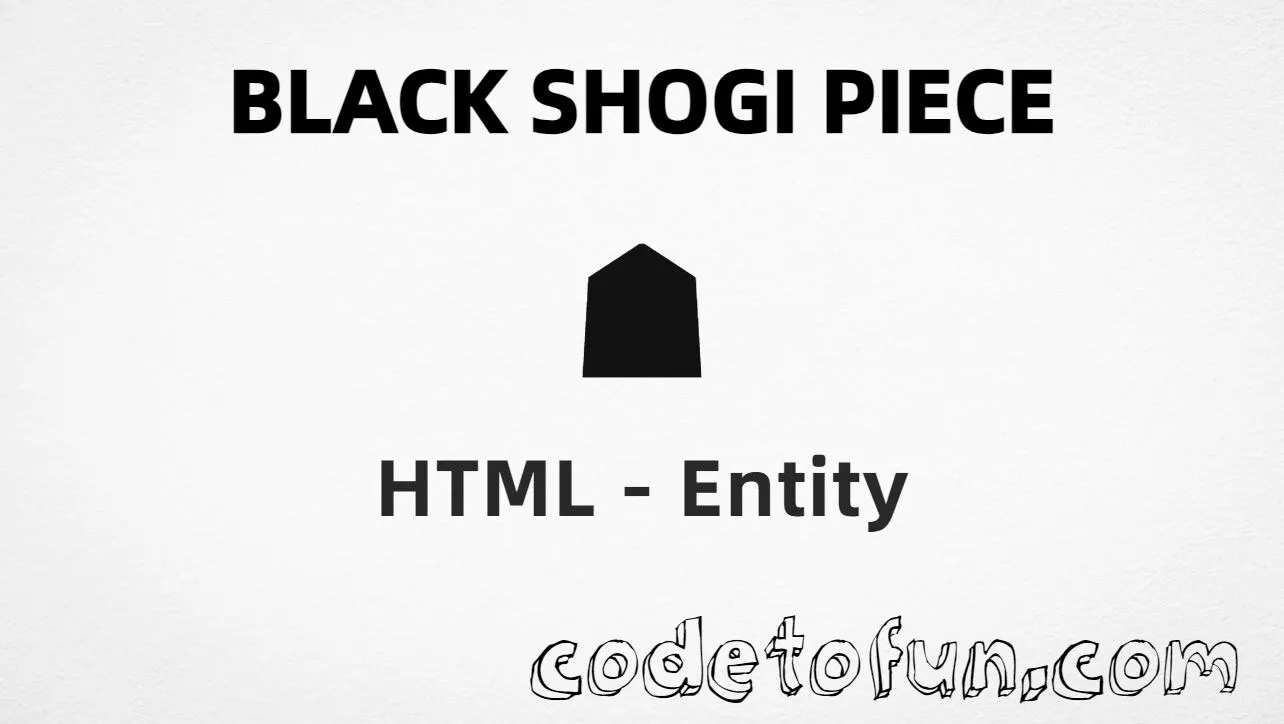
Black shogi piece (☗) is Unicode U+2617 in the Miscellaneous Symbols block. It is a filled shogi (Japanese chess) piece glyph — useful for game UIs and notation cues. HTML has no standard named entity — use numeric or CSS forms (or type the character in UTF-8).
Remember
Character     ☗
Unicode       U+2617
Hex entity    ☗
Decimal       ☗
Named entity  (none)
CSS escape    \2617
Not the same  ☖ U+2616 (white shogi piece)
All of these produce the same glyph: ☗. Prefer typing ☗ in UTF-8 when you can; use ☗ / ☗ or CSS for generated content.
Screen readers may not say “black shogi.” Pair the glyph with visible or visually hidden text such as Black.
Fonts
Check symbol coverage
Some UI fonts omit U+2617. Prefer fonts with solid Miscellaneous Symbols / shogi support.
CSS vs HTML
Do not mix escapes
\2617 belongs in CSS. ☗ / ☗ belong in HTML.
Semicolon
End references
Always finish with ; — write ☗, not ☗.
Compatibility
Browser Support
Black shogi piece (U+2617) and its entity forms (☗, ☗, CSS \\2617) are supported in all mainstream browsers. Glyph quality depends on font support for Miscellaneous Symbols.
✓ Universal support
Black Shogi Piece (☗)
Type ☗, or encode with hex, decimal, or CSS escape — same glyph everywhere encoding is supported.
100%Browser coverage
Google ChromeSupported
Yes
Microsoft EdgeSupported
Yes
Mozilla FirefoxSupported
Yes
Apple SafariSupported
Yes
OperaSupported
Yes
Internet ExplorerAll versions
Yes
U+2617 / entitiesFull support
Bottom line: Prefer a typed ☗ or ☗ for markers. Use decimal when generating markup, and \\2617 only inside CSS content.
Remember
Key Takeaways
Unicode: black shogi piece is U+2617 (decimal 9751).
HTML: use ☗ or ☗ (no named entity).
CSS: use \2617 inside content for generated icons.
Watch out: ☗ ≠ ☖ (black ≠ white shogi piece).
One line:U+2617 → ☗ / ☗ / CSS \2617.
Frequently Asked Questions
Use ☗ (hex), ☗ (decimal), or the CSS escape \2617 in the content property. All render ☗. You can also paste ☗ directly if your file is UTF-8. There is no standard named entity.
U+2617 (hex 2617, decimal 9751). Unicode names it BLACK SHOGI PIECE. It belongs to the Miscellaneous Symbols block.
No. HTML5 / WHATWG does not define a named character reference for U+2617. Prefer ☗, ☗, or a typed ☗ in UTF-8.
☗ (U+2617) is the filled (black) shogi piece. ☖ (U+2616) is white shogi piece. They are different code points.
HTML entities (☗ or ☗) go in markup. The CSS escape \2617 is used in stylesheets (usually in the content property of ::before/::after). Both render ☗.
Use ☗ for shogi / Japanese chess UIs, board notation cues, and game-related icons. Prefer clear text or ARIA labels when the meaning must be obvious to screen readers.
🤔
Did you know?
Black shogi piece is Unicode U+2617 (decimal 9751) in the Miscellaneous Symbols block — official name BLACK SHOGI PIECE. There is no standard named HTML entity. It is not white shogi piece (U+2616 ☖).