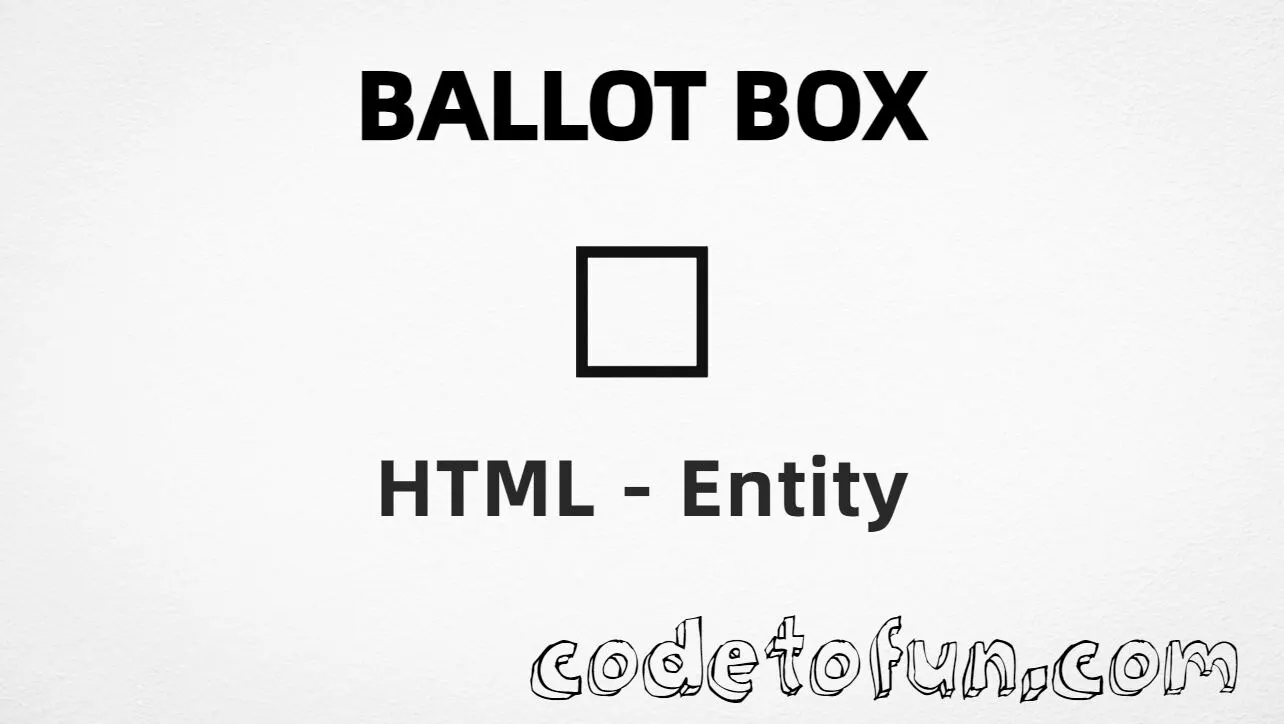
Ballot box (☐) is Unicode U+2610 in the Miscellaneous Symbols block. It is the empty ballot / unchecked checkbox-style glyph used in surveys, print lists, and static UI. HTML has no standard named entity — use numeric or CSS forms (or type the character in UTF-8).
Remember
Character     ☐
Unicode       U+2610
Hex entity    ☐
Decimal       ☐
Named entity  (none)
CSS escape    \2610
Related       ☑ U+2611 · ☒ U+2612
All of these produce the same glyph: ☐. Prefer typing ☐ in UTF-8 when you can; use ☐ / ☐ or CSS for generated content. For interactive checkboxes, use <input type="checkbox"> with a real <label>.
Some UI fonts omit a polished U+2610. Prefer fonts with solid Miscellaneous Symbols coverage.
CSS vs HTML
Do not mix escapes
\2610 belongs in CSS. ☐ / ☐ belong in HTML.
Semicolon
End references
Always finish with ; — write ☐, not ☐.
Compatibility
Browser Support
Ballot box (U+2610) and its entity forms (☐, ☐, CSS \\2610) are supported in all mainstream browsers. Glyph quality depends on font support for Miscellaneous Symbols.
✓ Universal support
Ballot Box (☐)
Type ☐, or encode with hex, decimal, or CSS escape — same glyph everywhere encoding is supported.
100%Browser coverage
Google ChromeSupported
Yes
Microsoft EdgeSupported
Yes
Mozilla FirefoxSupported
Yes
Apple SafariSupported
Yes
OperaSupported
Yes
Internet ExplorerAll versions
Yes
U+2610 / entitiesFull support
Bottom line: Prefer a typed ☐ or ☐ for static ballots. Use decimal when generating markup, and \\2610 only inside CSS content.
Remember
Key Takeaways
Unicode: ballot box is U+2610 (decimal 9744).
HTML: use ☐ or ☐ (no named entity).
CSS: use \2610 inside content for generated icons.
Watch out: ☐ is a glyph — use real checkboxes for forms.
One line:U+2610 → ☐ / ☐ / CSS \2610.
Frequently Asked Questions
Use ☐ (hex), ☐ (decimal), or the CSS escape \2610 in the content property. All render ☐. You can also paste ☐ directly if your file is UTF-8. There is no standard named entity.
U+2610 (hex 2610, decimal 9744). Unicode names it BALLOT BOX. It belongs to the Miscellaneous Symbols block.
No. HTML5 / WHATWG does not define a named character reference for U+2610. Prefer ☐, ☐, or a typed ☐ in UTF-8.
No for interactive forms. Use <input type="checkbox"> with a <label>. Use ☐ as a visual glyph in static lists, prints, or icons — not as the only control.
☐ is empty (U+2610). ☑ is ballot box with check (U+2611). ☒ is ballot box with X (U+2612). They are consecutive code points for a coherent ballot trio.
HTML entities (☐ or ☐) go in markup. The CSS escape \2610 is used in stylesheets (usually in the content property of ::before/::after). Both render ☐.
🤔
Did you know?
Ballot box is Unicode U+2610 (decimal 9744) in the Miscellaneous Symbols block — official name BALLOT BOX. There is no standard named HTML entity. It pairs with ☑ (U+2611) and ☒ (U+2612). For interactive controls, prefer <input type="checkbox"> with a real label.