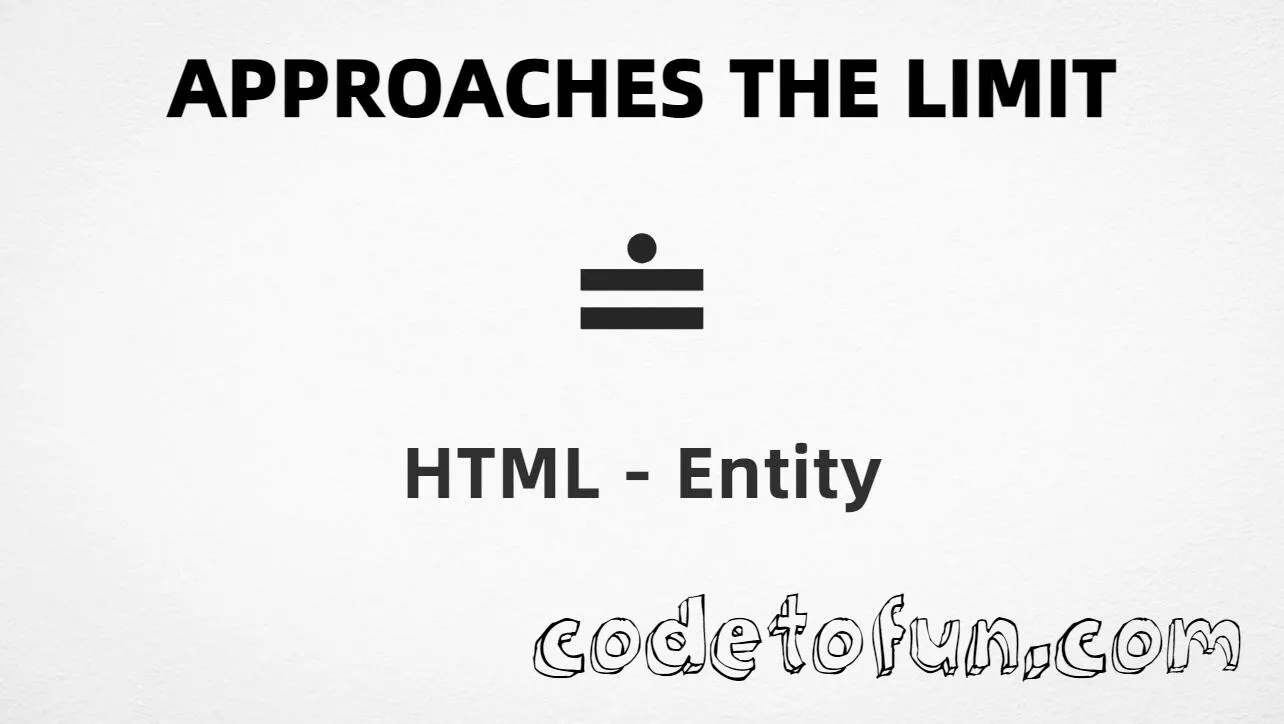
Approaches the limit (≐) is Unicode U+2250 in the Mathematical Operators block. It is the relation used when a quantity approaches a limiting value (asymptotic / limit notation). HTML provides the named entities ≐ and ≐.
Remember
Character     ≐
Unicode       U+2250
Hex entity    ≐
Decimal       ≐
Named entity  ≐ / ≐
CSS escape    \2250
Not the same  ≈ U+2248 · ≅ U+2245
All of these produce the same glyph: ≐. Prefer ≐ in hand-written HTML; type ≐ in UTF-8 when you can; use numeric or CSS forms for generated content.
Approaches using Hex Code: ≐
Approaches using HTML Code: ≐
Approaches using Named Entity: ≐
Approaches using CSS Entity: ≐
Typed directly: ≐
How It Works
1. Hex:U+2250 → ≐ in HTML. The browser turns it into ≐.
2. Decimal: same code point as 8784 → ≐. Same result as hex.
3. Named:≐ (or ≐) is the standard HTML name for U+2250 — clear in source.
4. CSS: use \2250 in content (not an HTML entity). #point::after appends that ≐ after the paragraph text.
5. Typed ≐: fine in UTF-8 source. All five lines show the same glyph.
Pitfalls & Tips
Common mistakes when working with the approaches-the-limit (≐) entity.
≈
Not almost equal
≐ is “approaches the limit.” For approximate equality use ≈.
≅
Not approximately equal
≅ (U+2245) is a different Mathematical Operators relation.
CSS vs HTML
Do not mix escapes
\2250 belongs in CSS. ≐ / ≐ belong in HTML.
Fonts
Use math-capable fonts
Some UI fonts omit Mathematical Operators. Prefer fonts with solid math coverage.
Names
≐ and ≐
Both named entities map to U+2250 — pick one style per project.
Semicolon
End references
Always finish with ; — write ≐, not &esdot.
Compatibility
Browser Support
Approaches the limit (U+2250) and its entity forms (≐, ≐, ≐, ≐, CSS \\2250) are supported in all mainstream browsers. Glyph availability depends on font support for Mathematical Operators.
✓ Universal support
Approaches the Limit (≐)
Type ≐, or encode with named, hex, decimal, or CSS escape — same glyph everywhere encoding is supported.
100%Browser coverage
Google ChromeSupported
Yes
Microsoft EdgeSupported
Yes
Mozilla FirefoxSupported
Yes
Apple SafariSupported
Yes
OperaSupported
Yes
Internet ExplorerAll versions
Yes
U+2250 / entitiesFull support
Bottom line: Prefer ≐ or a typed ≐ for normal text. Use numeric forms when generating markup, and \\2250 only inside CSS content.
Remember
Key Takeaways
Unicode: approaches the limit is U+2250 (decimal 8784).
Use ≐ (hex), ≐ (decimal), ≐ or ≐ (named), or the CSS escape \2250 in the content property. All render ≐. You can also paste ≐ directly if your file is UTF-8.
U+2250 (hex 2250, decimal 8784). Unicode names it Approaches the limit. It belongs to the Mathematical Operators block (U+2200–U+22FF).
Yes. ≐ and ≐ both map to U+2250. Prefer either in hand-written HTML; numeric forms are useful in generated markup.
Use ≐ for “approaches the limit” / asymptotic approach. Use ≈ (U+2248) for almost equal, and ≅ (U+2245) for approximately equal — different operators.
HTML entities (≐, ≐, ≐, or ≐) go in markup. The CSS escape \2250 is used in stylesheets (usually in the content property of ::before/::after). Both render ≐.
Pair ≐ with plain text or MathML — for example f(x) ≐ L as x → a. For full equations, MathML or a math renderer may be clearer.
🤔
Did you know?
Approaches the limit is Unicode U+2250 (decimal 8784) in the Mathematical Operators block. HTML provides ≐ (and ≐) for ≐. It means a value approaches a limit — not the same as ≈ (almost equal) or ≅ (approximately equal).