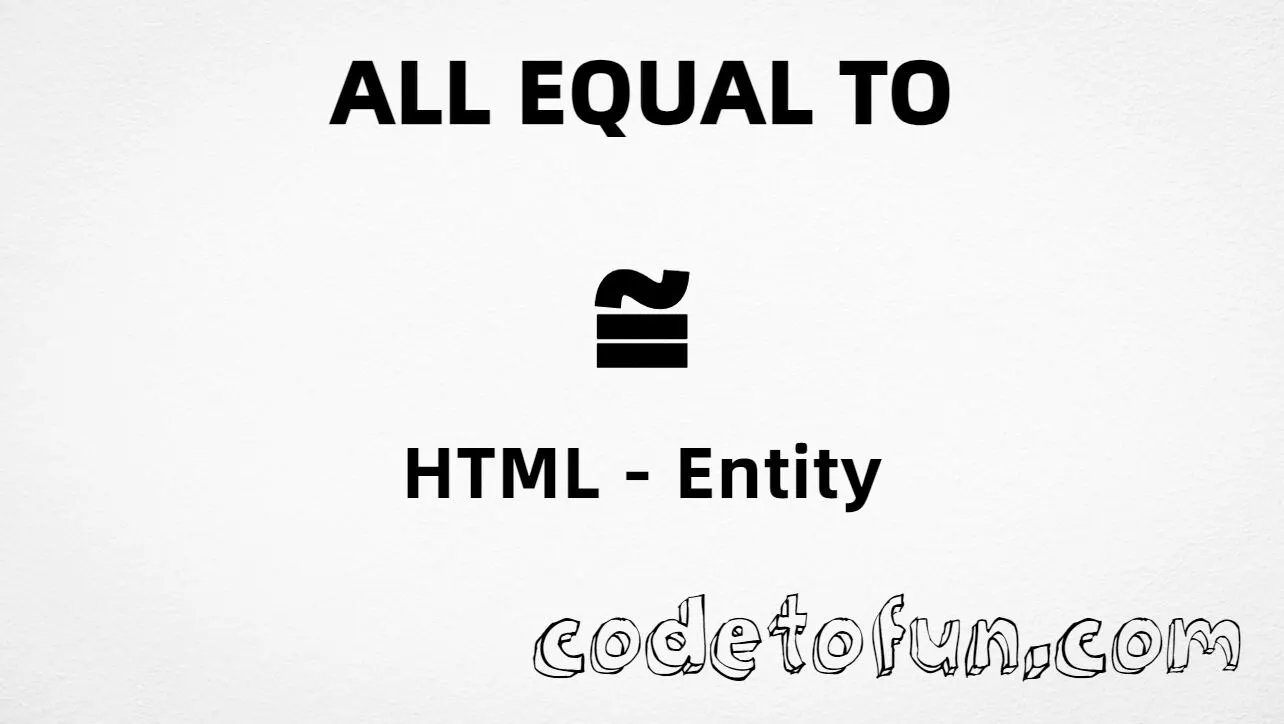
Almost Equal To (≈) is the Mathematical Operators character at Unicode U+2248. Unicode’s official name is Almost equal to. HTML also exposes it as the named entity ≈ (“asymptotically equal” in entity lists). You can paste ≈ in UTF-8 HTML, use ≈, or write a numeric character reference.
Remember
Character     ≈
Unicode       U+2248
Hex entity    ≈
Decimal       ≈
Named entity  ≈
CSS escape    \2248
Related       ≊ U+224A · ≌ U+224C
All of these produce the same glyph: ≈. Prefer ≈ in hand-written HTML. This is the everyday ≈ for approximate equality — not ≊ (U+224A) or the combining mark U+034C.
Almost Equal To rendered in common math and prose contexts.
Inline textπ ≈ 3.1416 in a rounded estimate.
Large glyph≈
Compare neighbors≈ ≈ | ≊ ≊ | ≌ ≌
MonospaceREL=≈ (U+2248)
With entitiesHex: ≈ | Decimal: ≈ | Named: ≈
Code
Complete HTML Example
One page that shows ≈ with hex, decimal, named entity, CSS escape, and a typed character. Use View Output or open the live editor.
Hex + Decimal + Named + CSS + Typed
Five ways to produce ≈ in a single document.
html
<!DOCTYPE html>
<html lang="en">
<head>
<meta charset="UTF-8">
<title>Almost Equal To (≈) in HTML</title>
<style>
#point::after {
content: "\2248";
}
</style>
</head>
<body>
<p>Almost Equal To using Hex Code: ≈</p>
<p>Almost Equal To using HTML Code: ≈</p>
<p>Almost Equal To using Named Entity: ≈</p>
<p id="point">Almost Equal To using CSS Entity: </p>
<p>Typed directly: ≈</p>
</body>
</html>
Almost Equal To using Hex Code: ≈
Almost Equal To using HTML Code: ≈
Almost Equal To using Named Entity: ≈
Almost Equal To using CSS Entity: ≈
Typed directly: ≈
How It Works
1. Hex:U+2248 → ≈ in HTML. The browser turns it into ≈.
2. Decimal: same code point as 8776 → ≈. Same result as hex.
3. Named:≈ is the standard HTML name for U+2248 — clear in source.
4. CSS: use \2248 in content (not an HTML entity). #point::after appends that ≈ after the paragraph text.
5. Typed ≈: fine in UTF-8 source. All five lines show the same glyph.
Pitfalls & Tips
Common mistakes when working with the Almost Equal To entity.
Neighbors
≈ ≠ ≊ ≠ ≌
U+2248, U+224A, and U+224C are different operators. Use the one your style guide requires.
Named
Prefer ≈
In hand-written HTML, the named entity is easier to read than ≈.
CSS vs HTML
Do not mix escapes
\2248 belongs in CSS. ≈ / ≈ / ≈ belong in HTML.
Combining
Not U+034C
Spacing ≈ stands alone. U+034C is a combining mark that stacks above a base letter.
Fonts
Check math coverage
Some webfonts omit Mathematical Operators. Test fonts used for equations.
Semicolon
End references
Always finish with ; — write ≈, not &asymp.
Compatibility
Browser Support
Almost Equal To (U+2248) and its entity forms (≈, ≈, ≈, CSS \\2248) are supported in all mainstream browsers. Glyph appearance depends on font coverage for the Mathematical Operators block.
✓ Universal support
Almost Equal To (≈)
Paste ≈, or encode with named, hex, decimal, or CSS escape — same glyph everywhere.
100%Browser coverage
Google ChromeSupported
Yes
Microsoft EdgeSupported
Yes
Mozilla FirefoxSupported
Yes
Apple SafariSupported
Yes
OperaSupported
Yes
Internet ExplorerAll versions
Yes
U+2248 / entitiesFull support
Bottom line: Prefer ≈ in hand-written HTML. Use ≈ or ≈ when a numeric form is clearer, and \\2248 only inside CSS content.
Remember
Key Takeaways
Unicode: Almost Equal To is U+2248 (decimal 8776).
HTML: prefer ≈, or use ≈ / ≈.
CSS: use \2248 inside content for generated text.
Default approx: ≈ is the usual choice; ≊ and ≌ are different symbols.
Use ≈ (hex), ≈ (decimal), ≈ (named), or the CSS escape \2248 in the content property. All render Almost Equal To (≈). You can also paste ≈ directly if your file is UTF-8.
U+2248 (hex 2248, decimal 8776). Unicode names it Almost equal to. It belongs to the Mathematical Operators block (U+2200–U+22FF).
Yes. ≈ maps to U+2248. Prefer it in hand-written HTML; numeric forms are useful in generated markup or XML contexts.
Use ≈ for the common “approximately equal” operator between two expressions. Use ≊ when your notation standard explicitly calls for Approximately equal or equal to (U+224A).
HTML entities (≈, ≈, or ≈) go in markup. The CSS escape \2248 is used in stylesheets (usually in the content property of ::before/::after). Both render ≈.
HTML’s entity list uses the mnemonic “asymptotically equal” for U+2248. Unicode’s character name is Almost equal to. Same code point — two labels.
🤔
Did you know?
Almost Equal To is Unicode U+2248 (decimal 8776) in the Mathematical Operators block. HTML provides the named entity ≈ (historically labeled “asymptotically equal”). It is the common ≈ used for approximate equality — not the same as ≊ (U+224A) or combining U+034C.