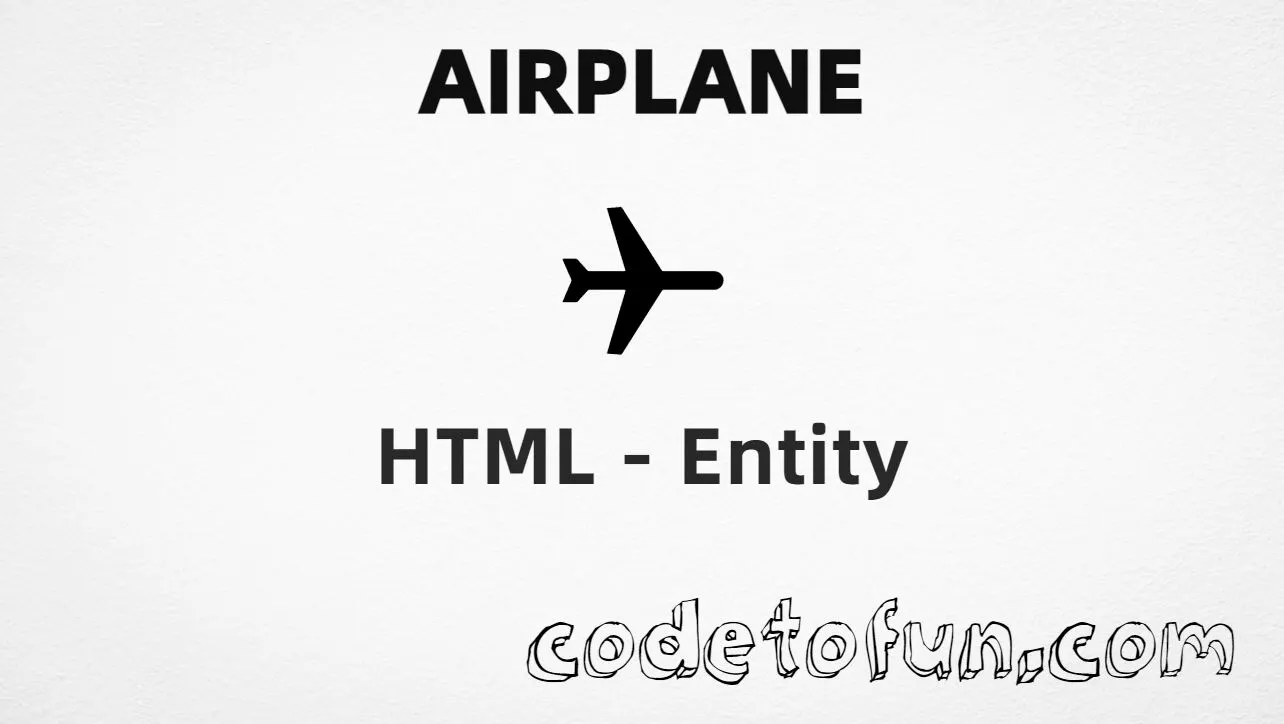
Airplane (✈) is the Dingbats character at Unicode U+2708. Unicode’s official name is Airplane. It is widely used in travel and aviation text and UI labels. You can paste ✈ in UTF-8 HTML, or write it with a numeric character reference when you need an explicit entity form.
Remember
Character     ✈
Unicode       U+2708
Hex entity    ✈
Decimal       ✈
CSS escape    \2708
Named entity  (none)
All of these produce the same glyph: ✈. Prefer the character or a numeric entity in body text; use the CSS escape for generated content on pseudo-elements. For branded product UI, an SVG icon is often a better fit than a Dingbat.
Reference
Quick Reference
One table for every form you will actually use.
Form
Code
Where it goes
Direct character
✈
HTML text (UTF-8)
Hex entity
✈
HTML markup
Decimal entity
✈
HTML markup
CSS escape
\2708
Stylesheet content
Named entity
—
Not defined in HTML5
When to Use Which
Situation
Use
UTF-8 page, glyph available in your editor
Paste ✈
Need an entity in HTML source
✈ or ✈
Generated text via ::before / ::after
content: "\2708"
Looking for &airplane;
Does not exist — use numeric form
Branded / scalable product icon
Prefer SVG (or an icon set) over Dingbats
See it
Live Preview
Airplane rendered in common travel UI contexts.
Inline textFlight ✈ DEL → BLR departs at 09:40.
Large glyph✈
UI label✈ Book flights
MonospaceSTATUS: ✈ ON TIME
With entitiesHex: ✈ | Decimal: ✈
Code
Complete HTML Example
One page that shows Airplane with the hex entity, decimal entity, CSS escape, and a typed character. Use View Output or open the live editor.
Hex + Decimal + CSS + Typed
All four ways to produce ✈ in a single document.
html
<!DOCTYPE html>
<html lang="en">
<head>
<meta charset="UTF-8">
<title>Airplane (✈) in HTML</title>
<style>
#point::after {
content: "\2708";
}
</style>
</head>
<body>
<p>Airplane using Hex Code: ✈</p>
<p>Airplane using HTML Code: ✈</p>
<p id="point">Airplane using CSS Entity: </p>
<p>Typed directly: ✈</p>
</body>
</html>
Airplane using Hex Code: ✈
Airplane using HTML Code: ✈
Airplane using CSS Entity: ✈
Typed directly: ✈
How It Works
1. Hex:U+2708 → ✈ in HTML. The browser turns it into ✈.
2. Decimal: same code point as 9992 → ✈. Same result as hex.
3. CSS: use \2708 in content (not an HTML entity). #point::after appends that ✈ after the paragraph text.
4. Typed ✈: fine in UTF-8 source. All four lines show the same glyph.
Pitfalls & Tips
Common mistakes when working with the Airplane entity.
Named?
No &airplane;
HTML5 does not define a named entity for this Dingbat. Use numeric forms.
CSS vs HTML
Do not mix escapes
\2708 belongs in CSS. ✈ / ✈ belong in HTML.
Fonts
Check Dingbats coverage
Some webfonts omit U+2708. Test your UI font or rely on system fallbacks.
Color
Emoji-style variants
Some OS fonts colorize ✈. If you need a flat icon, use SVG or a monochrome font.
A11y
Add a text label
Pair ✈ with words like “Flights” so meaning is clear without the glyph alone.
Semicolon
End references
Always finish with ; — write ✈, not ✈.
Compatibility
Browser Support
Airplane (U+2708) and its numeric entity forms (✈, ✈, CSS \\2708) are supported in all mainstream browsers. Glyph appearance depends on font coverage for the Dingbats block.
✓ Universal support
Airplane (✈)
Paste ✈, or encode with hex, decimal, or CSS escape — same character everywhere encoding is supported.
100%Browser coverage
Google ChromeSupported
Yes
Microsoft EdgeSupported
Yes
Mozilla FirefoxSupported
Yes
Apple SafariSupported
Yes
OperaSupported
Yes
Internet ExplorerAll versions
Yes
U+2708 / entitiesFull support
Bottom line: Use a typed ✈ in UTF-8 text when convenient. Prefer ✈ or ✈ in HTML when encoding must be explicit, and \\2708 only inside CSS content.
Remember
Key Takeaways
Unicode: Airplane is U+2708 (decimal 9992).
HTML: use ✈ or ✈ when you need an entity.
CSS: use \2708 inside content for generated text.
UI tip: use SVG for brand icons; U+2708 is great for text and docs.
One line:U+2708 → paste ✈, or encode as ✈ / ✈ / CSS \2708.
Frequently Asked Questions
Use ✈ (hex), ✈ (decimal), or the CSS escape \2708 in the content property. All render Airplane (✈). You can also paste ✈ directly if your file is UTF-8.
U+2708 (hex 2708, decimal 9992). Unicode names it Airplane. It belongs to the Dingbats block (U+2700–U+27BF).
No. HTML5 does not define a named entity such as &airplane;. Use numeric references like ✈ or ✈ when you need an entity form.
In travel UIs, flight status, booking labels, and icons where a compact airplane glyph fits. Prefer an SVG/icon font for branded UI; use U+2708 for simple text and documentation.
HTML entities (✈ or ✈) go in markup. The CSS escape \2708 is used in stylesheets (usually in the content property of ::before/::after). Both render ✈.
Some platforms render Dingbat/emoji-style variants with color. Appearance depends on the font and OS. Test your stack if you need a flat monochrome silhouette.
🤔
Did you know?
Airplane is Unicode U+2708 (decimal 9992) in the Dingbats block. HTML5 has no named entity for it — use ✈ or ✈ when you need an entity form.