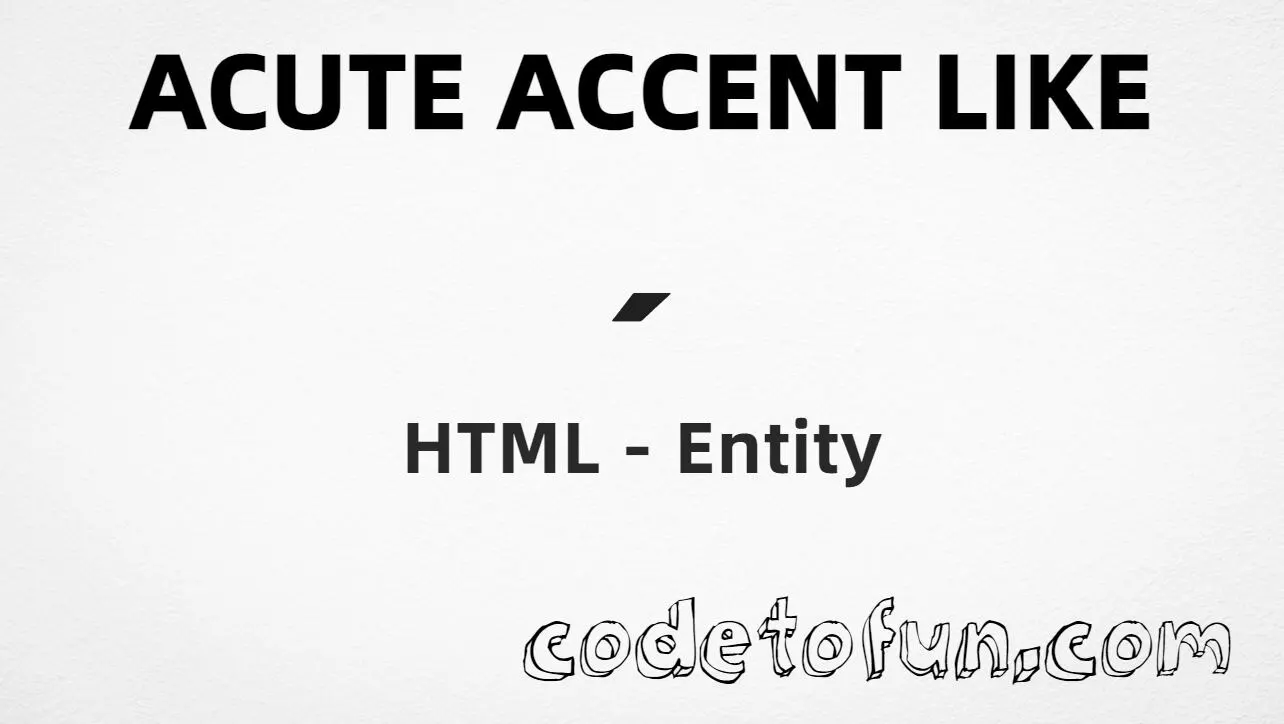
HTML Entity for Acute Accent Like (´)

Beginner
⏱️ 5 min read
📚 Updated: May 2026
🎯 1 Code Example
Unicode U+00B4

What You'll Learn

How to show U+00B4 (modifier letter acute accent, ´) in HTML. This is a spacing modifier letter—a visible acute symbol on its own—not the same as the combining acute (U+0301) used to build letters such as “e” + combining mark.

It lives in the Latin-1 Supplement block. You can write it as ´, ´, the named entity ´, or \00B4 in CSS content.

⚡ Quick Reference — Acute Accent Like Entity

Unicode U+00B4

Latin-1 Supplement (modifier letter)

Hex Code ´

Hexadecimal reference

HTML Code ´

Decimal reference

Named Entity ´

Readable in source markup

Reference Table
Name           Value
────────────   ──────────
Unicode        U+00B4
Hex code       ´
HTML code      ´
Named entity   ´
CSS code       \00B4
1

Complete HTML Example

This example shows ´ using hexadecimal, decimal, named entity, and a CSS content escape on a pseudo-element:

html
<!DOCTYPE html>
<html>
<head>
 <style>
  #point:after{
   content: "\00B4";
  }
 </style>
</head>
<body>

<p>Acute Accent Like using Hexa Decimal: &#x00B4;</p>
<p>Acute Accent Like using HTML Code: &#180;</p>
<p>Acute Accent Like using HTML Entity: &acute;</p>
<p id="point">Acute Accent Like using CSS Entity: </p>

</body>
</html>
Try It Yourself

🌐 Browser Support

U+00B4 is in Latin-1 and is universally supported in modern browsers:

Chrome 1+
Firefox 1+
Safari 1+
Edge 12+
Opera 4+
Android 4.4+
iOS Safari 1+

👀 Live Preview

The modifier letter acute (´) in typical UI and typography contexts:

Inline text Spacing acute: ´ between words.
Large glyph ´
Sample labels Footnote marker style: (a´) (b´) — for display only, not semantics.
Monospace Char: ´ same as &acute;
vs. combining acute For “é” in running French text, prefer the single code point U+00E9 or e + U+0301—not U+00B4 alone.

🧠 How It Works

1

Hexadecimal Code

&#x00B4; references Unicode 00B4 in hexadecimal. The leading 00 keeps the code point unambiguous in documentation.

HTML markup
2

Decimal HTML Code

&#180; is decimal 180, equivalent to U+00B4.

HTML markup
3

Named Entity

&acute; is the standard named entity for U+00B4—easy to read in source and widely recognized.

HTML markup
4

CSS Entity (Escape)

\00B4 is used inside CSS strings, for example in content on ::after.

CSS stylesheet
=

Same visual result

All four methods produce ´ (U+00B4). It is not a combining mark; for accents that attach to letters, use U+0301 or precomposed characters.

Use Cases

Where the standalone acute modifier (´) is appropriate:

🎨 Typography

Specimens, style guides, and font samples that show the acute symbol by itself.

🌐 Multilingual UI

Keyboard layouts, picker labels, and “press ´ then vowel” instructions in educational UI.

📚 Language learning

Diagrams that isolate the acute mark from full accented letters.

📄 Documentation

Entity reference pages and Unicode tables listing U+00B4.

💻 Internationalization

Explaining Latin-1 / Windows-1252 mappings and HTML entity names.

📝 Character charts

Side-by-side display of punctuation and modifier letters.

✓ Special display

Any content that must show the acute glyph visibly without composing a base letter.

💡 Best Practices

Do

  • Use &acute; or one numeric style consistently in hand-authored HTML
  • Prefer precomposed letters (é, á, …) or combining sequences for real words in body copy
  • Declare UTF-8 and validate encoding end-to-end
  • Use \00B4 only inside CSS strings, not raw in HTML text
  • Document the difference between U+00B4 and U+0301 for your content team

Don’t

  • Use U+00B4 as a substitute for a typographic apostrophe (prefer U+2019 right single quotation mark)
  • Confuse &acute; (U+00B4) with the prime symbol U+2032 unless you truly mean ´
  • Build accented words only from U+00B4 + letters unless your orthography explicitly requires it
  • Forget that CSS escapes belong in stylesheets, not in HTML node text
  • Mix hex and decimal entity styles arbitrarily in generated output

Key Takeaways

1

Three HTML forms render ´

&#x00B4; &#180; &acute;
2

For CSS, use the escape in content (e.g. \00B4)

\00B4
3

U+00B4 is a spacing modifier letter in Latin-1 Supplement

4

It is not the combining acute (U+0301) used to stack on base letters

5

For running text in natural languages, prefer proper accented code points over the bare modifier

❓ Frequently Asked Questions

Use &#x00B4; (hex), &#180; (decimal), &acute; (named), or \00B4 in CSS content. All produce ´.
U+00B4 (hex 00B4, decimal 180). Official name: modifier letter acute accent. It is not the same as combining acute U+0301.
When you need the standalone acute symbol for charts, UI hints, or typography—not as the primary way to spell accented words in prose (use é, ñ, etc., or proper combining sequences).
Entities go in HTML markup; \00B4 is a CSS escape used inside stylesheet strings. Same character, different layer of the stack.
&acute; is the standard named entity. It is part of HTML’s legacy entity set and maps to U+00B4 in modern browsers.

Explore More HTML Entities!

Discover 1500+ HTML character references — currency symbols, arrows, math operators, emojis, and more.

All HTML Entities →

About the author

Mari Selvan M P
Mari Selvan M P 🔗

Developer, cloud engineer, and technical writer

  • Experience 12 years building web and cloud systems
  • Focus Full Stack Development, AWS, and Developer Education

I write practical tutorials so students and working developers can learn by doing—from databases and APIs to deployment on AWS.

8 people found this page helpful