Triangular Multiplication Pattern in C#
What You’ll Learn
How to print a triangular multiplication pattern in C# using nested for loops.
On row i, you will print i values: i*1, i*2, ..., i*i.
⭐ Pattern Output
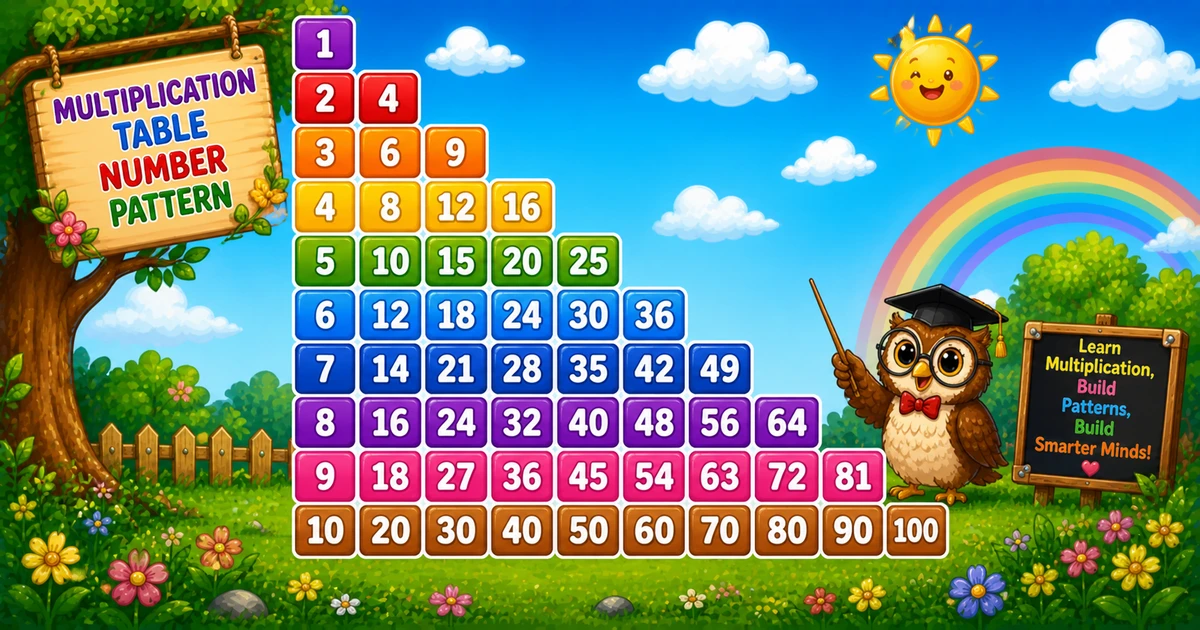
For rows = 10, the pattern looks like this:
1\n2 4\n3 6 9\n4 8 12 16\n5 10 15 20 25\n6 12 18 24 30 36\n7 14 21 28 35 42 49\n8 16 24 32 40 48 56 64\n9 18 27 36 45 54 63 72 81\n10 20 30 40 50 60 70 80 90 100Complete C# Program
The outer loop chooses the row number. The inner loop prints i * j for j = 1..i.
using System;

namespace MyApp
{
    class Program
    {
        static void Main(string[] args)
        {
            int i, j;

            for (i = 1; i <= 10; i++)
            {
                for (j = 1; j <= i; j++)
                    Console.Write((j * i) + " ");

                Console.WriteLine();
            }
        }
    }
}🧠 How It Works
Choose the number of rows
Here we print 10 rows using for (i = 1; i <= 10; i++).
Outer loop controls the row number
On each row, i is the base multiplier (1, 2, 3, ...).
Inner loop prints the products
for (j = 1; j <= i; j++) prints i*j for each column in that row.
Move to the next line
Console.WriteLine() ends the row so the next iteration prints on a new line.
Multiplication triangle
Total printed values are \(1+2+\dots+n = n(n+1)/2\), so time complexity is O(n²) for n rows.
Variation — User Input Rows
Let the user choose how many rows to print at runtime.
using System;

namespace MyApp
{
    class Program
    {
        static void Main(string[] args)
        {
            int rows;
            Console.Write("Enter number of rows: ");

            if (!int.TryParse(Console.ReadLine(), out rows) || rows <= 0)
            {
                Console.WriteLine("Please enter a positive integer.");
                return;
            }

            for (int i = 1; i <= rows; i++)
            {
                for (int j = 1; j <= i; j++)
                    Console.Write((i * j) + " ");

                Console.WriteLine();
            }
        }
    }
}💡 Tips for Enhancement
Try These
- Align columns using fixed-width formatting (e.g.,
{value,4}) for larger rows - Remove the trailing space by building a row string and trimming it
- Print a full multiplication table by making the inner loop go to
rows - Right-align the triangle with leading spaces
Avoid
- Skipping input validation when you accept
rowsfrom the user - Forgetting
Console.WriteLine()after each row - Using inconsistent spacing (it makes the pattern hard to read)
Key Takeaways
The outer loop selects the row multiplier i.
The inner loop prints i*j for j = 1..i.
Total printed values are triangular numbers: \(n(n+1)/2\).
The approach generalizes to other grid/triangle patterns by changing what you print inside the inner loop.
❓ Frequently Asked Questions
i is i*i. For i = 5, that is 25.rows every time: for (j = 1; j <= rows; j++).Console.Write($"{i*j,4}") so each column takes the same width.Explore More C# Number Patterns!
Multiplication-based patterns are a great bridge between loops and real-world arithmetic.
The total count of printed values after n rows is a triangular number: \(n(n+1)/2\). That’s why this kind of triangle often shows up in nested-loop practice problems.
About the author


12 people found this page helpful