Reverse Left-Shifted Number Pattern in C#
What You’ll Learn
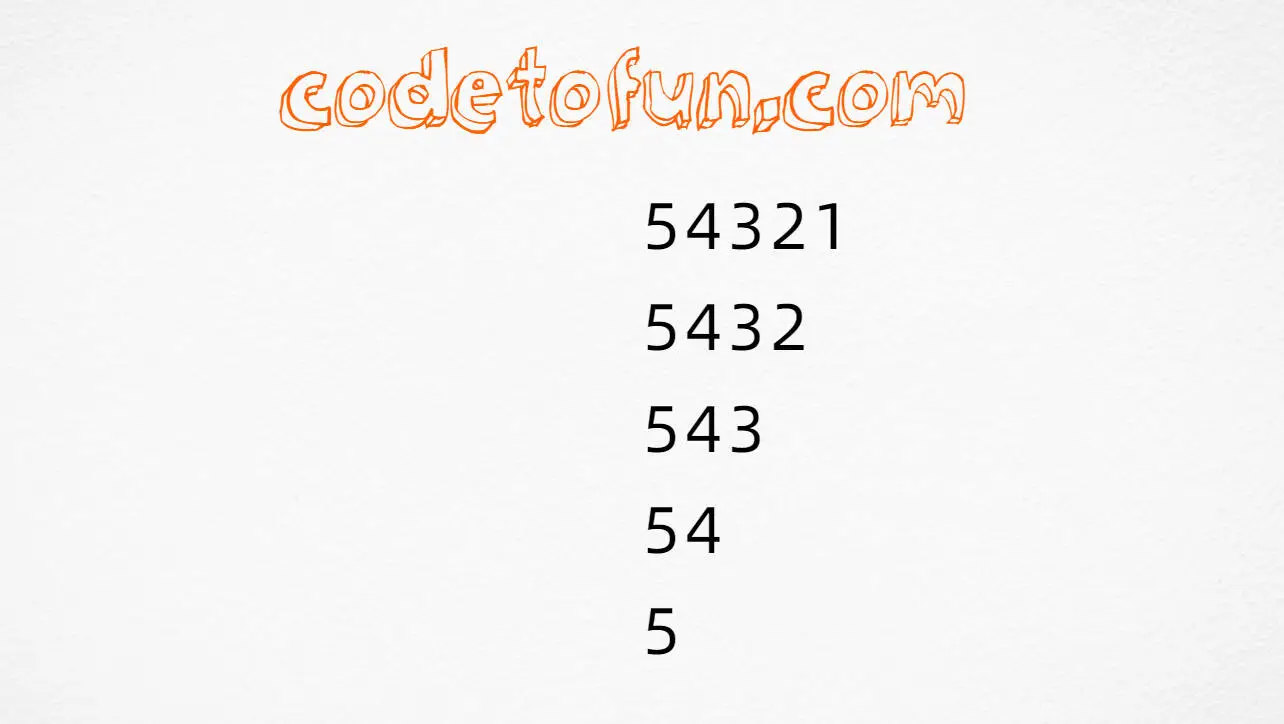
How to print a reverse left-shifted descending number pattern in C#. Each row starts from the maximum number (rows) and counts down to a changing stop value, producing 54321, 5432, 543, 54, and 5.
This pattern is similar to the left-shifted triangle, but the inner loop counts downward and always begins from rows.
⭐ Pattern Output
For rows = 5, the pattern looks like this:
54321
5432
543
54
5Complete C# Program
Outer loop increases the stop value; inner loop prints from rows down to i.
using System;

namespace MyApp
{
    class Program
    {
        static void Main(string[] args)
        {
            int rows = 5;
            int i, j;

            for (i = 1; i <= rows; i++)
            {
                for (j = rows; j >= i; j--)
                {
                    Console.Write(j);
                }
                Console.WriteLine();
            }
        }
    }
}🧠 How It Works
Set the height
int rows = 5; sets both the maximum printed digit and the number of rows.
Outer loop (row index)
for (i = 1; i <= rows; i++) increases the stopping point for each row.
Inner loop (print rows..i)
for (j = rows; j >= i; j--) prints from 5 down to i. Since i grows each row, fewer digits get printed.
New line
Console.WriteLine() moves to the next row.
Reverse left-shifted pattern
Total digits printed are 5+4+3+2+1 = n(n+1)/2 for n rows, so time complexity is O(n²).
Variation — User Input Version
Read the row count at runtime:
using System;

namespace MyApp
{
    class Program
    {
        static void Main(string[] args)
        {
            Console.Write("Enter the number of rows: ");
            int rows = Convert.ToInt32(Console.ReadLine());

            for (int i = 1; i <= rows; i++)
            {
                for (int j = rows; j >= i; j--)
                {
                    Console.Write(j);
                }
                Console.WriteLine();
            }
        }
    }
}💡 Tips for Enhancement
Try These
- Validate input with
int.TryParseto avoid crashes - Add spaces between digits for readability
- Swap bounds to print from
rowsdown to 1 on every row (fixed width) - Right-align by printing leading spaces before each row
Avoid
- Forgetting
Console.WriteLine()after each row - Using
Convert.ToInt32without handling invalid input - Incrementing
j(this pattern needs a countdown)
Key Takeaways
Each row begins at rows and stops at i.
The outer loop increases i, so each row prints fewer digits.
Total digits printed are triangular: n(n+1)/2 → O(n²).
This is a useful pattern for practicing variable inner-loop stop conditions.
❓ Frequently Asked Questions
i = rows, so the inner loop prints just rows once.i down to 1. This program prints from rows down to i, so each row always starts with the maximum digit.n(n+1)/2 digits.Explore More C# Number Patterns!
Keep practicing nested loops with inversions, alignments, and alternating number patterns.
When the inner loop prints from rows down to i, the number of printed digits is still triangular: 5+4+3+2+1. Only the starting value changes.
About the author


12 people found this page helpful