Deploy a React app on EC2

What you’ll learn
Deploy a React production build on Ubuntu EC2 using Create React App locally, a small Express server to serve the build/ folder (including client-side routes), FileZilla for upload, and PM2 to keep the server running.
The sample listens on port 3000; open that port in your EC2 security group (or change the port in code and in the group).
Prerequisites
- AWS account and EC2
- An AWS account with access to EC2.
- Running EC2 instance
- An EC2 instance (Ubuntu recommended).
- Elastic IP (recommended)
- An Elastic IP for a stable public address.
- FileZilla
- FileZilla (SFTP) configured for the instance.
- PuTTY or SSH
- PuTTY or OpenSSH.
- Node.js and npm
- Node.js and npm on the instance.
Create the React app locally
Scaffold an app (replace
my-react-appwith your name):Terminal (local)npx create-react-app@latest my-react-appTerminal (local)cd my-react-appStart the dev server:
Terminal (local)npm startThe app opens at http://localhost:3000/.
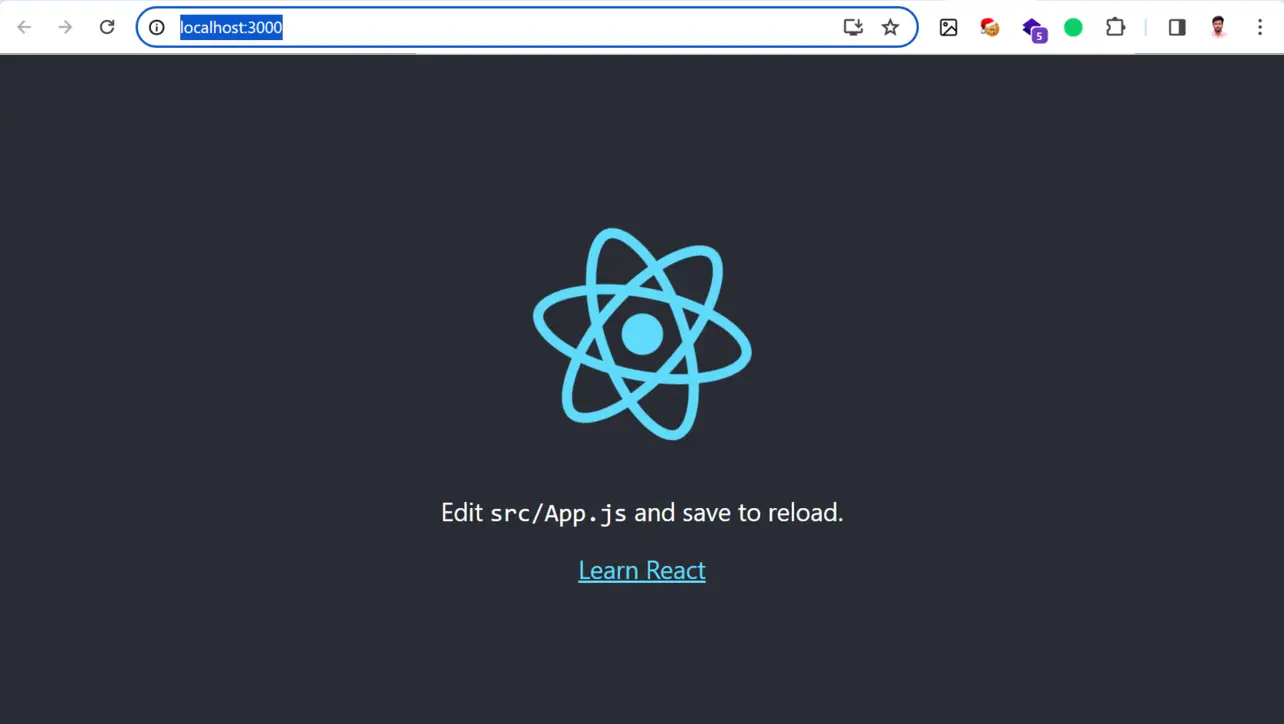
Browser Edit the UI under
src/— commonlysrc/App.jsorsrc/App.jsxdepending on your template.
Deploy on EC2
Add index.js at the project root (next to package.json) before you upload. It serves the CRA build folder and falls back to index.html for client-side routes.
const express = require('express');
const path = require('path');

const app = express();
const port = process.env.PORT || 3000;

app.use(express.static(path.join(__dirname, 'build')));

app.get('*', (req, res) => {
  res.sendFile(path.join(__dirname, 'build', 'index.html'));
});

app.listen(port, () => {
  console.log(`Server is running on port ${port}`);
});
Confirm the instance is running; note the public DNS or IP.
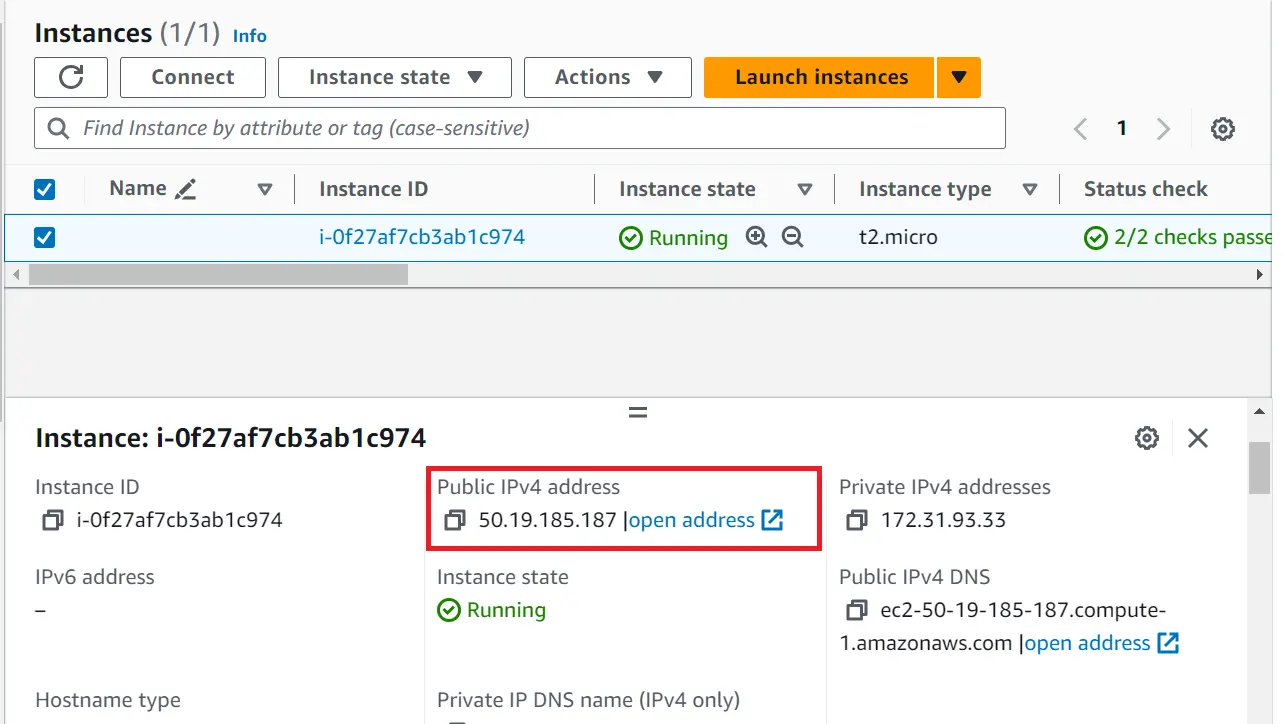
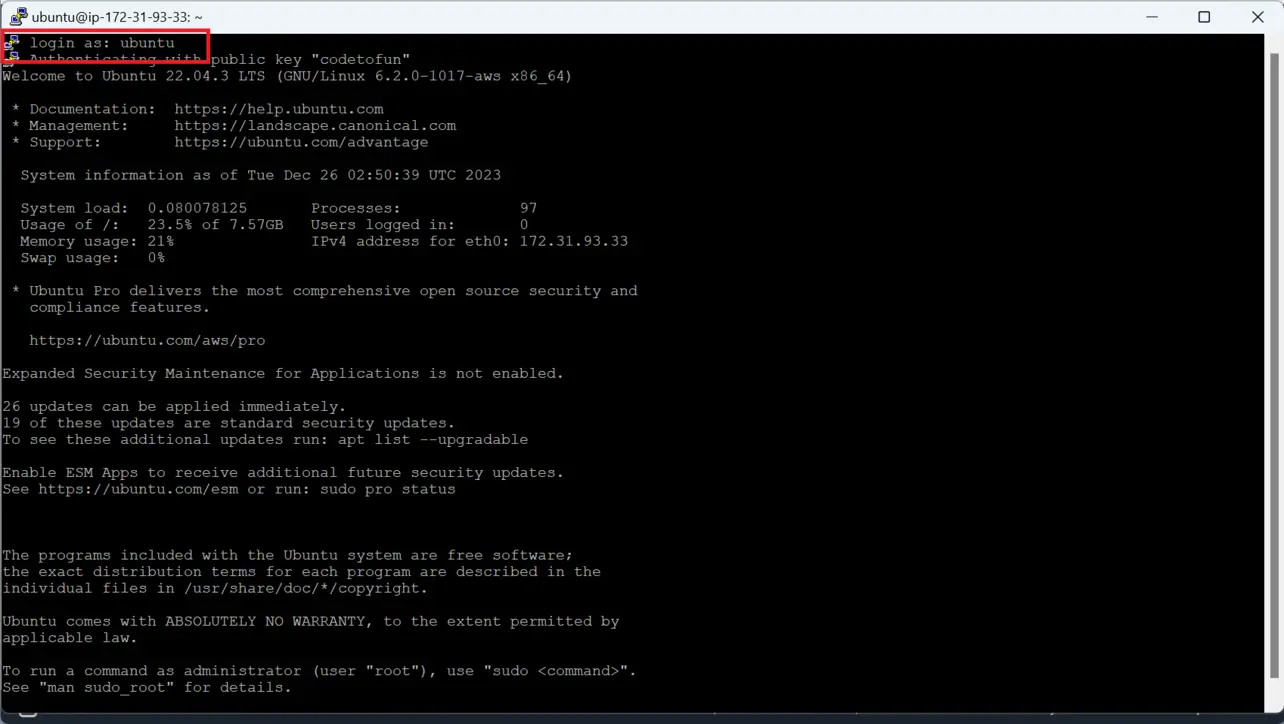
Amazon EC2 Connect with PuTTY or SSH.
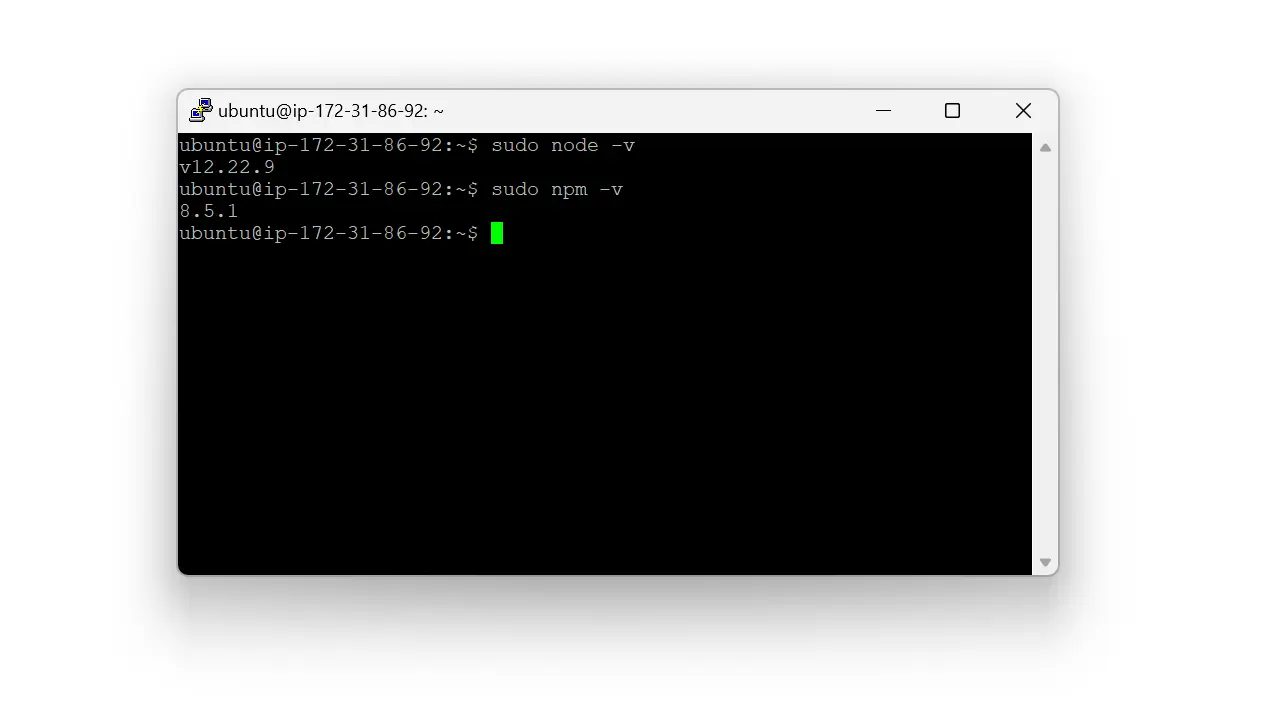
PuTTY Verify Node and npm.
Ubuntu Create a deploy directory and set ownership:
Terminal (EC2)sudo mkdir -p /home/ubuntu/reactjs-website sudo chown ubuntu:ubuntu /home/ubuntu/reactjs-website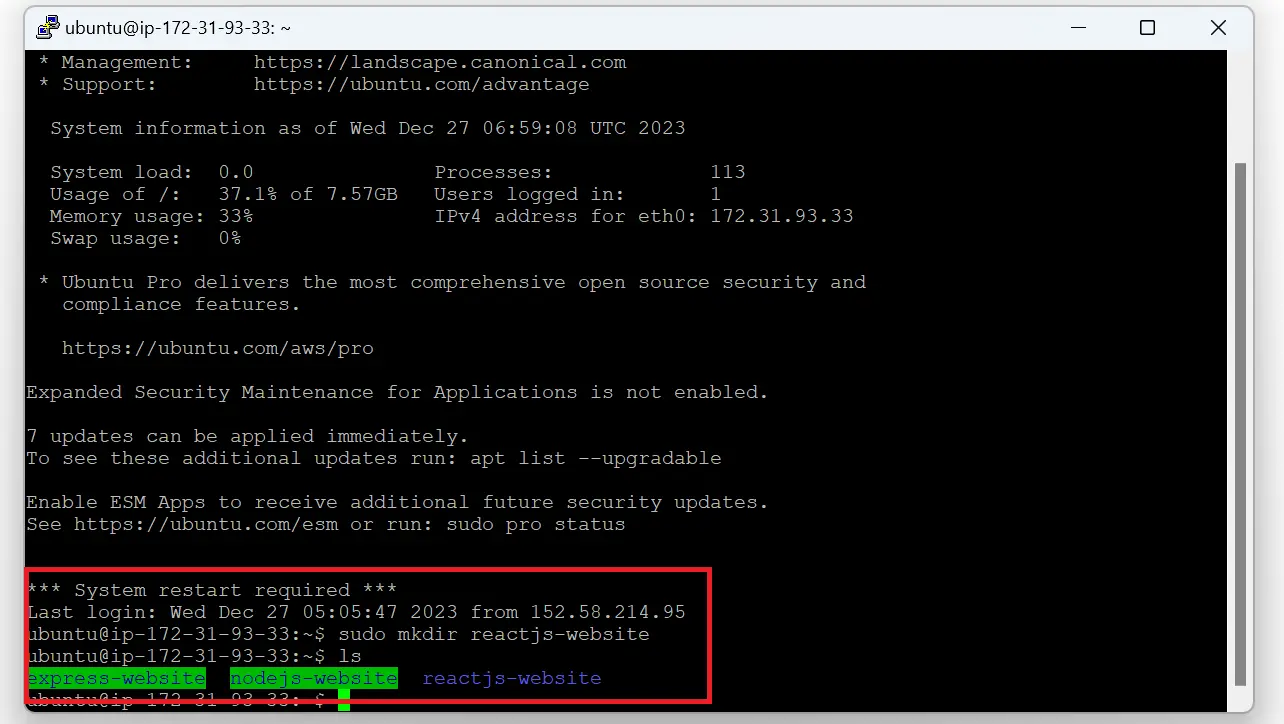
Ubuntu Optional demo-only
chmod 777for SFTP (tighten later):Terminal (EC2)sudo chmod 777 /home/ubuntu/reactjs-website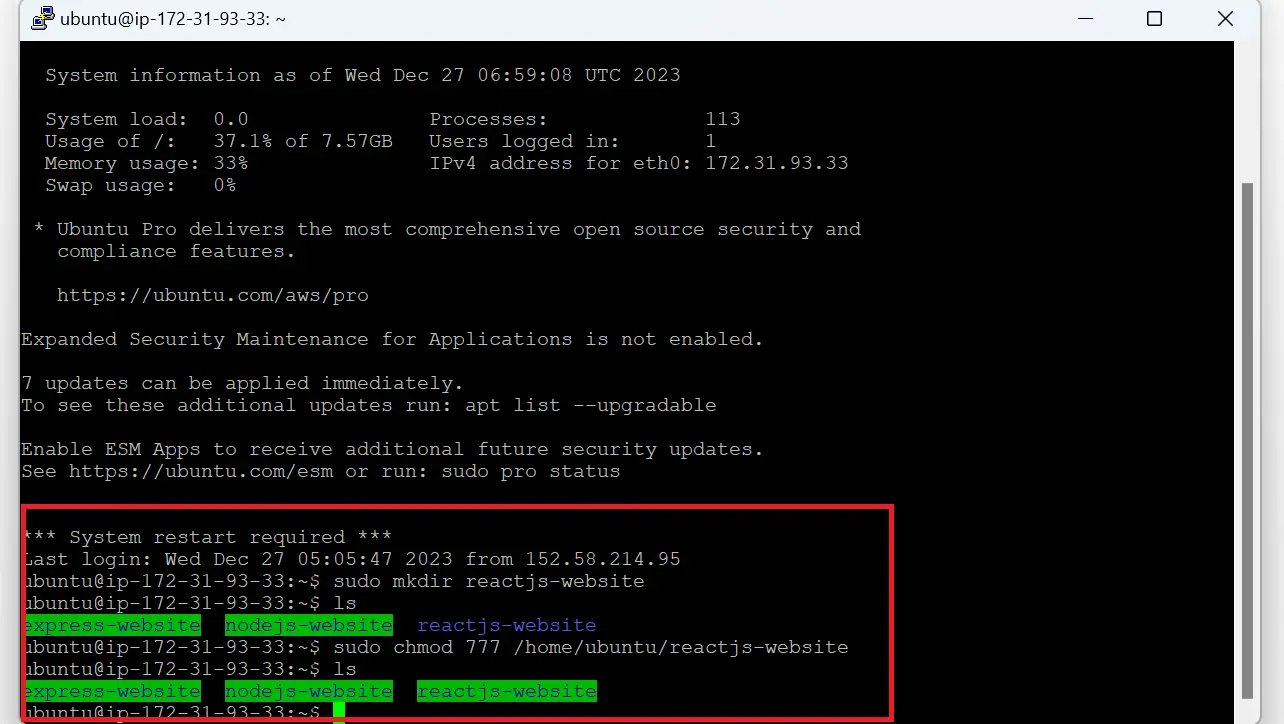
Ubuntu Upload the project with FileZilla. Exclude
.gitandnode_modules(and usuallybuildso you rebuild on the server).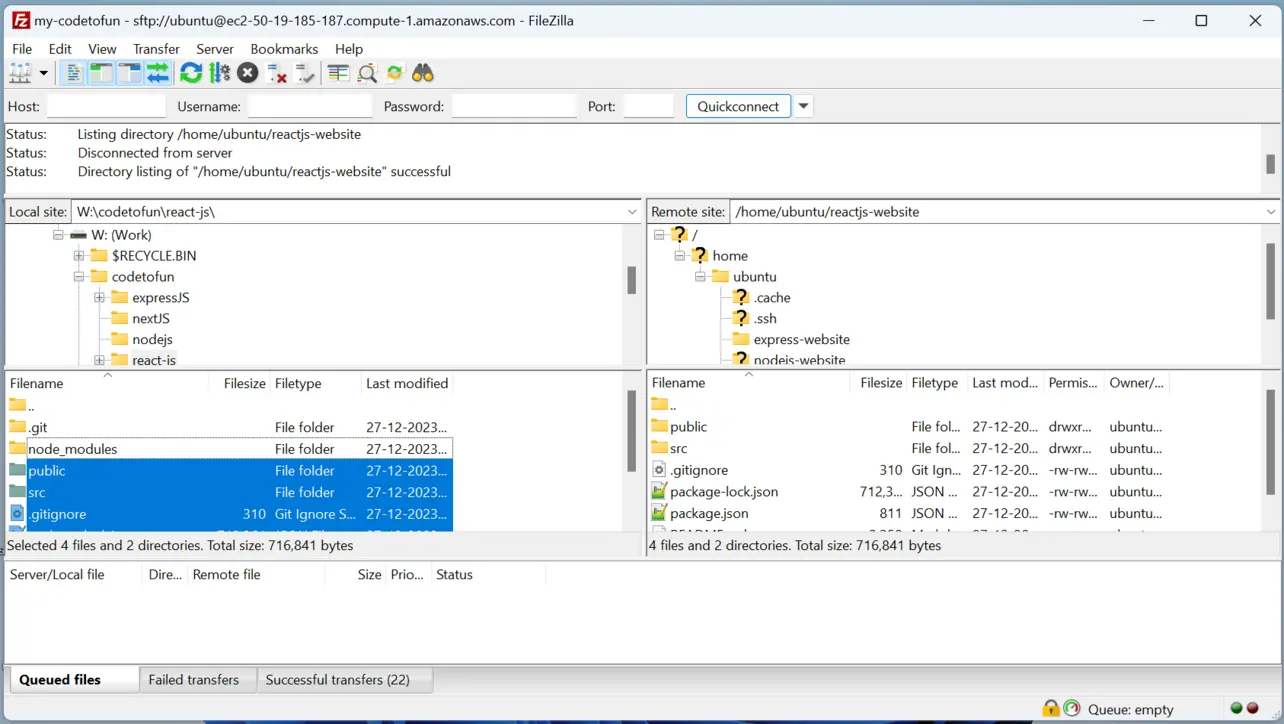
FileZilla Install PM2 globally:
Terminal (EC2)sudo npm i -g pm2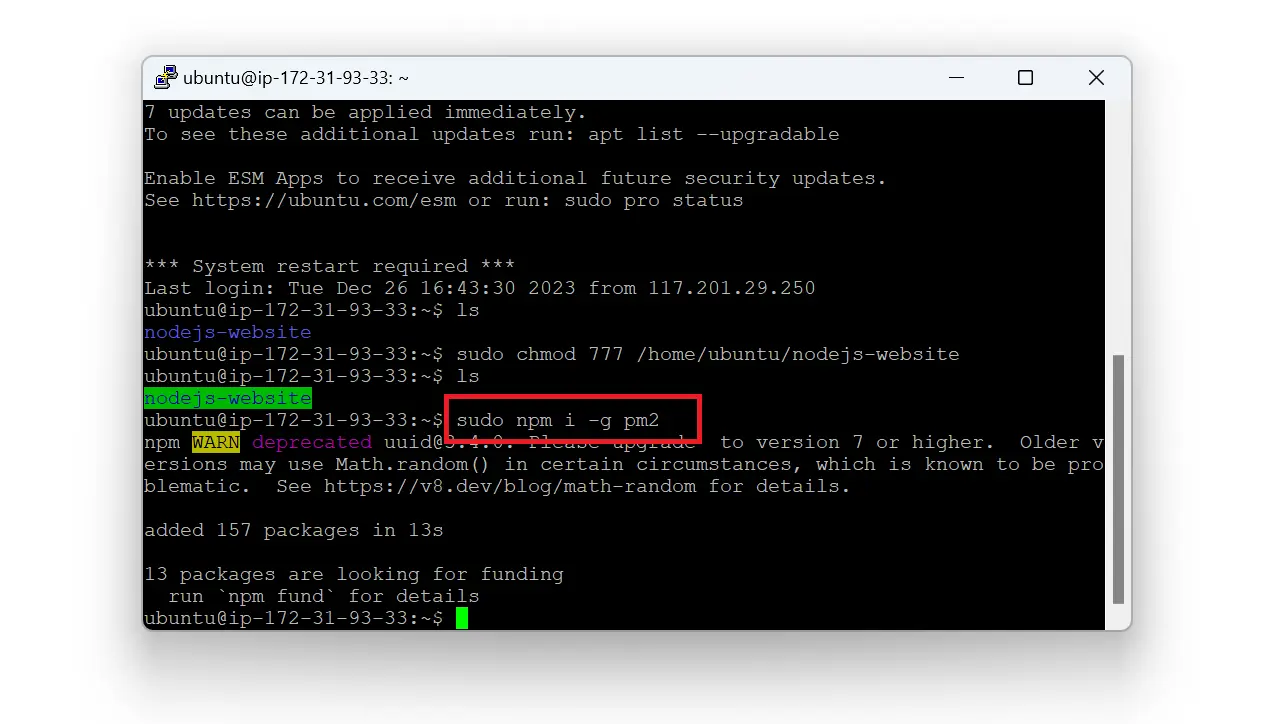
Ubuntu From the project directory on EC2, install dependencies, add Express, and build:
Terminal (EC2)cd /home/ubuntu/reactjs-website npm install npm install express NODE_ENV=production npm run buildAvoid habitual
sudo npm install; fix file ownership withchownif uploads land as the wrong user.Start with PM2:
Terminal (EC2)cd /home/ubuntu/reactjs-website sudo pm2 start index.jsAllow inbound TCP 3000 (or your chosen
PORT) in the security group. Visithttp://<public-ip>:3000/.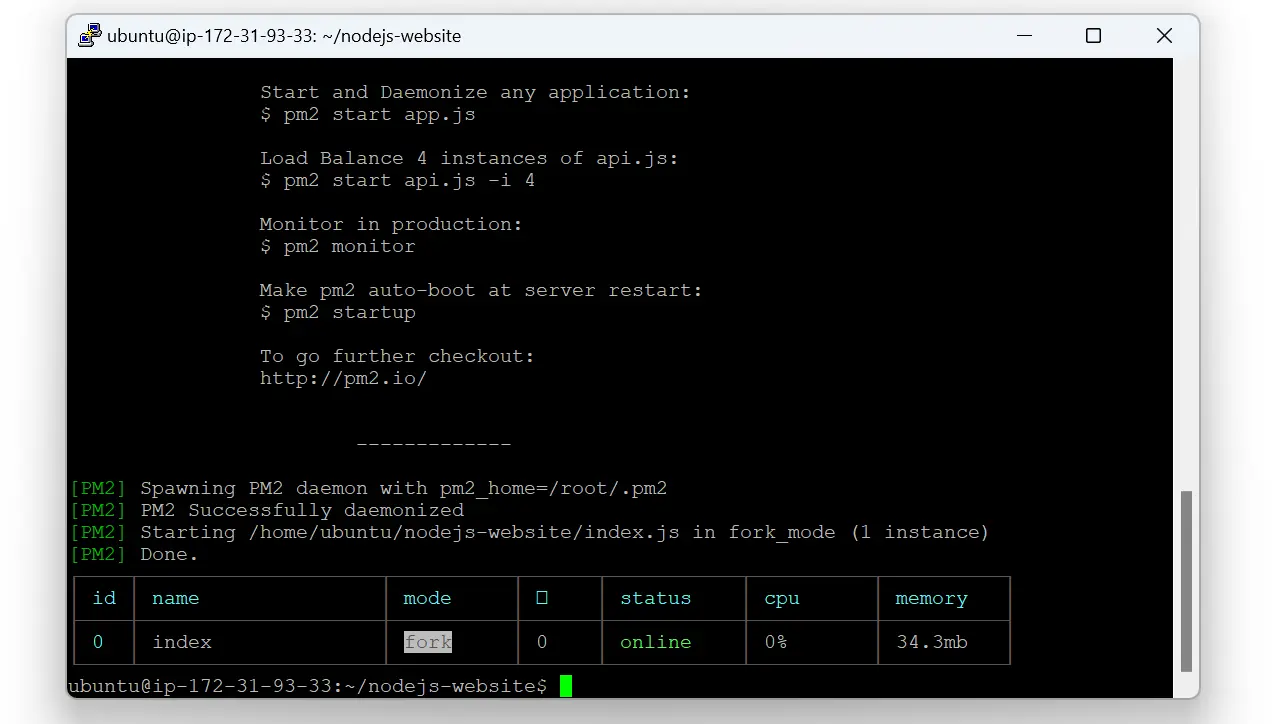
Ubuntu You should see the built React app in the browser.
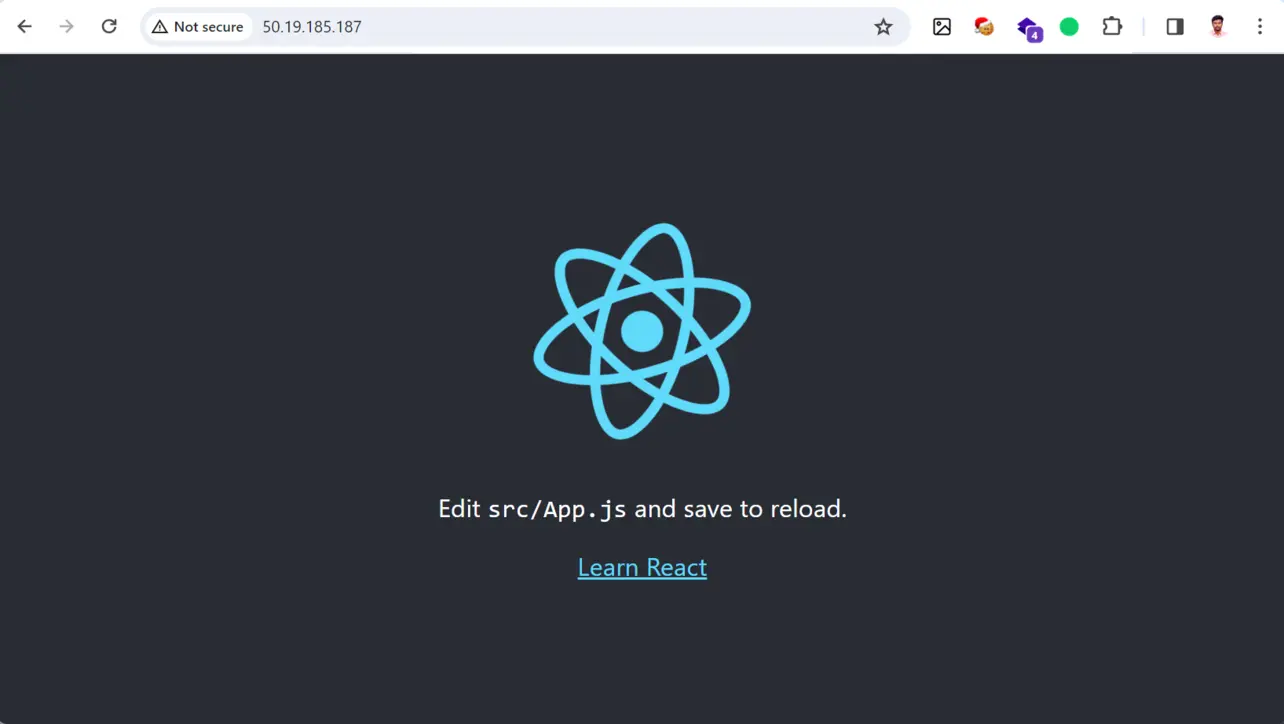
Browser
Key takeaways
npm run build produces static files in build/; Express (or Nginx) serves them in production.
A catch-all GET * route returns index.html so React Router paths work on refresh.
PM2 keeps the server alive; open the matching port in the security group.
Frequently asked questions
Next: Next.js on EC2
When you outgrow a static React bundle, Next.js adds routing, SSR, and API routes in one framework.
Create React App is in maintenance mode; new projects often use Vite or a framework. This guide still matches a classic CRA build/ output folder. If you use Vite, the output is usually dist/ and you must point Express at that directory instead.
About the author


7 people found this page helpful