Deploy Next.js on EC2
What you’ll learn
Run a Next.js production server on Ubuntu EC2 using next start behind PM2. You scaffold the app locally, upload sources (not node_modules), install and build on the server, then start with a small pm2.config.js.
This is the stock hosting path recommended by Next.js for a single Node process; it avoids a custom Express wrapper unless you need one.
Prerequisites
- AWS account and EC2
- An AWS account with access to EC2.
- Running EC2 instance
- An EC2 instance (Ubuntu recommended) reachable over SSH.
- Elastic IP (recommended)
- An Elastic IP for a stable public address.
- FileZilla
- FileZilla (or SFTP) for uploads.
- PuTTY or SSH
- PuTTY or OpenSSH for shell access.
- Node.js and npm
- Node.js and npm on the instance.
Create the Next.js app locally
Create the app (replace
my-nextjs-appif you prefer another name):Terminal (local)npx create-next-app@latest my-nextjs-appTerminal (local)cd my-nextjs-appStart the dev server:
Terminal (local)npm run devOpen http://localhost:3000/.
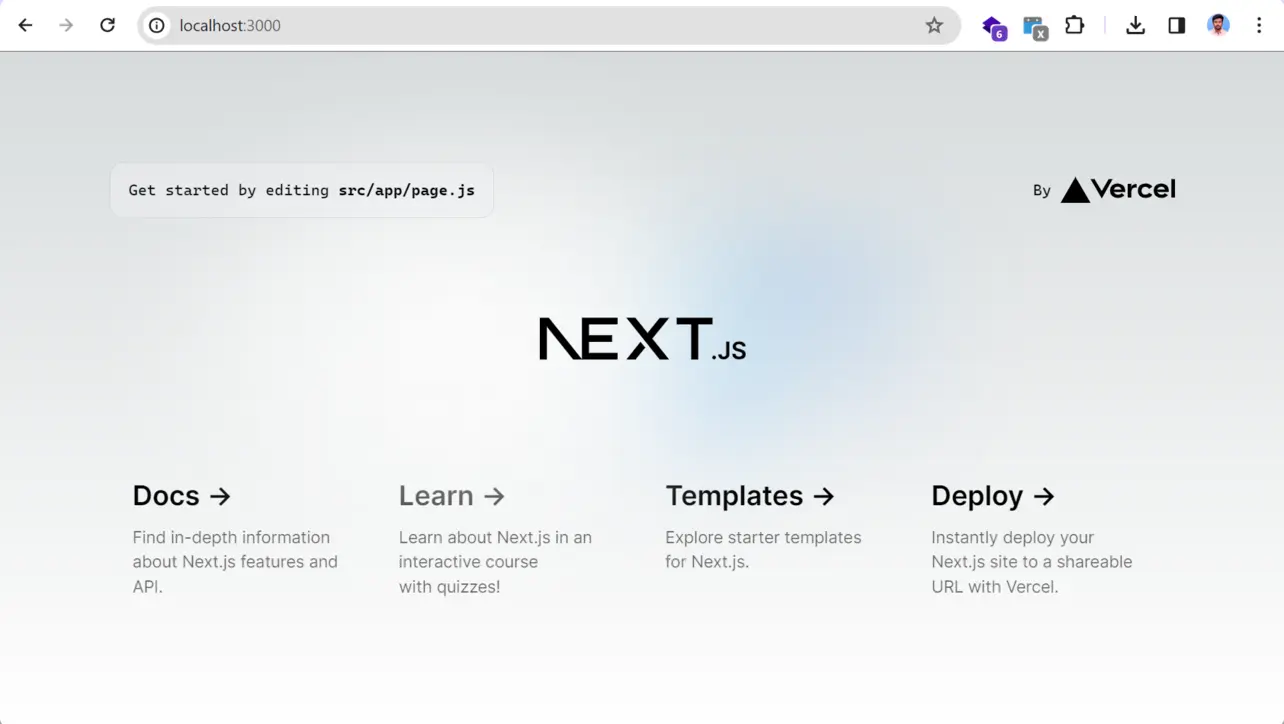
Browser Edit the starter page in your editor:
- App Router:
src/app/page.tsxorapp/page.tsx - Pages Router:
pages/index.tsxorpages/index.js
Standard Next.js templates do not use a
src/Appfolder; that path in older tutorials was incorrect.- App Router:
Add
pm2.config.jsin the project root (next topackage.json):pm2.config.jsmodule.exports = { apps: [ { name: 'next-app', script: 'npm', args: 'start', instances: 1, exec_mode: 'fork', env: { NODE_ENV: 'production', PORT: 80, }, }, ], };PM2 runs
npm start, which maps tonext startafter a production build. When you run PM2 from the project directory, the working directory is correct.
Deploy on EC2
Confirm the instance is running; note public DNS or Elastic IP.
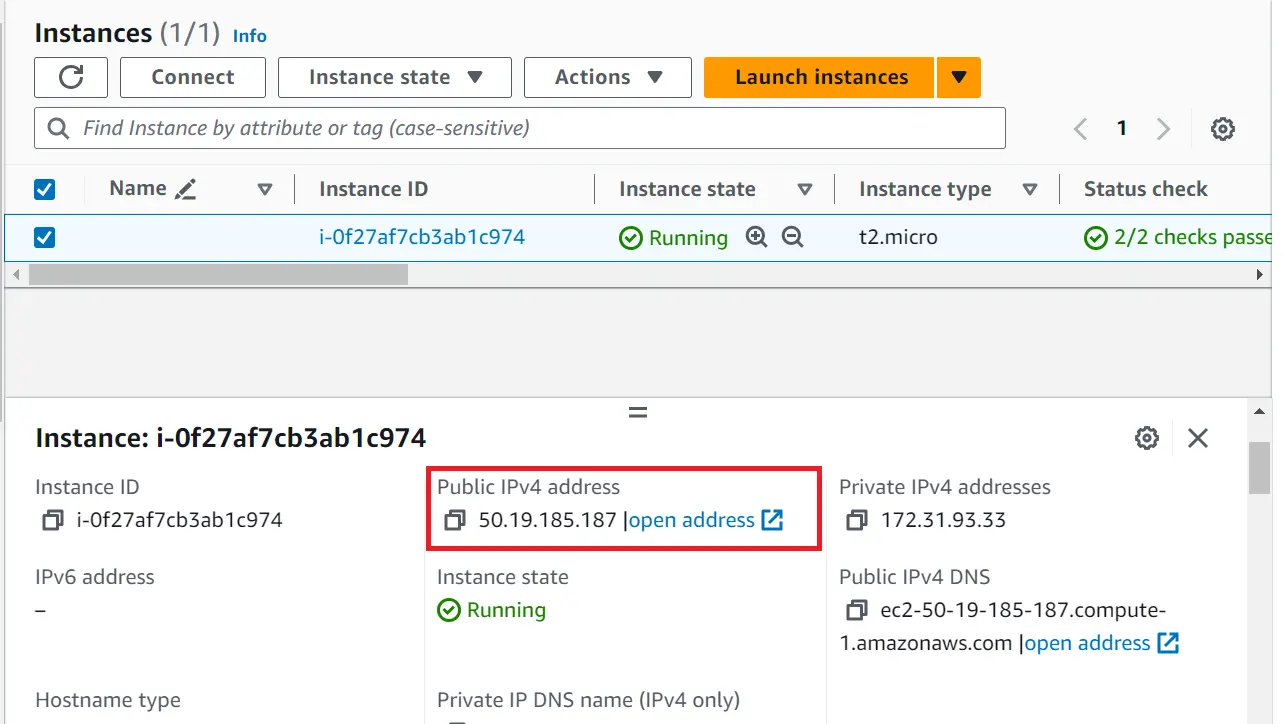
Amazon EC2 SSH with PuTTY or
ssh.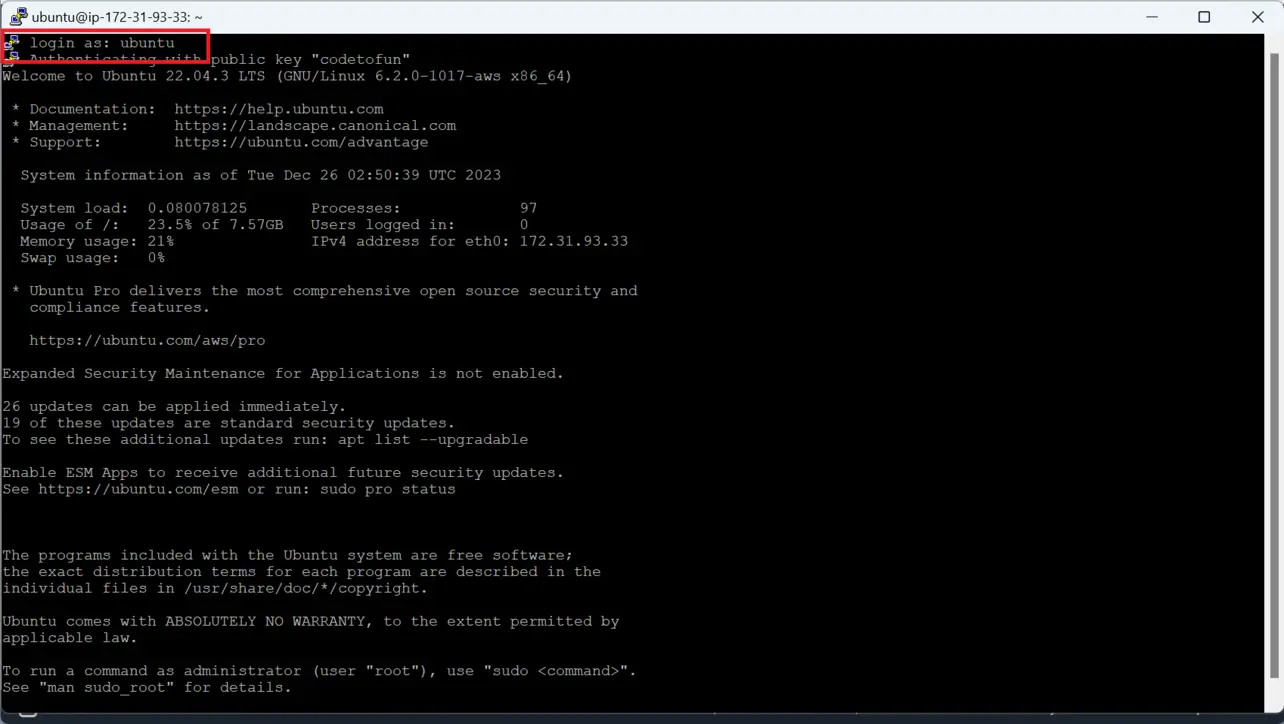
PuTTY Verify Node and npm.
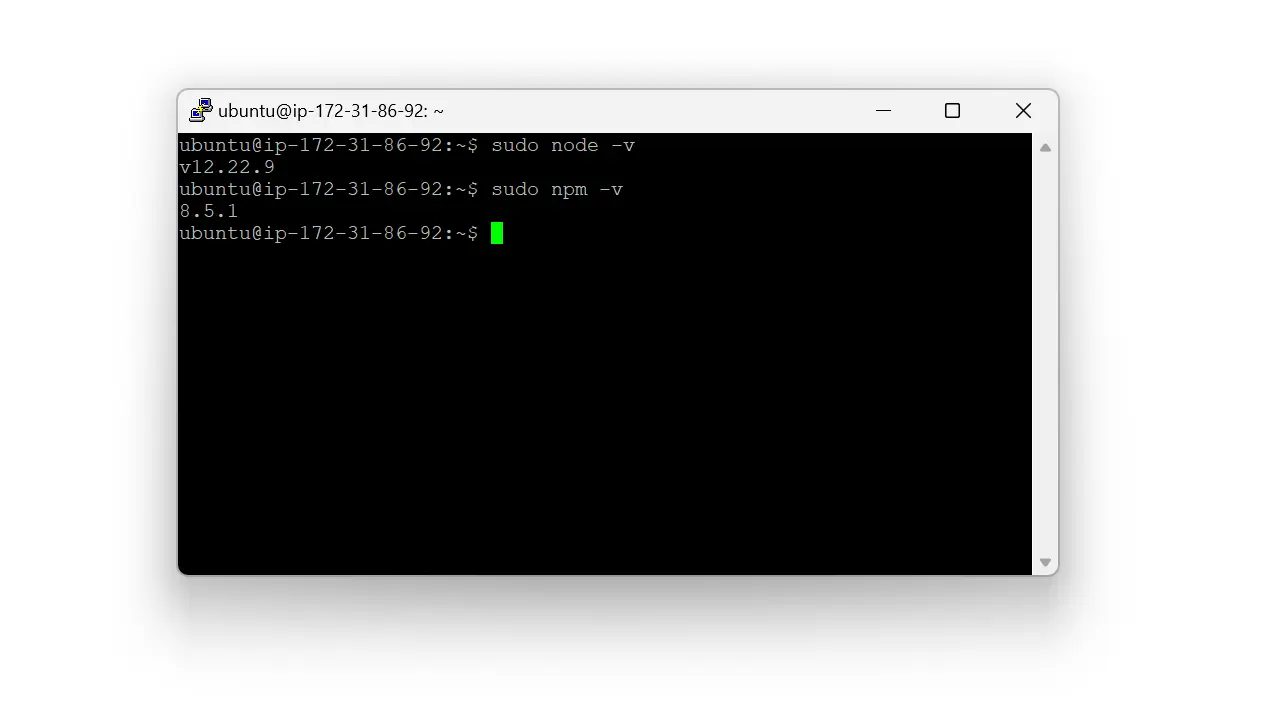
Ubuntu Create a deploy directory and give ownership to your user:
Terminal (EC2)sudo mkdir -p /home/ubuntu/nextjs-website sudo chown ubuntu:ubuntu /home/ubuntu/nextjs-websiteOptional short-term permission for FileZilla demos only:
Terminal (EC2)sudo chmod 777 /home/ubuntu/nextjs-website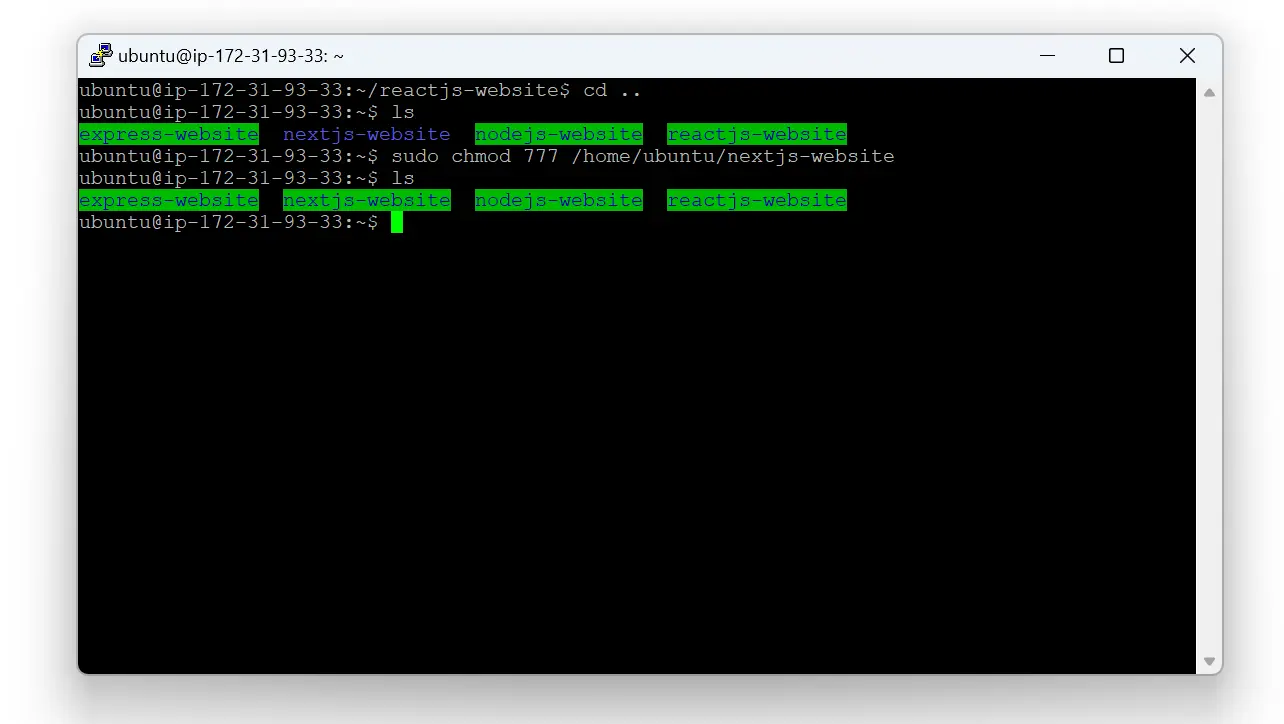
Ubuntu Upload the project with FileZilla. Exclude
.git,node_modules, and usually.nextso you rebuild on the server.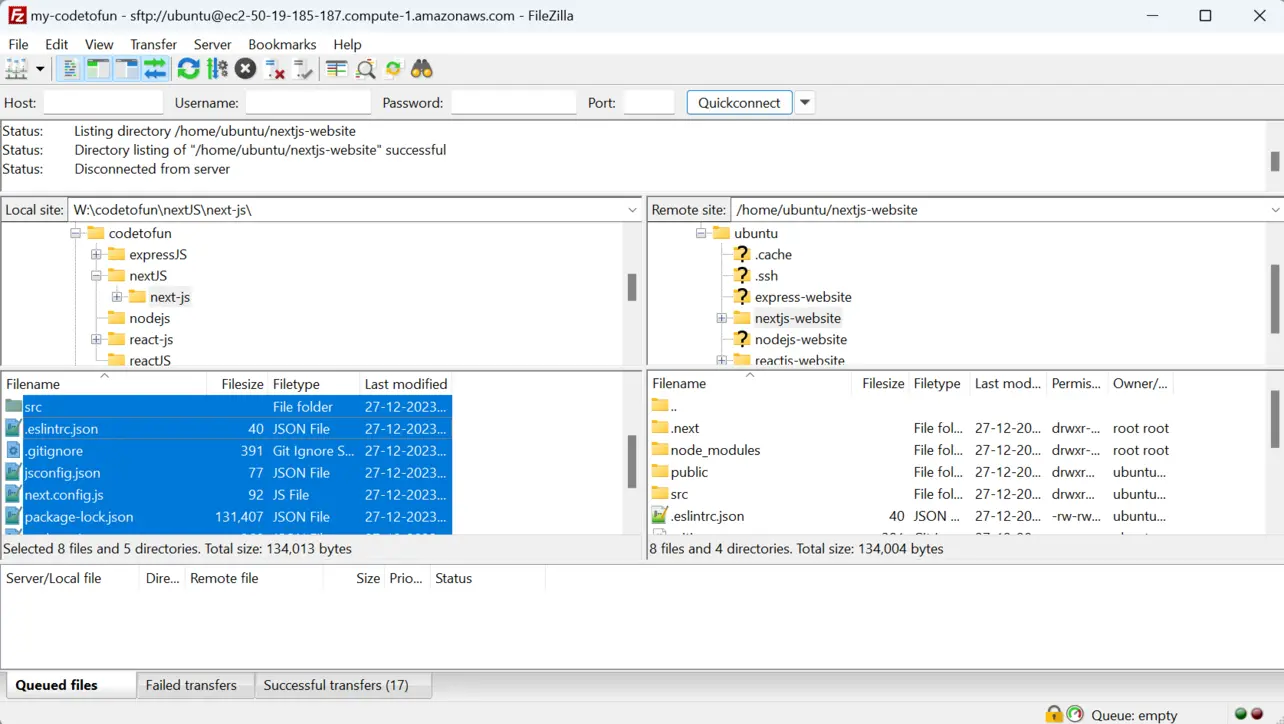
FileZilla Install PM2 globally:
Terminal (EC2)sudo npm i -g pm2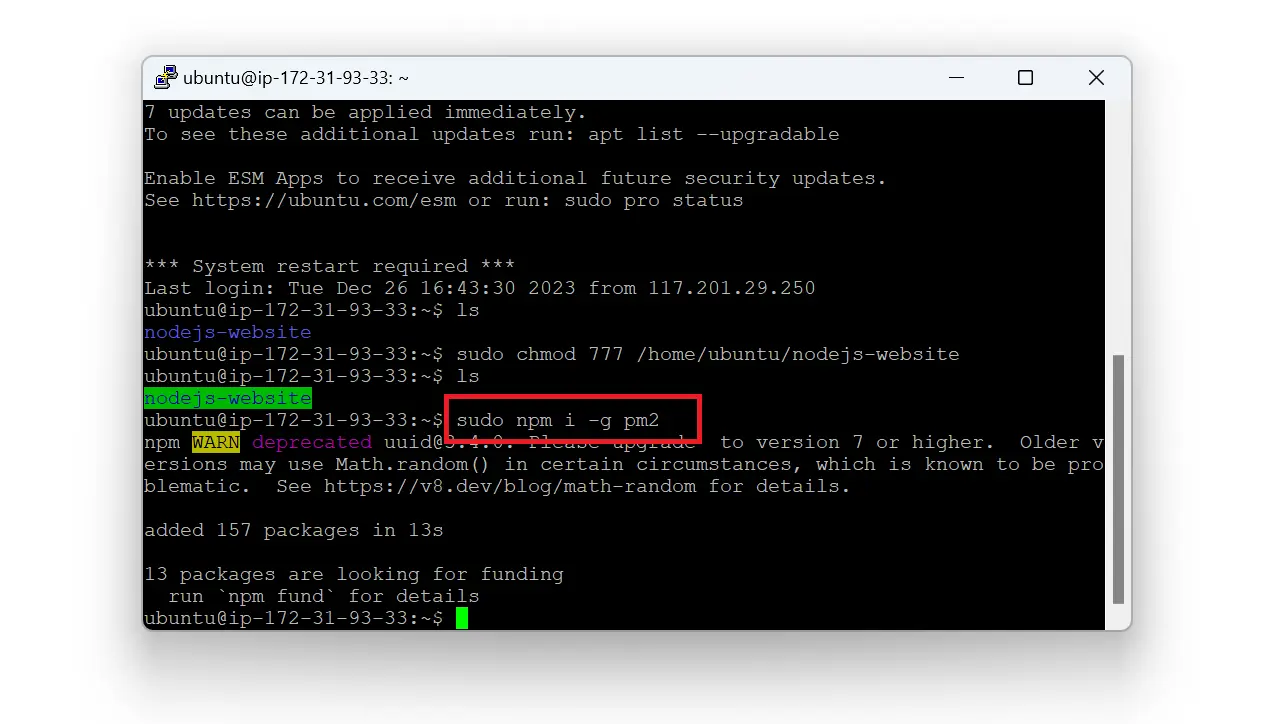
Ubuntu Install dependencies and build (from the uploaded project folder):
Terminal (EC2)cd /home/ubuntu/nextjs-website npm install NODE_ENV=production npm run buildPrefer fixing file ownership over habitual
sudo npm install.Start with PM2 using your config (port 80 usually requires sudo):
Terminal (EC2)cd /home/ubuntu/nextjs-website sudo pm2 start pm2.config.jsAllow inbound TCP 80 on the security group. Optionally run
sudo pm2 saveandsudo pm2 startupso the app restarts after reboot.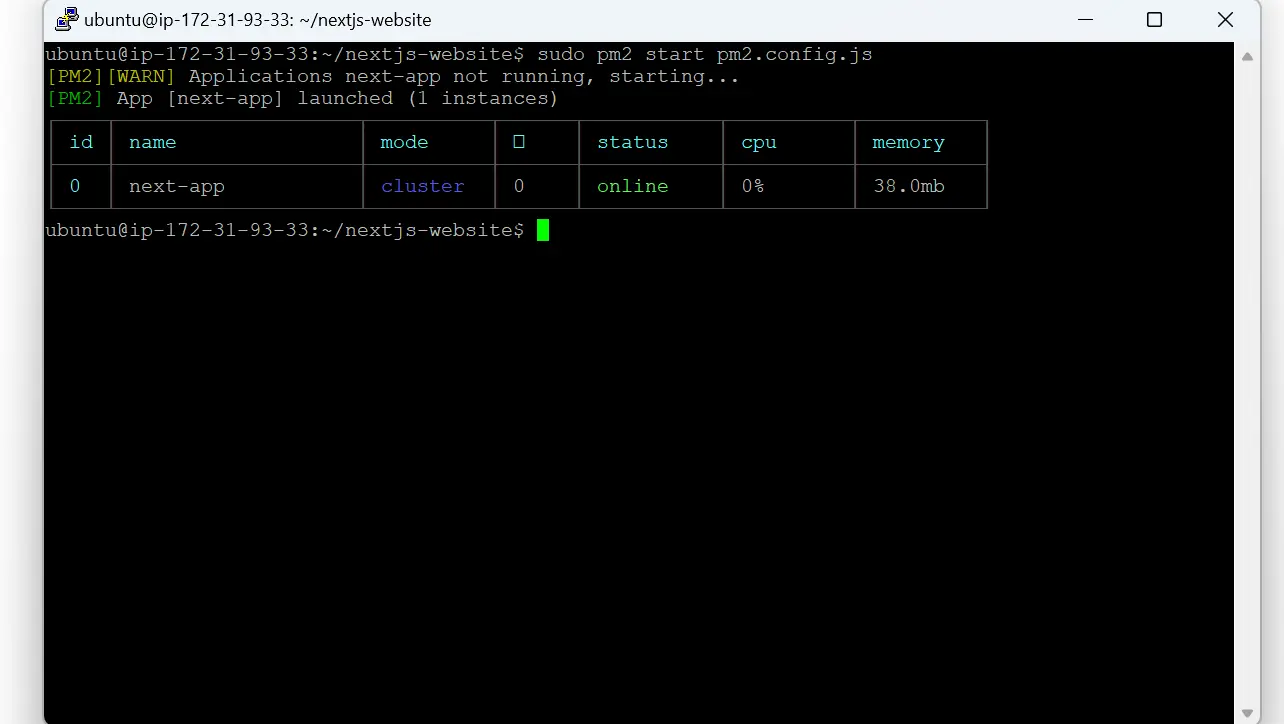
Ubuntu Open
http://<public-dns-or-ip>/in a browser.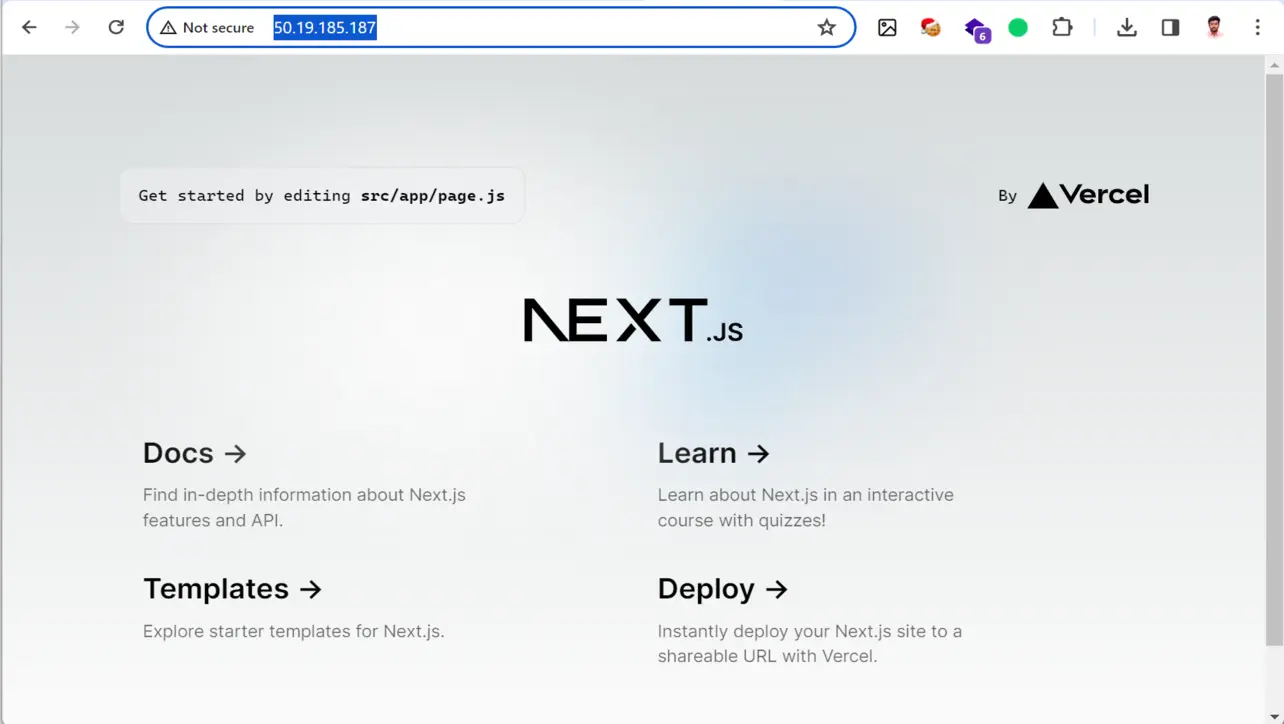
Browser If it fails, check
sudo pm2 logs, confirmnpm run buildsucceeded, and verify the security group.
Key takeaways
next build then npm start (via PM2) is the standard production path for a single EC2 host.
Install dependencies on the server; skip uploading node_modules from your laptop.
Add HTTPS and a reverse proxy when you move beyond a lab setup.
Frequently asked questions
Need a custom HTTP layer?
When you must attach middleware in Node before Next handles the request, use the Express + Next pattern.
This flow uses the built-in next start command (via npm start). If you need a custom Node HTTP layer in the same process, see Next.js on EC2 with Express.
About the author


7 people found this page helpful